Product GIF ads win attention when the first frame already looks worth stopping for. A tiny repeated motion can make a serum feel softer, a shoe feel lighter, or a drink feel colder without turning the whole ad into a busy video. The move is simple: choose one clear product, one action, and one visual beat that returns neatly to its opening position.
OpenAI announced Images 2.6 on November 4 with faster image generation, tighter edit control, and GIF creation. That matters for sellers because a clean loop gives a product page asset, paid-social creative, or Story placement more life than a static packshot while staying quick to understand.
Why product GIF ads work in a fast scroll
A loop creates a small question: what happens next? The answer arrives in a second, then the motion starts again. That repeat gives the eye something to follow without demanding sound, a long caption, or a full production crew.
For product GIF ads, the product must stay easy to identify throughout the action. Keep the background calm. Make the moving element obvious. If the object twists, splashes, drops, or orbits, its label area and silhouette still need to read at a glance. The new Images 2.6 announcement is a useful reminder that fast iteration now matters as much as a polished final frame: test the visual beat before building a full campaign around it.
4 product GIF ad looks to try
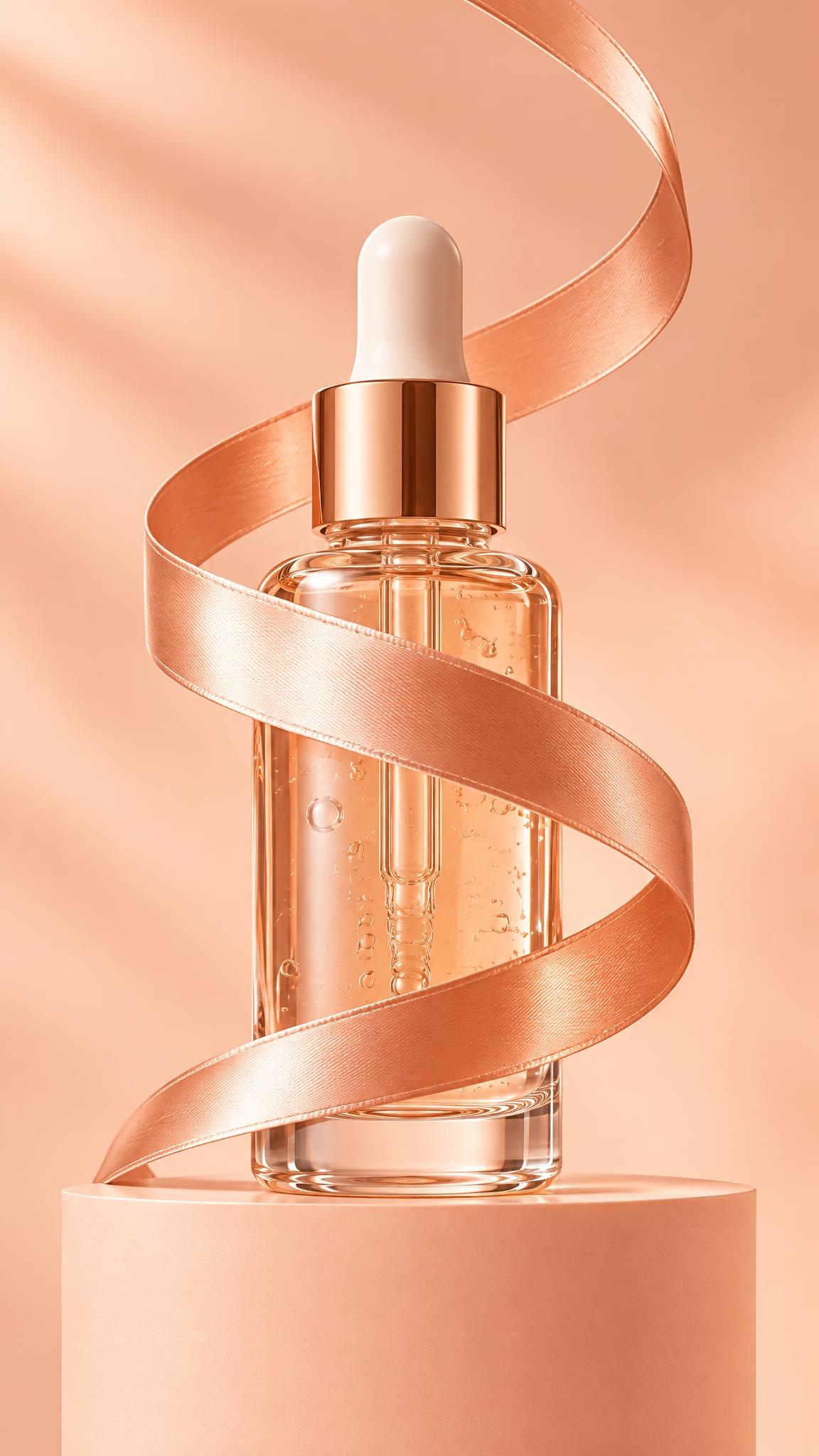
1. The ribbon spiral
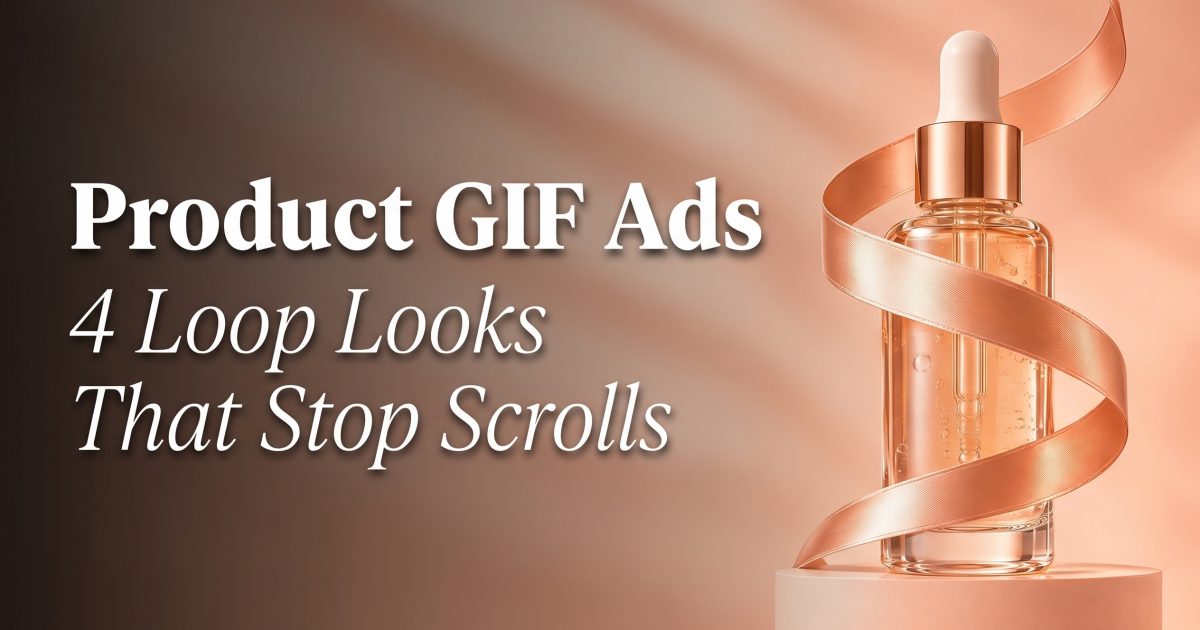
Start with a beauty bottle, candle, or compact object. Let one ribbon coil up around it, pause, then glide back down. The product remains the anchor while the ribbon supplies movement. This feels premium because the motion has a clean path rather than a chaotic burst.
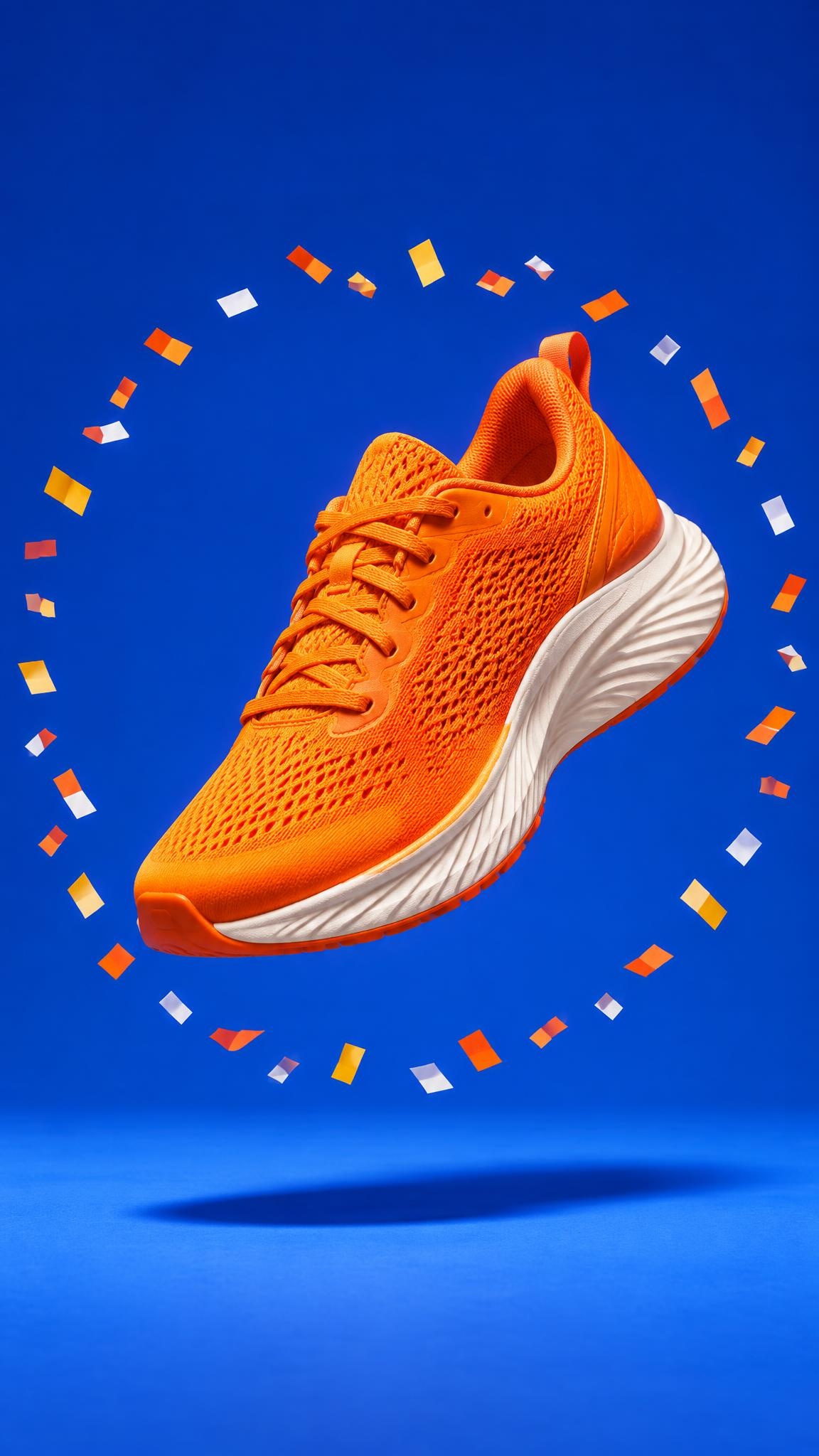
2. The orbit pop
Use a shoe, bag, headphone case, or snack pack as the center of a simple circular action. Paper pieces, color swatches, or small props can orbit once and reset. The circle naturally points back to the item, so it works especially well for a launch colorway or a new seasonal drop.
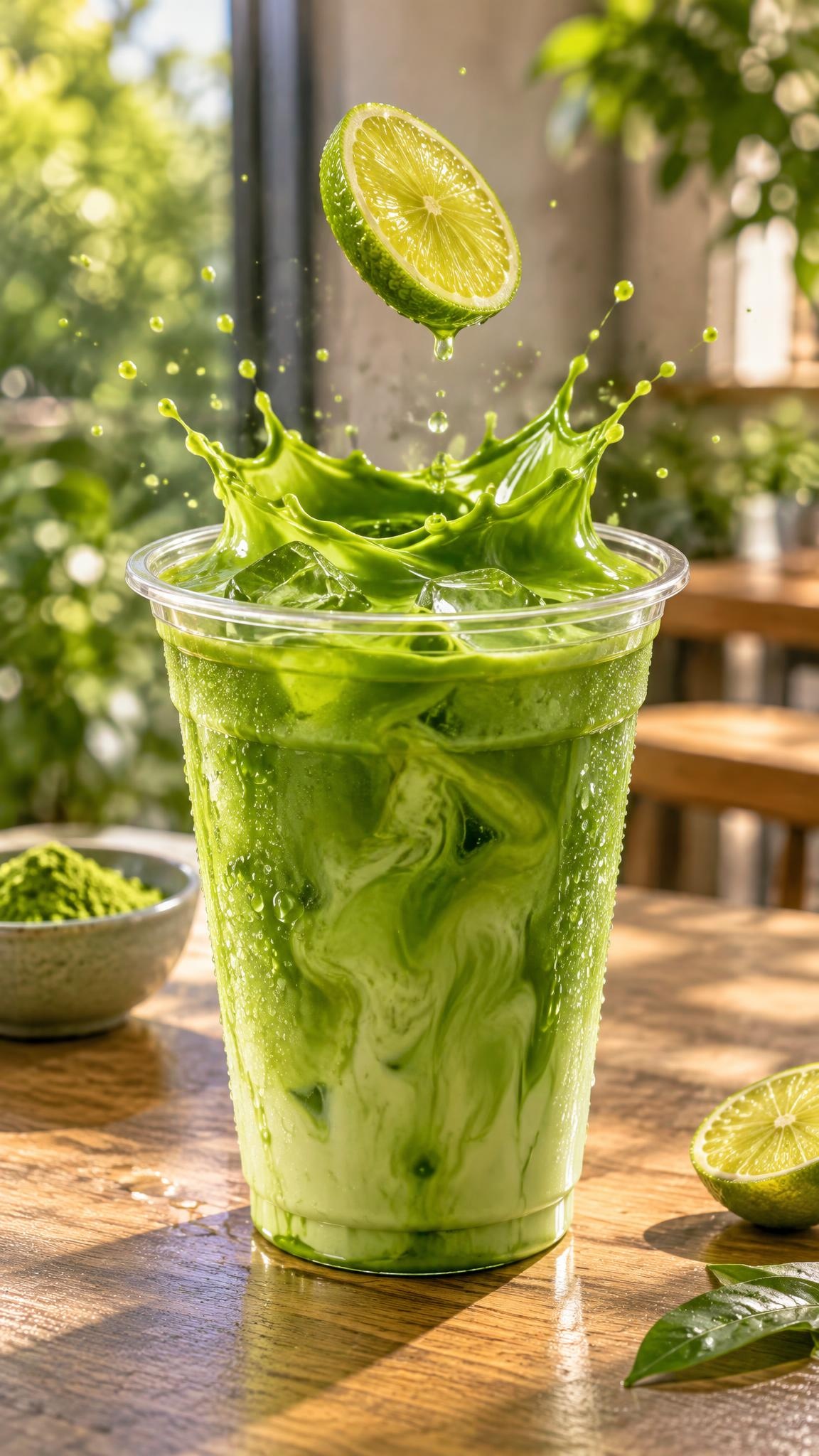
3. The drop-and-splash reset
Food and drink products benefit from movement that explains freshness. A citrus slice can fall into a drink. A berry can drop into yogurt. A cube can land in iced coffee. The final splash should curve toward the opening frame, making the reset feel intentional instead of abrupt.
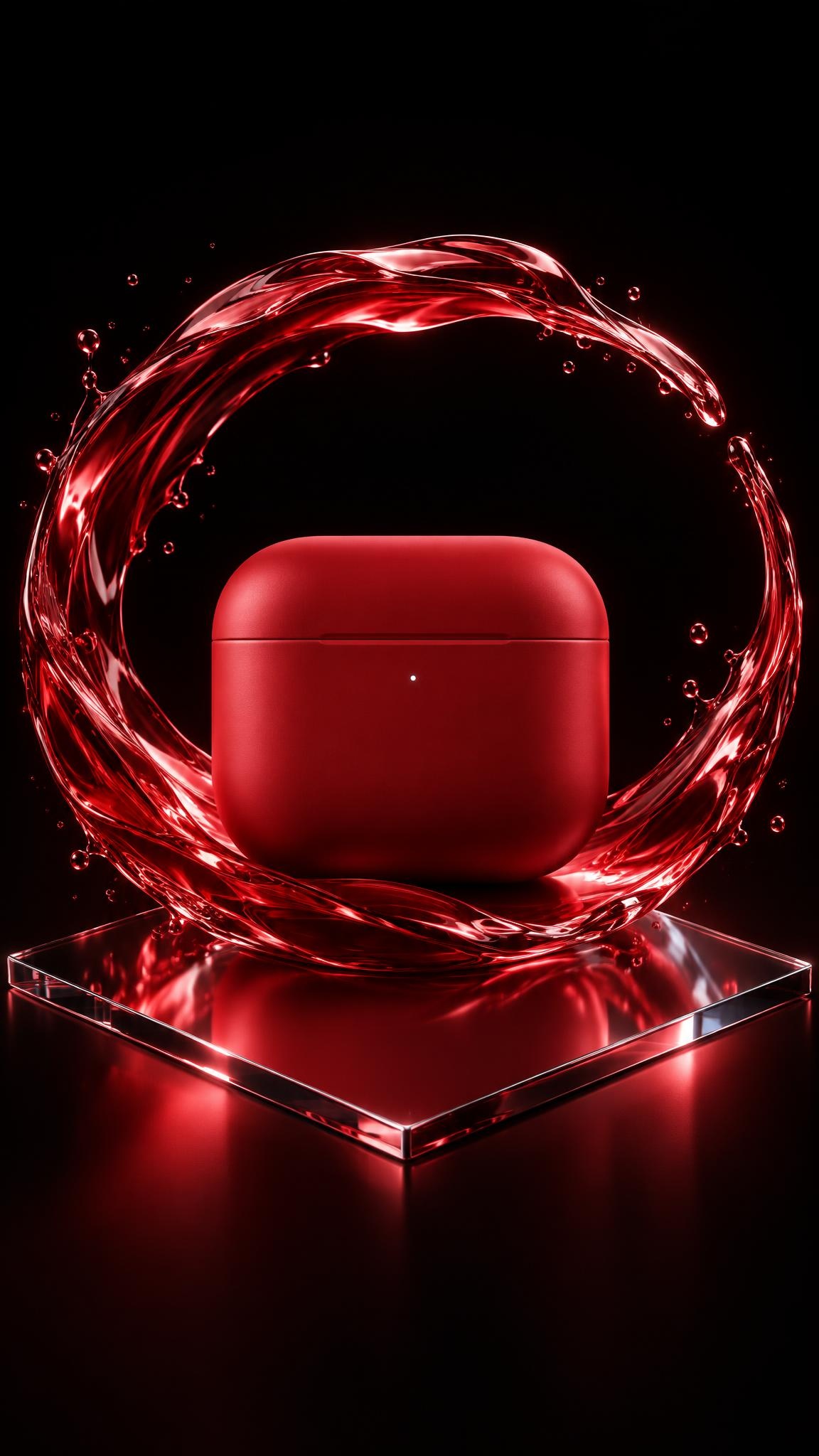
4. The liquid halo
For tech, fragrance, and beauty, a slow liquid ring gives an ordinary packshot a more cinematic finish. Use one color drawn from the product, then let the wave nearly close into a circle. Leave a small opening so the product does not disappear behind the effect.
How to build a loop that holds up
Begin with a motion that can return to zero. A ribbon can unwind. A splash can settle. Confetti can circle. Avoid a sequence that needs a dramatic ending, since a loop instantly returns to the first frame. The cleanest product GIF ads feel like a repeating visual sentence, not a cut-down commercial.
Keep the loop short. Two to four seconds is usually enough for one idea. Show the product at full size in the opening frame, keep any on-screen copy outside the busiest moment, and test the asset with sound off. If the product is unclear when paused, simplify the scene before adding more movement.
Use several variants for the same product: a soft studio loop for product pages, a brighter high-contrast version for paid social, and a vertical crop for Stories. A recent GPT Image 2.6 guide also points to stronger editing consistency, which is useful when one product needs the same visual language across a set of ad sizes.
The goal is not motion for its own sake. It is a quick visual payoff that makes the product easier to remember. Start with one object, one move, and one background. That is enough to make a small loop feel expensive.
Make this for your own products in VideoMagic
Turn a plain product photo into scroll-stopping video – free to start.