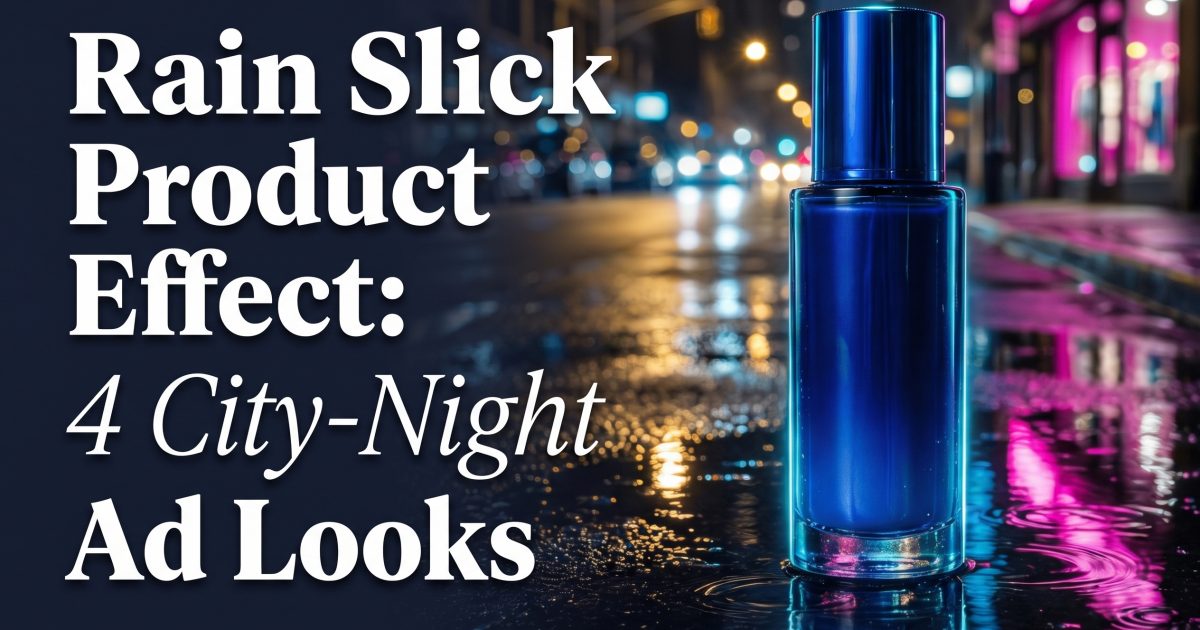
Rain slick product effect turns a simple packshot into a night-out visual: wet pavement, reflected color, and light that looks expensive without burying the product. The look keeps showing up in short product reels because it gives a still image a sense of weather, movement, and a place. For a seller, that means one product photo can feel like a campaign frame instead of a catalog listing.
The trick is restraint. Rain is the set dressing. The product still needs to read in one second. A bottle, sneaker, snack pouch, or small gadget works best when its silhouette stays clean against a dark ground. Use one bright reflection color and one soft practical light. Too many signs, splashes, or glowing objects turn the image into a movie still with no clear item to buy.
Why the rain slick product effect stops scrolls
Reflections add depth without asking viewers to process a busy scene. A low camera angle makes a small object feel more important. Water breaks up flat black or gray surfaces, then catches a colored light in a way that feels familiar from street photography and music-video imagery. That contrast gives a product ad a useful tension: polished product, messy city surface.
It also gives creators an easy series format. Keep the same wet-ground setup and swap the hero item, reflection color, and background cue. A beauty brand can move from cobalt and magenta to amber and red. A beverage brand can use green shop light and condensation. The visual system stays consistent while each post still feels fresh.
4 rain slick product effect looks to try
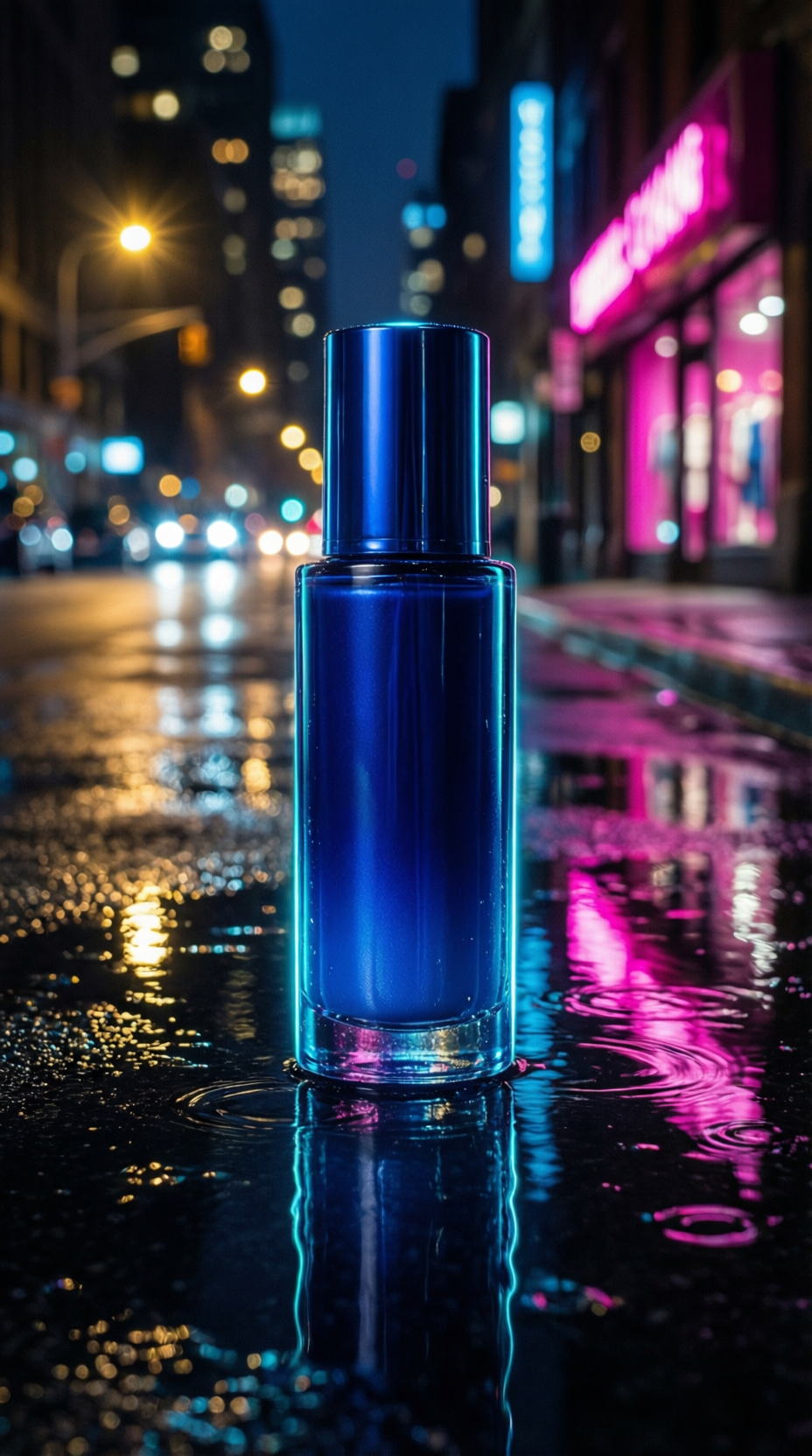
1. Cobalt serum under neon
Blue packaging loves this treatment because cyan rim light sharpens its edges while magenta reflections push the frame into nightlife territory. Leave enough dark pavement around the bottle so the product does not merge with the background.
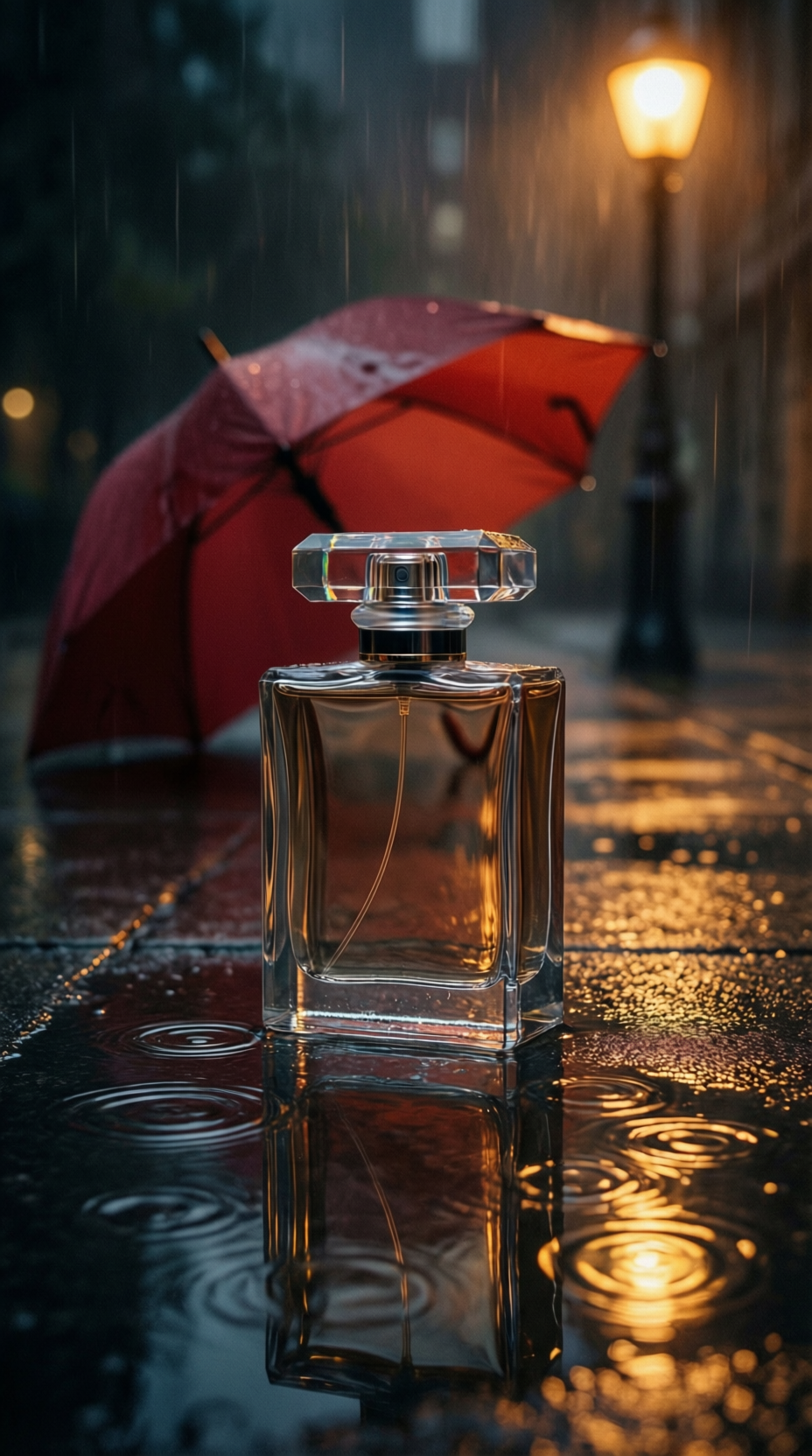
2. Perfume and one red umbrella
A single blurred prop can imply a whole scene. Here, the umbrella adds a human note without competing with the bottle. Keep it far behind the product and soften it until it reads as color first, object second.
3. Sneaker at the crosswalk edge
For footwear, shoot lower and let the reflection run toward the camera. Try this prompt: Vertical product ad for a lime running shoe on wet asphalt beside a white crosswalk stripe, violet storefront reflection in a shallow puddle, crisp side profile, night street bokeh, no text or logos. The stripe gives the frame a graphic line, while the shoe remains the brightest defined object.
4. Iced drink after dark
Food and drink need a warmer version of the look. Try: Vertical product ad for an unbranded clear iced tea cup with condensation on wet tiled pavement, orange and teal reflections, rain droplets, close product focus, soft city night background, no text, no logos. Ask for condensation and a single warm key light. The result feels refreshingly cold rather than gloomy.
How to make the rain slick product effect
- Start with the product shape. Name the product, its color, material, and camera angle. A vague prompt produces a vague ad.
- Choose one reflection pair. Cobalt plus magenta, amber plus red, or teal plus orange is enough. Give each light a job: one outlines, one reflects.
- Specify the ground. Wet black pavement, tiled sidewalk, or concrete with shallow puddles all reflect differently. Avoid simply saying rainy background.
- Push background detail away. Use phrases such as soft bokeh, distant storefront, or blurred umbrella. This protects the product silhouette.
- Make the final frame vertical. Leave breathing room above and below the object so it can crop cleanly for Stories, Reels, and product ads.
Image generators respond well to clear exclusions. Add no letters, no text, no logo, and no watermark when testing. The examples above were made with Qwen Image Max on Wiro, an image tool that supports prompt-led product scenes and reference-guided edits. Its public documentation and the Qwen Image model card are useful if the goal is tighter control over a source photo.
Production tips that keep it sellable
Do not make rain the subject. If the product looks small, move it closer before increasing the drama. Avoid mirrored lettering, branded store signs, and crowds. These details date a creative quickly and create cleanup work. A plain hero packshot with controlled light gives the most reusable result.
For video, use the still as the opening frame. Add a slow push-in, one ripple spreading through the puddle, and a slight shimmer in the colored reflection. Keep the motion under two seconds before cutting to the offer, product benefit, or color range. The visual hook does its job fast.
Build three versions before choosing a winner: a dark luxe frame, a brighter retail-friendly frame, and one with an unusual accent color. Then compare thumb-stop power at phone size. The best one is usually the image where the item reads before the puddle does.
Make this for your own products in VideoMagic
Turn a plain product photo into scroll-stopping video — free to start.