
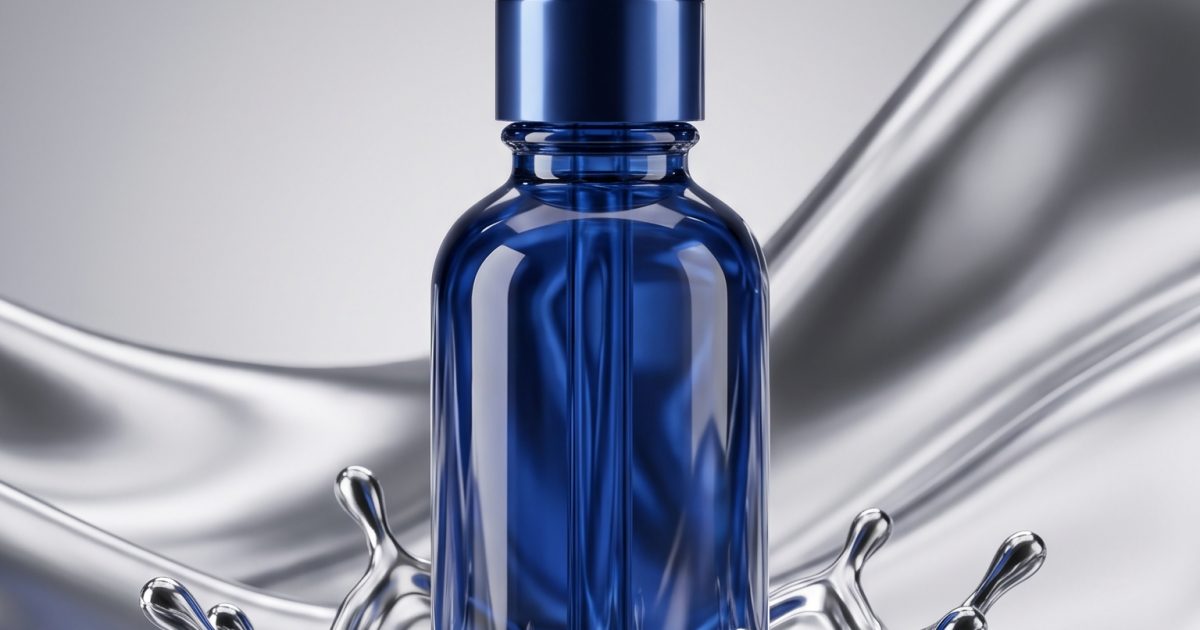
Liquid chrome product effect turns a standard packshot into a polished visual with weight, movement, and sharp reflections. The trick is simple: keep the item readable, then let silver fluid act like a moving frame. That gives a launch post, product page teaser, or paid social opener a premium first second without burying the product under decoration.
Set the shot before adding chrome
Start with one clean product photo. A front three-quarter angle works well because the label, cap, sole, or silhouette stays easy to identify. Use a dark charcoal, black, or pale grey background. Avoid a busy room, textured fabric, or extra props. Chrome already brings enough visual information.
Then decide where the metal should live. It can rise from the base like a puddle, curl behind the product like a ribbon, or skim across one edge. Leave the logo, price area, and key product feature clear. For a practical primer on generating and editing product visuals, see Google’s image-generation documentation.
A useful prompt structure is: product, camera angle, chrome action, background, lighting, and restrictions. For example: Studio packshot of a clear face serum bottle, front three-quarter view, liquid silver chrome pooling around the base and curling behind the bottle, black reflective background, crisp softbox highlights, label fully readable, no hands, no extra text.
Make two versions before choosing a direction. One can use a tight crop for Reels and Stories. The other should leave breathing room for a headline or offer. That small bit of planning makes the asset easier to reuse across a launch.
Four liquid chrome product effect ideas
1. The beauty tube emerging from a chrome pool
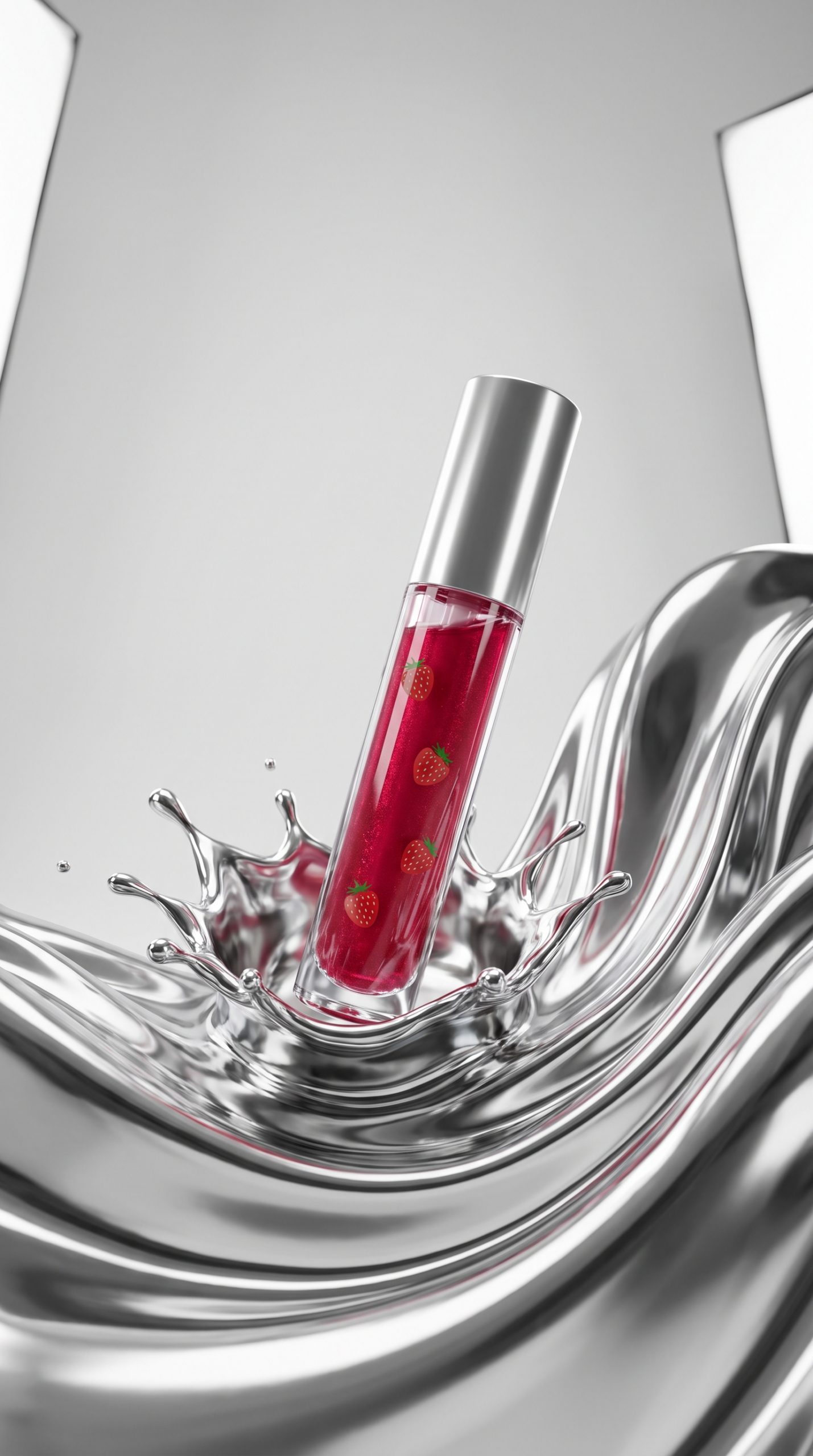
For lip gloss, skincare, or makeup, place the package upright and let chrome spread out from the bottom. Keep the metal below the label line. The result feels glossy without making the image hard to shop. Prompt: Luxury lip gloss tube standing upright, mirror-finish silver liquid spreading from its base, soft pink reflected light, dark studio backdrop, close crop, printed label sharp and readable.
Use this look for a new shade drop, a limited edition, or a weekend offer. In video, begin with an empty dark set, then reveal the tube as the pool forms. End on a still frame that includes the shade name and a simple callout.
2. The serum bottle with an edge-lit chrome wave
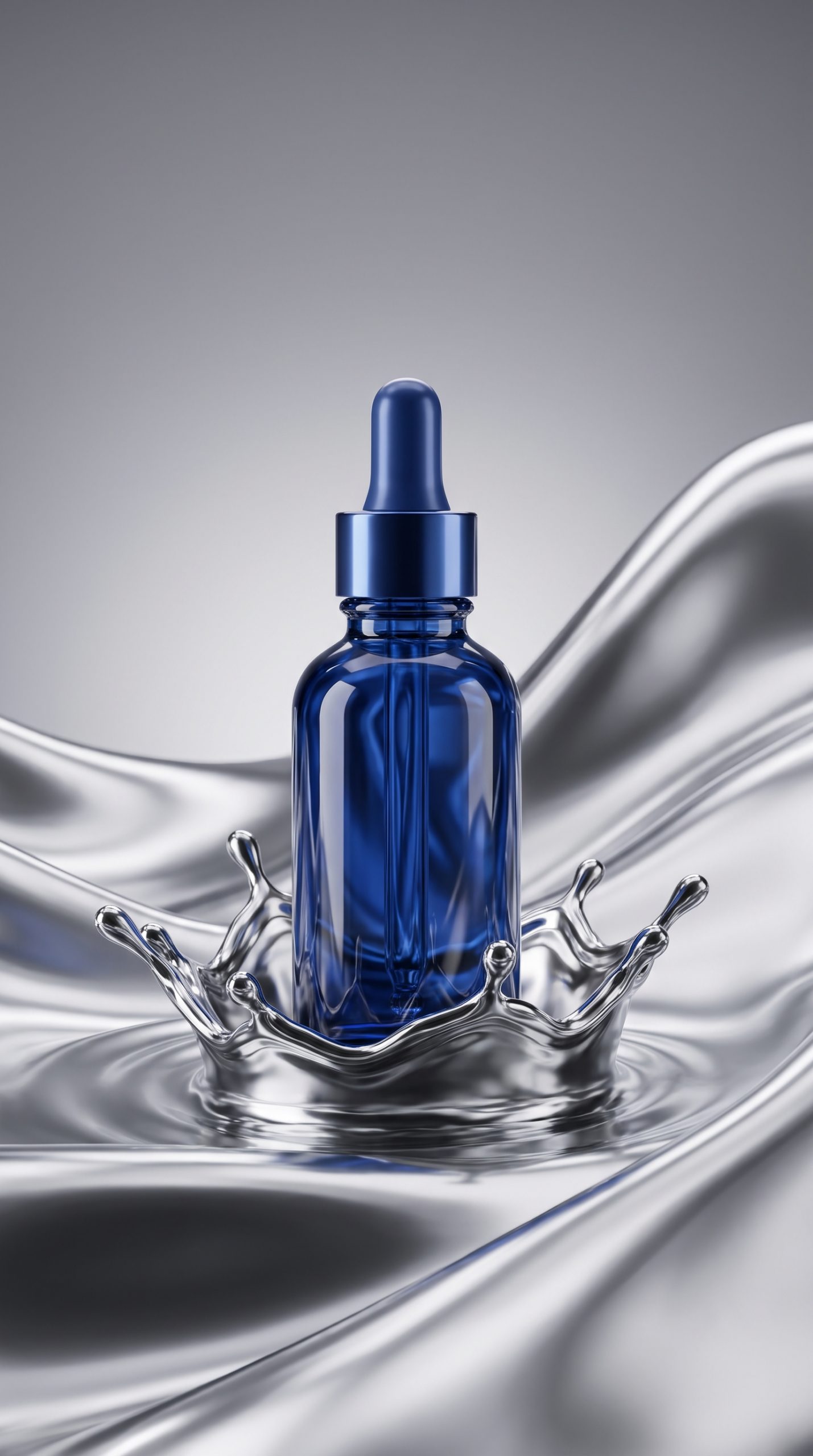
Glass bottles need restraint. Instead of surrounding them, place one tall chrome wave behind and slightly to the side. It catches highlights in the bottle and creates depth. Prompt: Amber serum bottle on a black gloss surface, a sculptural liquid chrome wave behind the right shoulder, controlled reflections, high-end beauty campaign lighting, front label visible, no clutter.
This is a strong option for ingredients-led campaigns. Add a short on-screen line such as “Vitamin C, but make it glossy” only after the product is fully visible. Keep the copy outside the reflection so it does not fight the bottle.
3. The sneaker cutting through a metallic ribbon
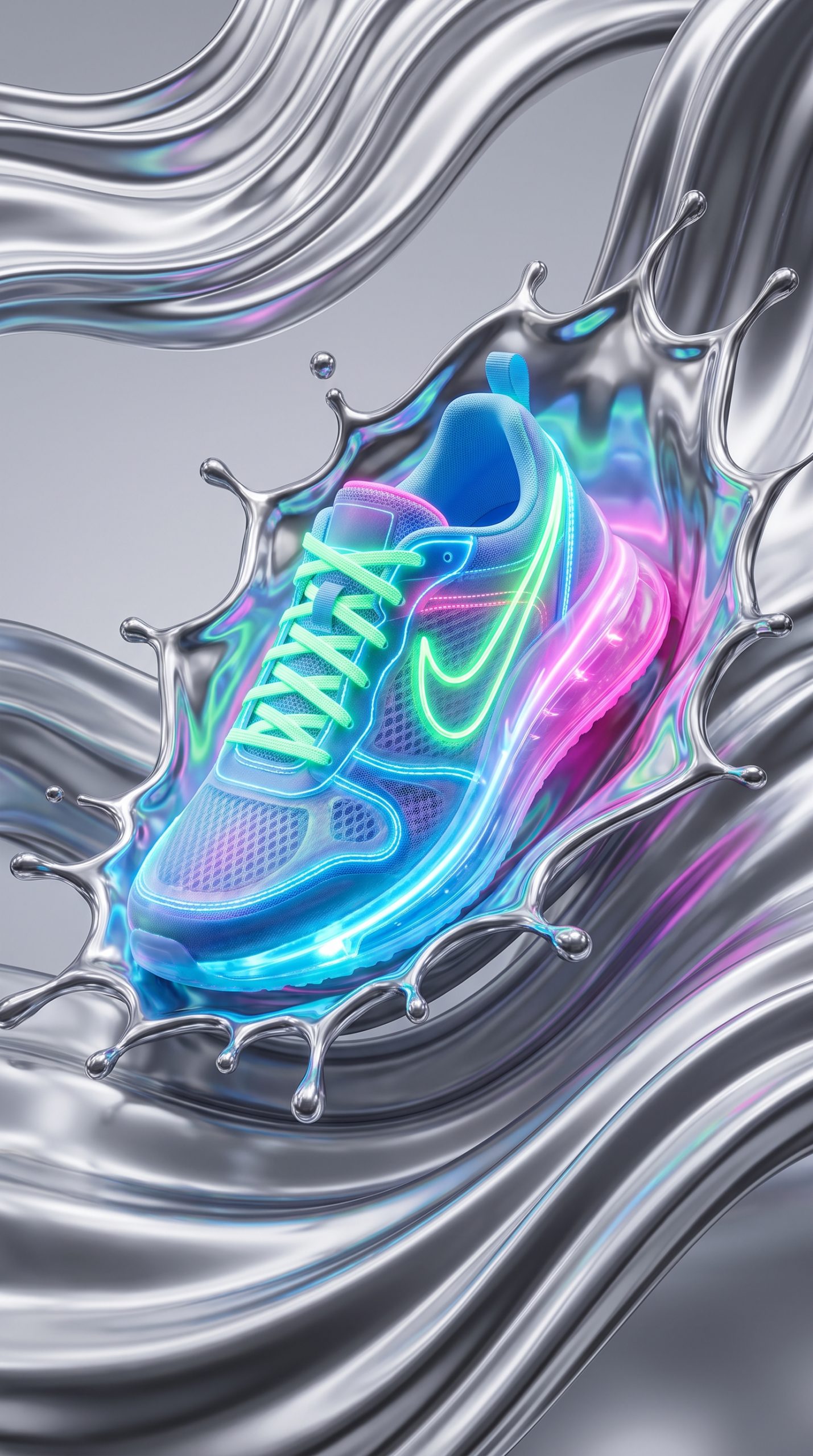
Footwear benefits from diagonal movement. Set the shoe at a low angle, with the toe or heel leading. Then send a narrow chrome ribbon behind it, not over it. Prompt: Minimal white running sneaker floating above a black studio floor, flowing silver liquid chrome ribbon sweeping diagonally behind it, frozen splash detail, side profile clear, sportswear ad lighting.
Use this treatment for a colorway launch, a performance feature, or a restock alert. Crop tightly for vertical ads, but leave enough floor beneath the outsole to ground the shoe. A hard-cut from the plain product photo to the chrome version makes a satisfying two-beat story.
4. The fragrance bottle inside a chrome halo
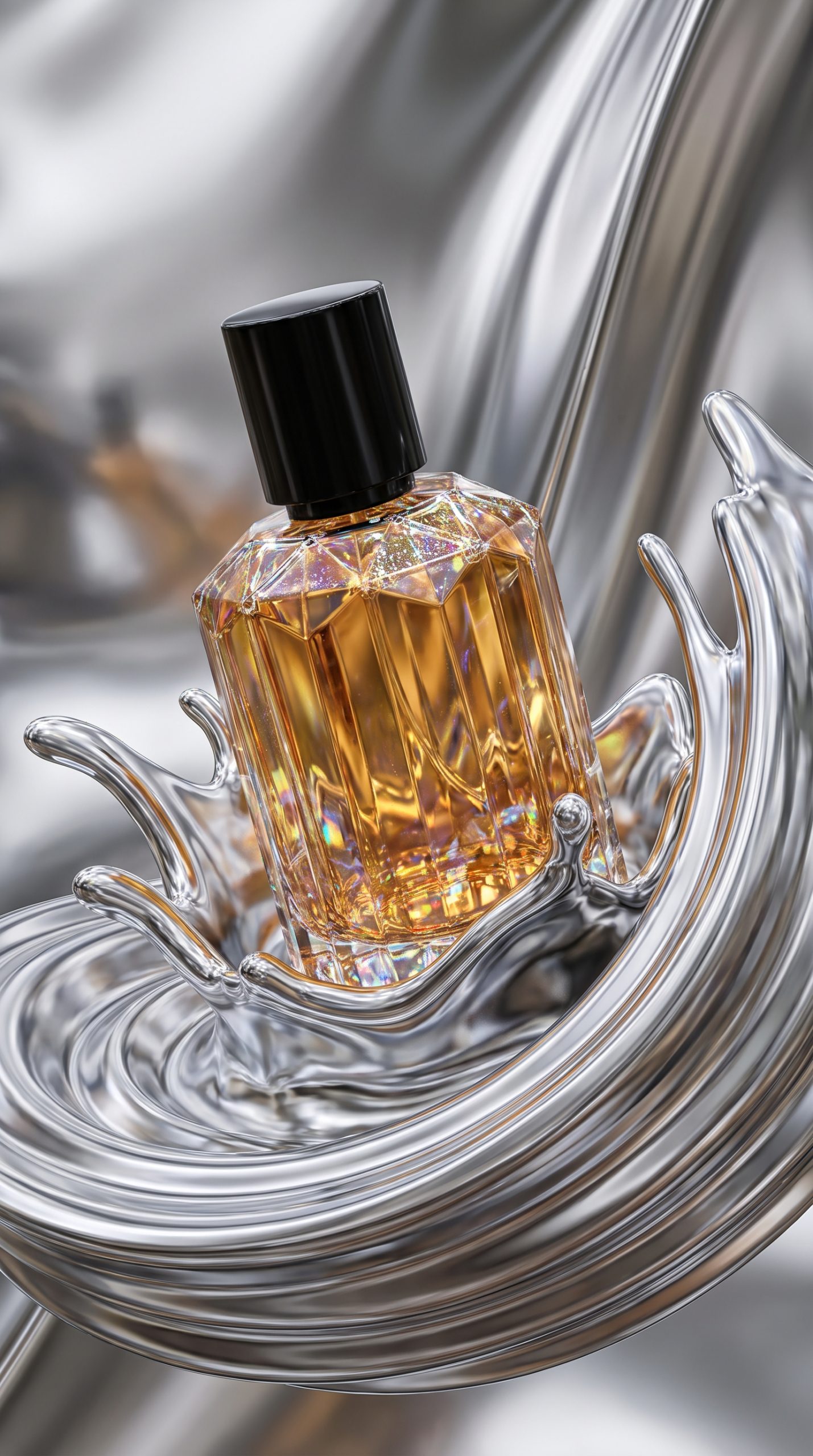
Fragrance campaigns can push the reflection further. Build a near-circle behind the bottle, like a halo made from molten metal. Prompt: Square glass fragrance bottle centred on a black mirror surface, smooth silver liquid chrome halo rising behind it, subtle smoke, precise studio reflections, cap and bottle edges crisp, no lettering added.
This look suits gift guides, holiday creative, and premium retargeting ads. Match the reflected accent colour to the juice or carton, then keep every other colour quiet. The bottle should remain the brightest object after the chrome highlight.
Turn stills into motion
A liquid chrome product effect works best when the movement has one clear job. Have the metal pour in, wrap past the product, or settle into place. Do not use all three in a three-second clip. Too much movement looks synthetic and makes the offer easy to miss.
For a six-second vertical ad, use this edit: 0.0-0.8 seconds, plain product or dark frame; 0.8-2.5 seconds, chrome enters; 2.5-4.5 seconds, hold on the hero product; 4.5-6.0 seconds, add product name, benefit, and offer. Export one silent version for placements that autoplay, then add a crisp metallic sound for organic social.
Give each shot a clear stop point. A chrome wave should finish moving before the price or CTA appears. That protects legibility and gives editors a clean place to cut.
Production checklist for cleaner results
- Use one hero item per frame. A set of five products makes chrome reflections messy.
- Describe the material as silver liquid metal or mirror-finish chrome, then specify where it belongs.
- Ask for readable labels and no added text. Add marketing copy later in the edit.
- Check caps, logos, and product proportions at full size before publishing.
- Keep one plain packshot in the sequence so viewers immediately understand the transformation.
The strongest executions are controlled, not crowded. Treat the chrome as lighting with motion. It should point attention back to the product, make the first frame stop-worthy, and leave enough quiet space to sell.
Make this for your own products in VideoMagic
Turn a plain product photo into scroll-stopping video – free to start.






2 Comments