
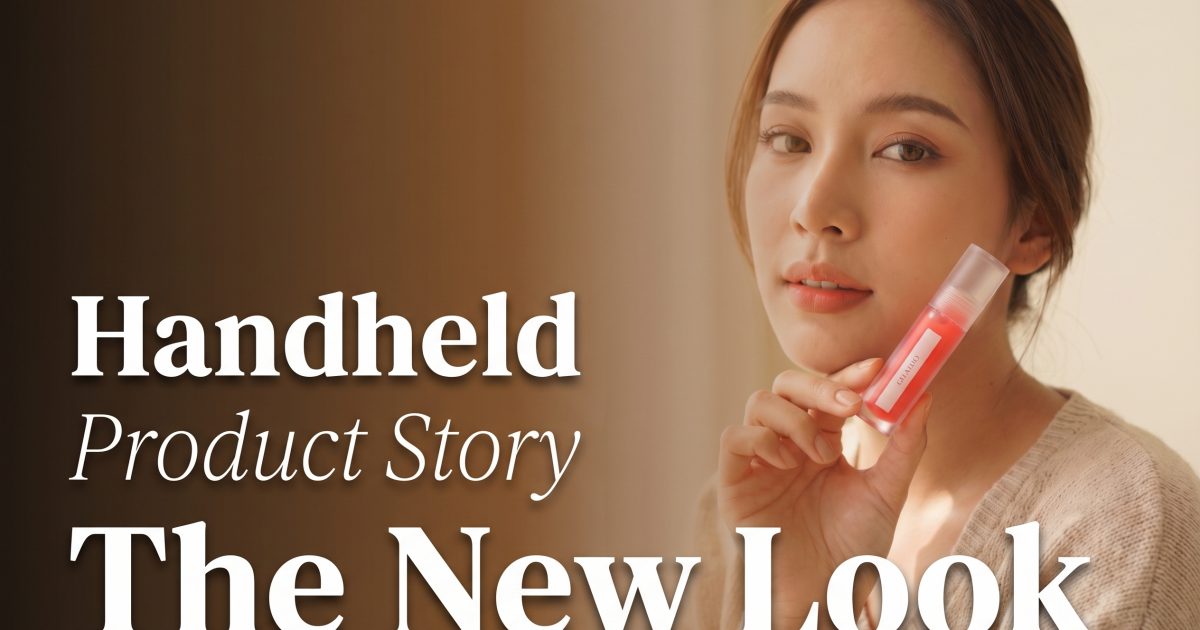
Handheld product story content is the opposite of a distant, perfect packshot. The product is held, used, or brought close to the camera. It feels like a quick recommendation from a person rather than a studio catalogue image.
That small shift makes a product easier to picture in a real day. For ecommerce brands, it can show scale, texture, and use without booking a full lifestyle shoot. The trick is simple: keep the product readable, then build a believable moment around it.
Why the handheld product story look works
A hand gives viewers an instant sense of scale; see PetaPixel’s product photography guide for broader shooting context. It shows how a lip oil fits in a palm, how a bottle travels through a city, or how a skincare tube sits in a morning routine. It also directs the eye: viewers notice the gesture, then the product.
The best versions do not feel overstyled. Keep the front label facing camera, use a relaxed grip, and make the pose look like it happened between errands. Think of a creator about to explain a favorite product, not a model posed beside a prop wall. Before generating or shooting, list the non-negotiables: package color, cap shape, logo placement, and any readable claims.
Three handheld product story looks to try
Beauty close-up
For cosmetics, hold the item near the face in soft window light. A close crop can show the shade, packaging, and finish in one frame. This works especially well for lip oils, blush sticks, serums, and fragrance because the product gets a human context without losing its place as the hero.
Start with a chest-up crop and ask for the product to sit beside the cheek or under the chin. Leave clean space on one side for a benefit line in a reel or story. Avoid fingers across the label. If the packaging has small type, make a separate tight product frame for the final card rather than relying on the on-model image to carry every detail.
Example prompt: “Close beauty portrait in soft morning window light, model holding a clear lip oil beside her cheek, front label facing camera, relaxed fingertips, warm neutral background, shallow depth of field, vertical social ad composition, open space on the left for text.”
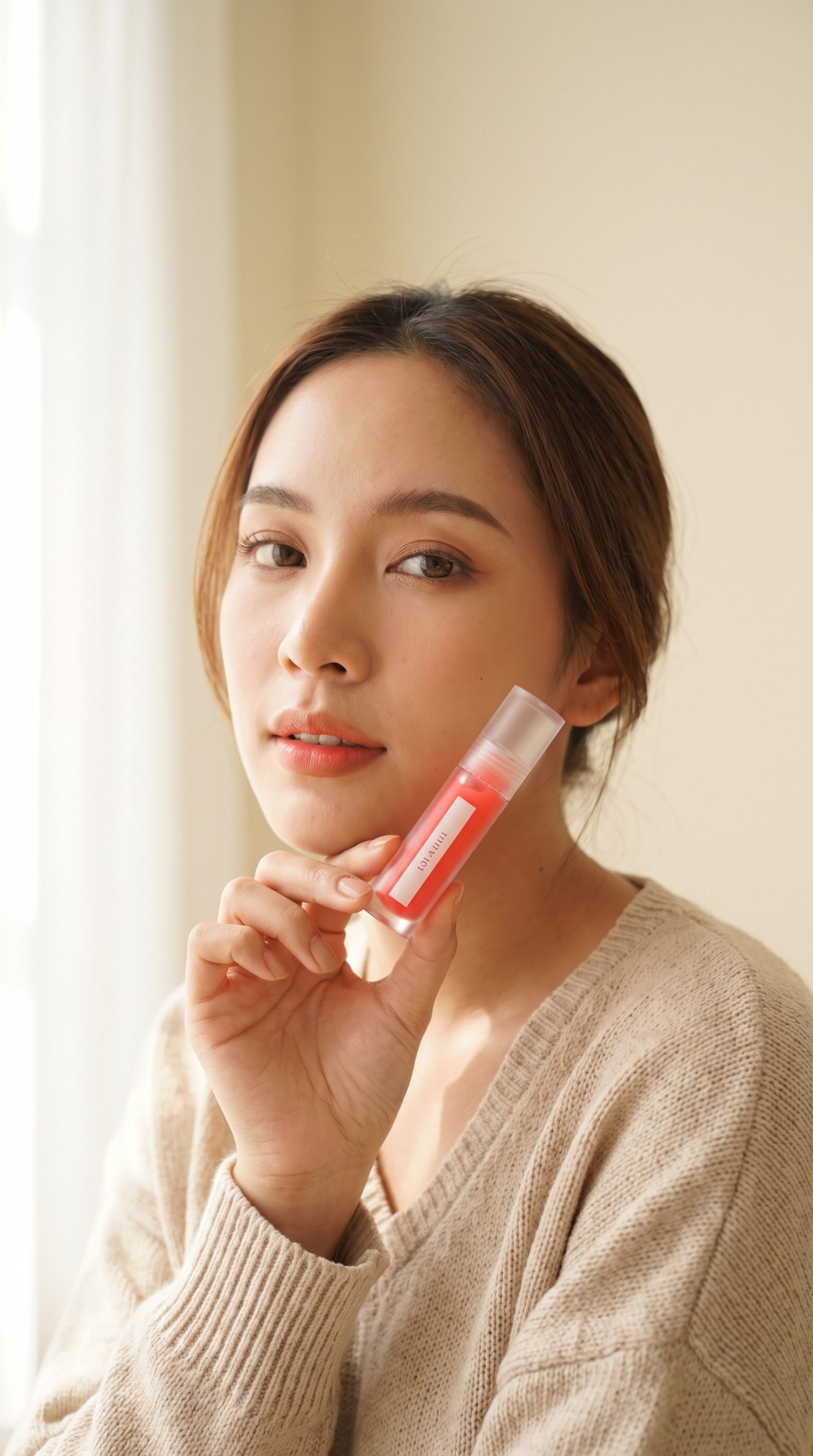
Use this look for shade launches, creator-style testimonials, gift edits, and first-frame hooks. For motion, begin with the product just outside the frame, bring it toward the face, pause long enough for the label to register, then cut to a swatch or application clip.
Everyday carry
A bottle, accessory, or small device becomes more useful when it appears in transit. A city walk, car seat, gym bag, or desk all give the item a job. This version suits products tied to a habit because it answers a shopper question fast: where does this fit into my routine?
Choose one setting that supports the promise. A water bottle belongs on a walk or beside a laptop. Earbuds work near a commute bag. A phone case looks better in a hand outside a cafe than against a blank studio wall. Keep the background slightly soft so competing signs and colors do not pull attention away from the item.
Example prompt: “Lifestyle product photo of a person walking through a bright city street, holding a matte insulated water bottle at waist height, bottle label toward camera, natural stride, casual neutral clothing, late afternoon light, vertical ecommerce social creative.”
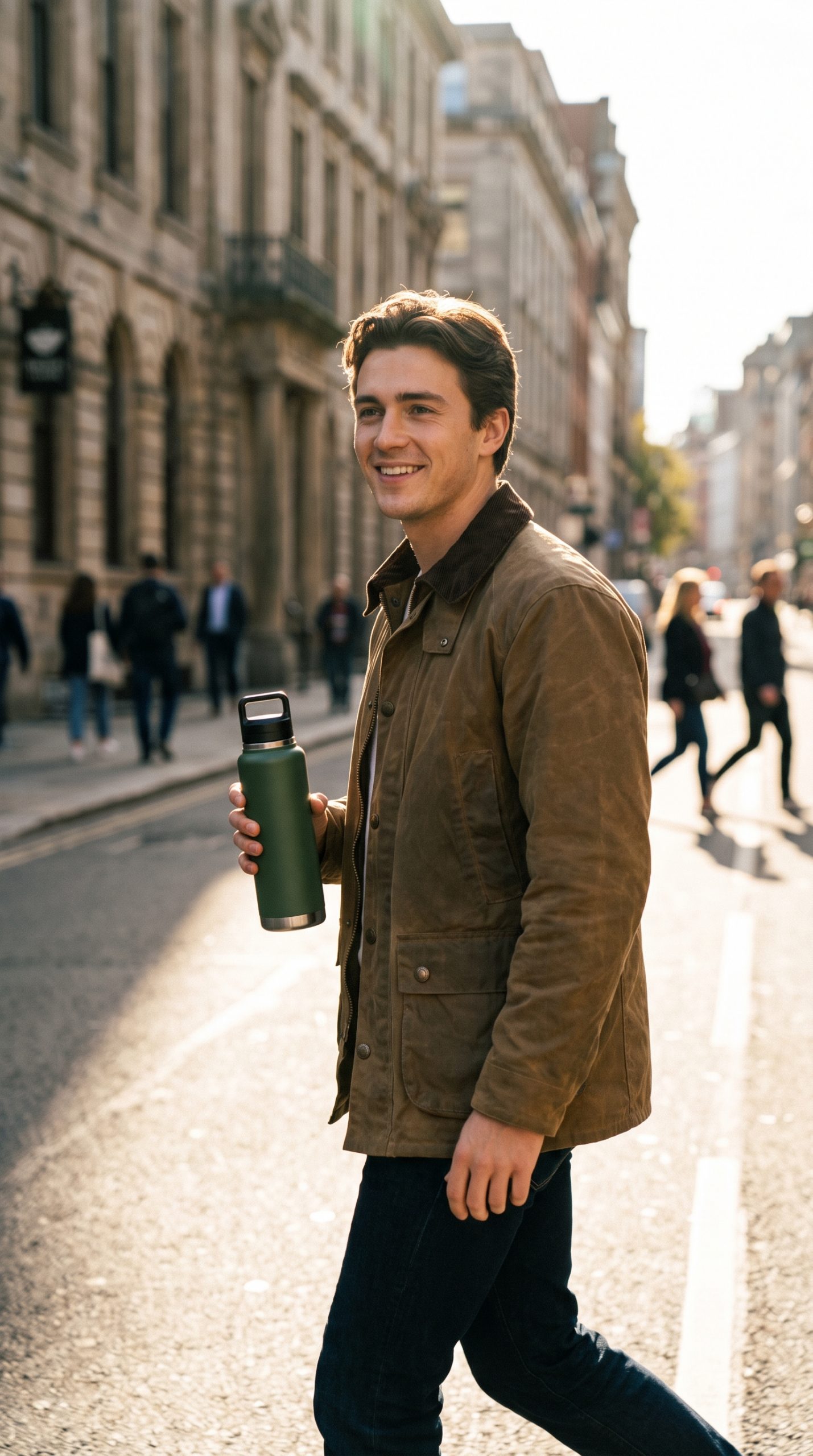
Use an everyday-carry frame for portability claims, back-to-school campaigns, commute messaging, and paid social tests against a plain packshot. Make two crops from the same scene: one that shows the full person for a story opener and one tight crop that keeps the product large for a feed placement.
Mirror routine
A mirror shot feels intimate without showing an entire room. It fits skincare, hair products, and wearable accessories. The product stays sharp in the foreground while the reflection adds depth and a sense of a routine in progress.
This composition needs a careful check. Look at both hands, the reflected hand, the cap, and the label before approving it. A believable reflection should support the product, not turn into a puzzle. Keep the room simple: a bathroom counter, soft towel, and muted wall are enough. Do not add a crowded shelf unless the product needs a stronger bathroom cue.
Example prompt: “Editorial bathroom mirror scene, person holding a skincare tube toward the camera while looking into a round mirror, tube front label crisp and visible, soft daylight, clean pale stone counter, natural hand pose, vertical beauty campaign image.”
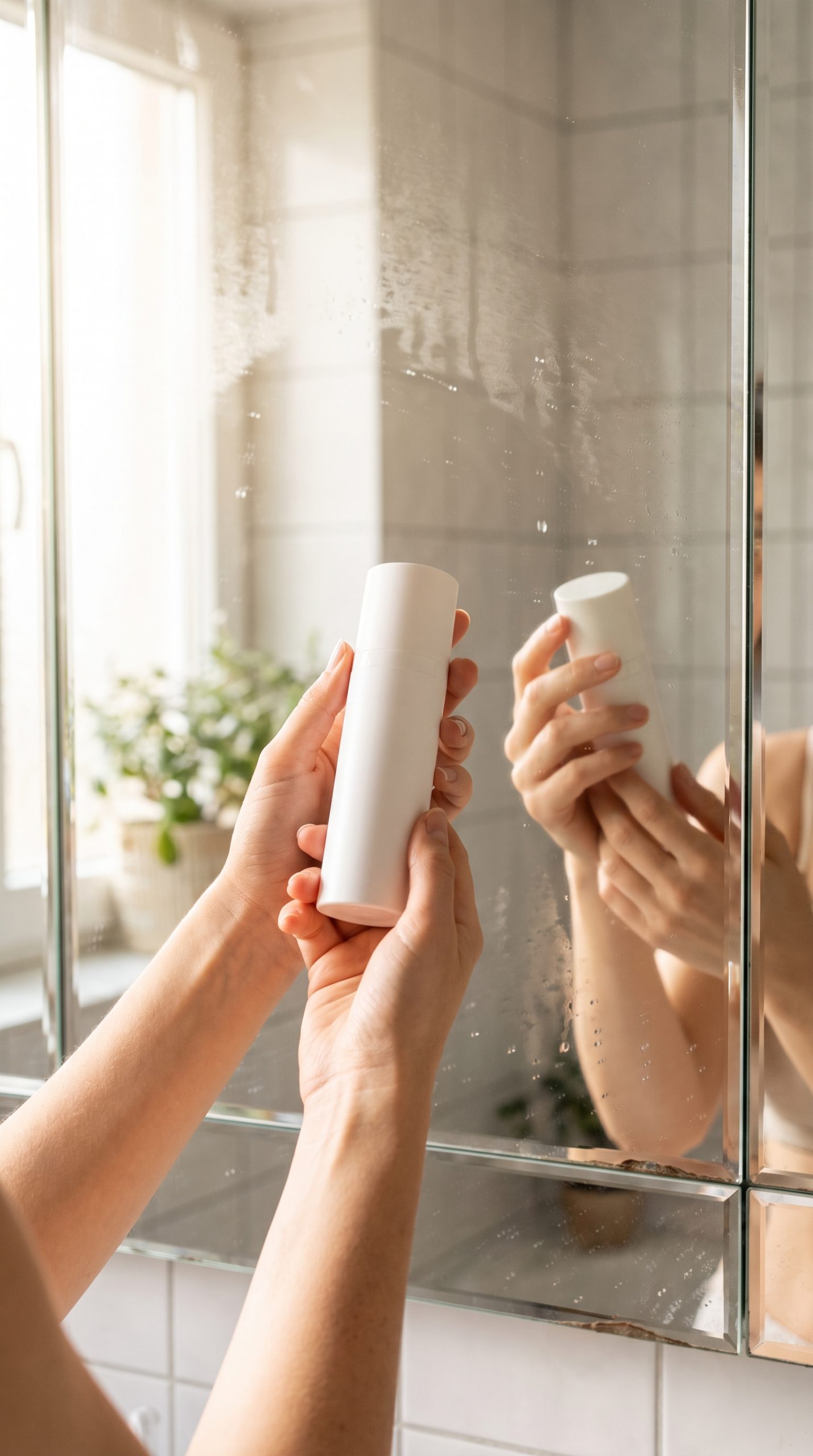
Run this look for routine bundles, morning or evening campaigns, tutorials, and retargeting ads. It also gives a short video a natural sequence: show the product in hand, catch the reflection, then end on the tube or bottle standing on the counter.
Make it work for conversion
Start with the product detail that must stay accurate: the cap, color, label, or shape. Build the gesture around that detail. The item should not disappear behind fingers, and the hand should not compete with it. For a small product, move closer than feels necessary. Most feed viewers will see the image at phone size.
Use one message per image. A beauty close-up can sell a shade. An outdoor bottle image can sell portability. A mirror shot can introduce a routine. That clarity makes the handheld product story easier to adapt into ads and easier to test against a standard packshot.
- Keep the product front-facing for the first frame or thumbnail.
- Match the hand, wardrobe, and setting to the target shopper.
- Save a clean crop with empty space for price, offer, or benefit text.
- Check labels and hands at full size before sending the asset live.
Turn the still into a short video
Start close, with the product moving gently into frame. Hold for a beat so the label can be seen. Add one small action: twist the cap, shift the grip, catch a reflection, or place the product into a bag. Finish with a clear product close-up and a single benefit. The movement can stay subtle because the personal framing already does most of the work.
For a completely different product-led visual direction, explore the prism packshot effect.
Make this for your own products in VideoMagic
Turn a plain product photo into scroll-stopping video – free to start.





1 Comment