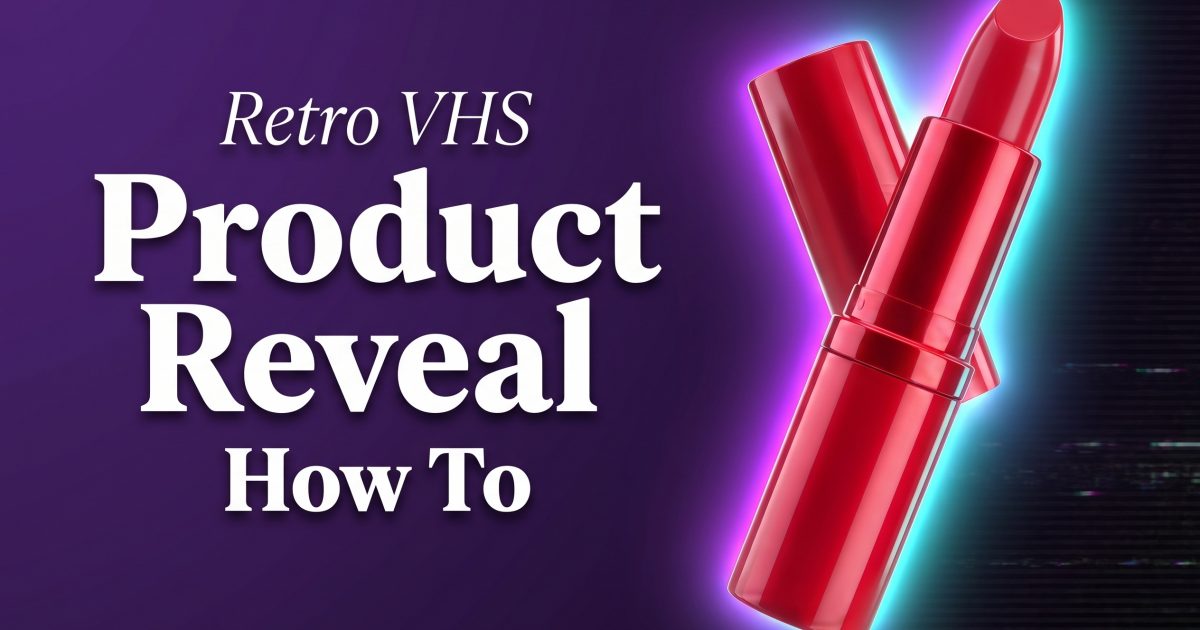
Retro VHS effect product videos turn a plain reveal into a throwback commercial with scanlines, tape noise, color bleed, and a little tracking wobble. For a seller, the point is not to make the product hard to see. The point is to make the first second feel unlike the polished studio clips beside it.
The strongest version keeps one job for the effect and one job for the product. VHS texture creates mood around the frame. The product carries the sale. Hold the label, color, and silhouette clean enough that someone can understand the item before the reveal ends.
How to build a retro VHS effect product reveal
Start with a product photo or a clean hero frame. Use a dark set, a single pedestal, or a simple color field. Busy backgrounds compete with the tape texture. Place a blue, purple, or red rim light on one side so the object still has shape once the image picks up noise.
Next, choose one moment for the disruption. A tracking line can roll across the opening frame. A brief horizontal tear can introduce the product. Chromatic shift can flare during a cut. Keep each move short. If every frame shakes, the reveal feels broken instead of intentional.
For video, give the clip a clear three-beat rhythm: darkness or static, a one-second distortion, then a clean close-up with the product name or offer. The final beat should last long enough for a shopper to inspect the label. Adobe’s guide to video adjustment effects is a useful reference for balancing contrast, saturation, and color after adding a stylized layer.
Beauty: a tape-glitch close-up
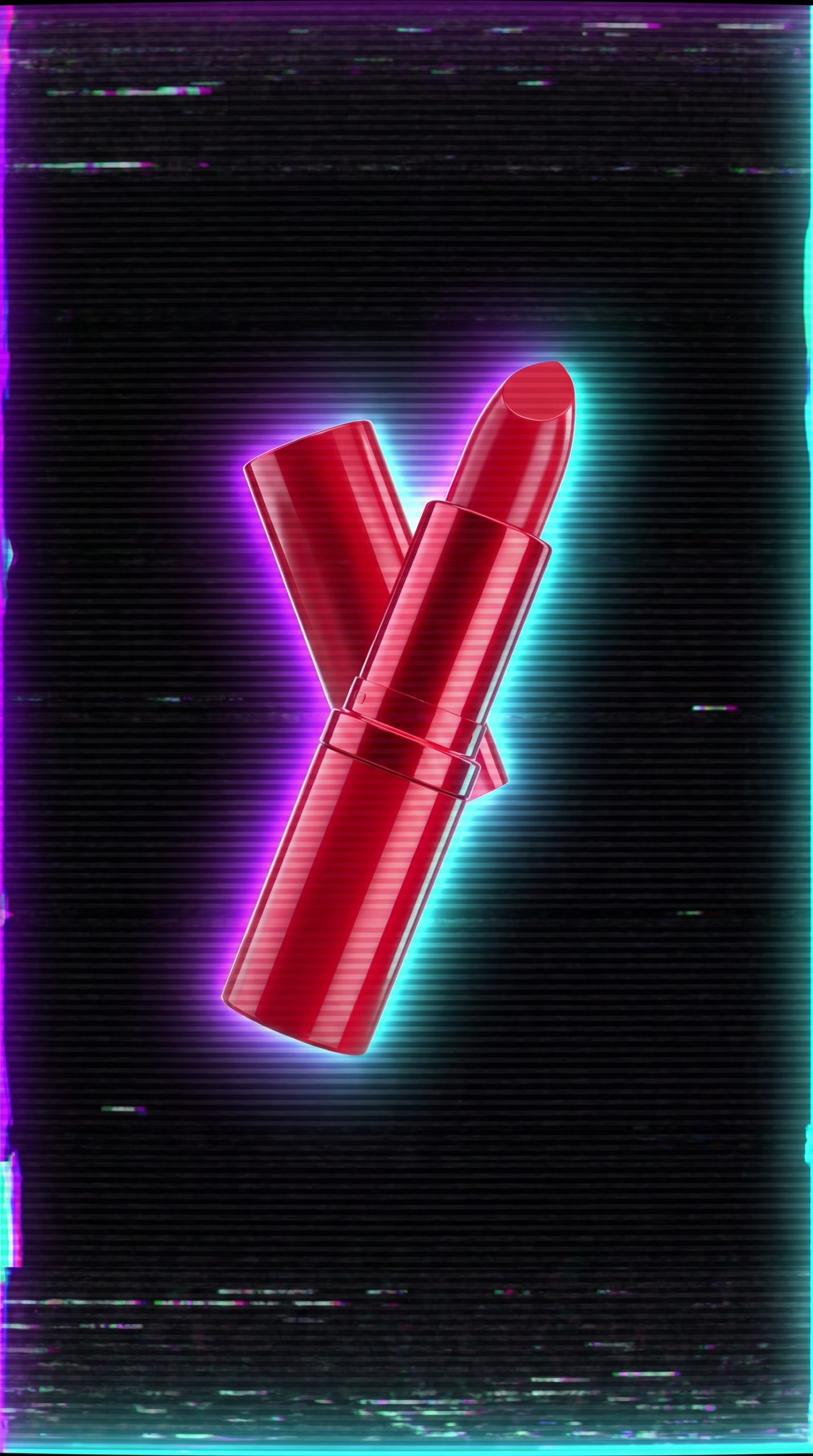
Beauty products benefit from a controlled retro VHS effect because glossy packaging catches colored light. Place lipstick, a compact, or a fragrance bottle against black. Add a narrow red highlight on one edge and a cool blue highlight on the other. Let the tracking noise pass behind the pack rather than across the brand name.
Try this prompt: close-up of a crimson lipstick tube standing on black glass, deep blue and red edge lights, 1980s tape tracking lines in the background, subtle analog noise, label sharp and readable, premium product commercial. If the first result makes the tube bend or softens its logo, reduce the distortion request and ask for a clean front-facing label.
Use this look for a shade launch, a limited-edition drop, or a five-second paid social opener. Cut from a noisy macro shot to the true product color. That switch gives the creative energy while protecting the detail a buyer needs.
Skincare: late-night television
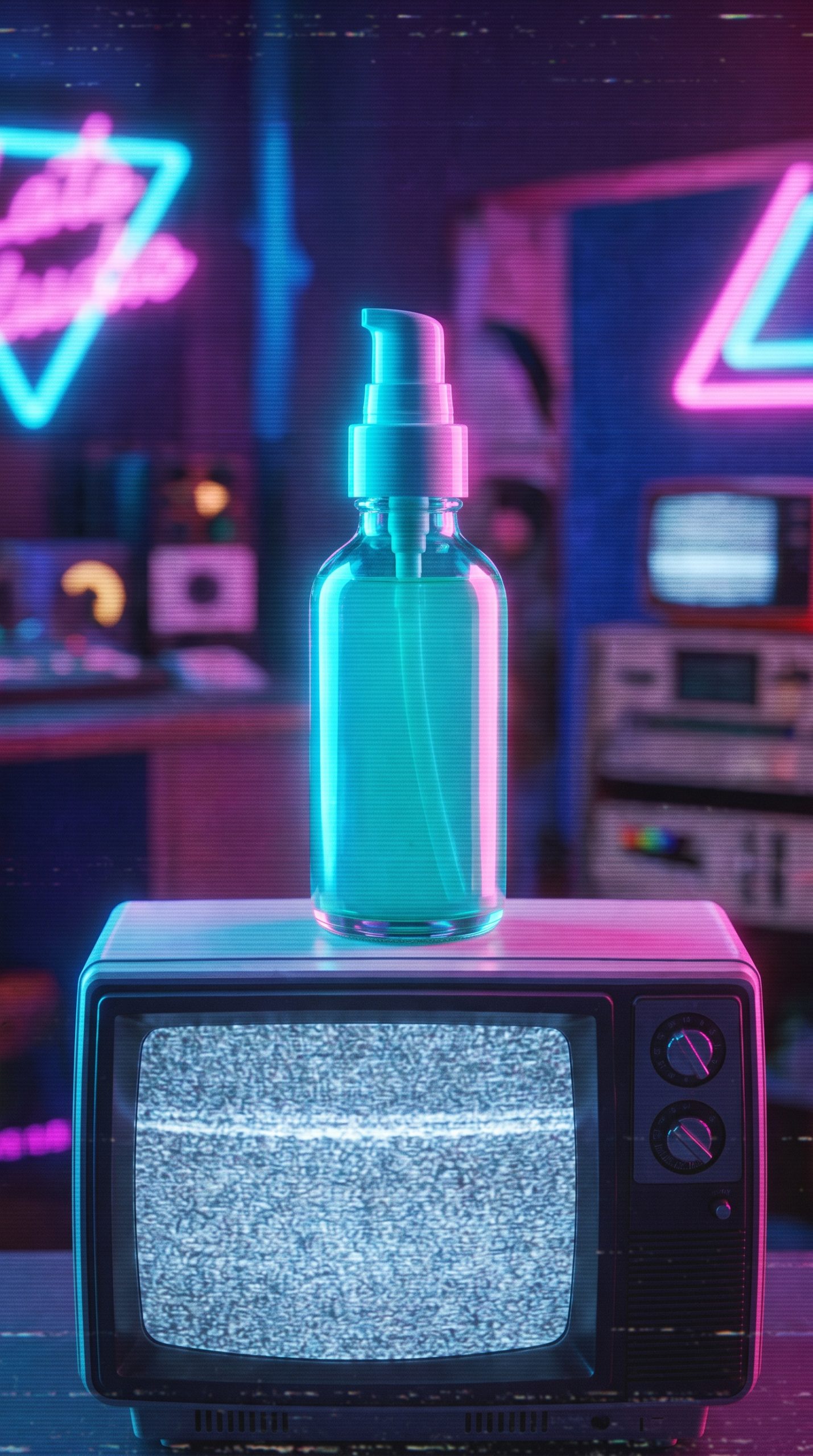
Skincare needs a softer hand. Heavy glitches can make a serum bottle look dirty, which is the opposite of the clean, considered feeling most brands need. Use faint static in the corners, a slow push-in, and one rolling scanline behind the bottle. A cobalt or violet pedestal gives the scene an old television mood without turning it into a costume.
Try this prompt: frosted skincare serum bottle on a cobalt blue pedestal, midnight television commercial mood, light VHS grain at frame edges, soft violet backlight, condensation-free glass, product label crisp, slow camera push-in. Add the product size and cap color when those details matter. Specific inputs produce more useful variations.
For production, make two versions. One can lead with the VHS treatment for Reels or TikTok. Keep the other nearly clean for a product page or retargeting ad. The same core shot can then fit both attention-grabbing and conversion-focused placements.
Sneakers: music-video motion
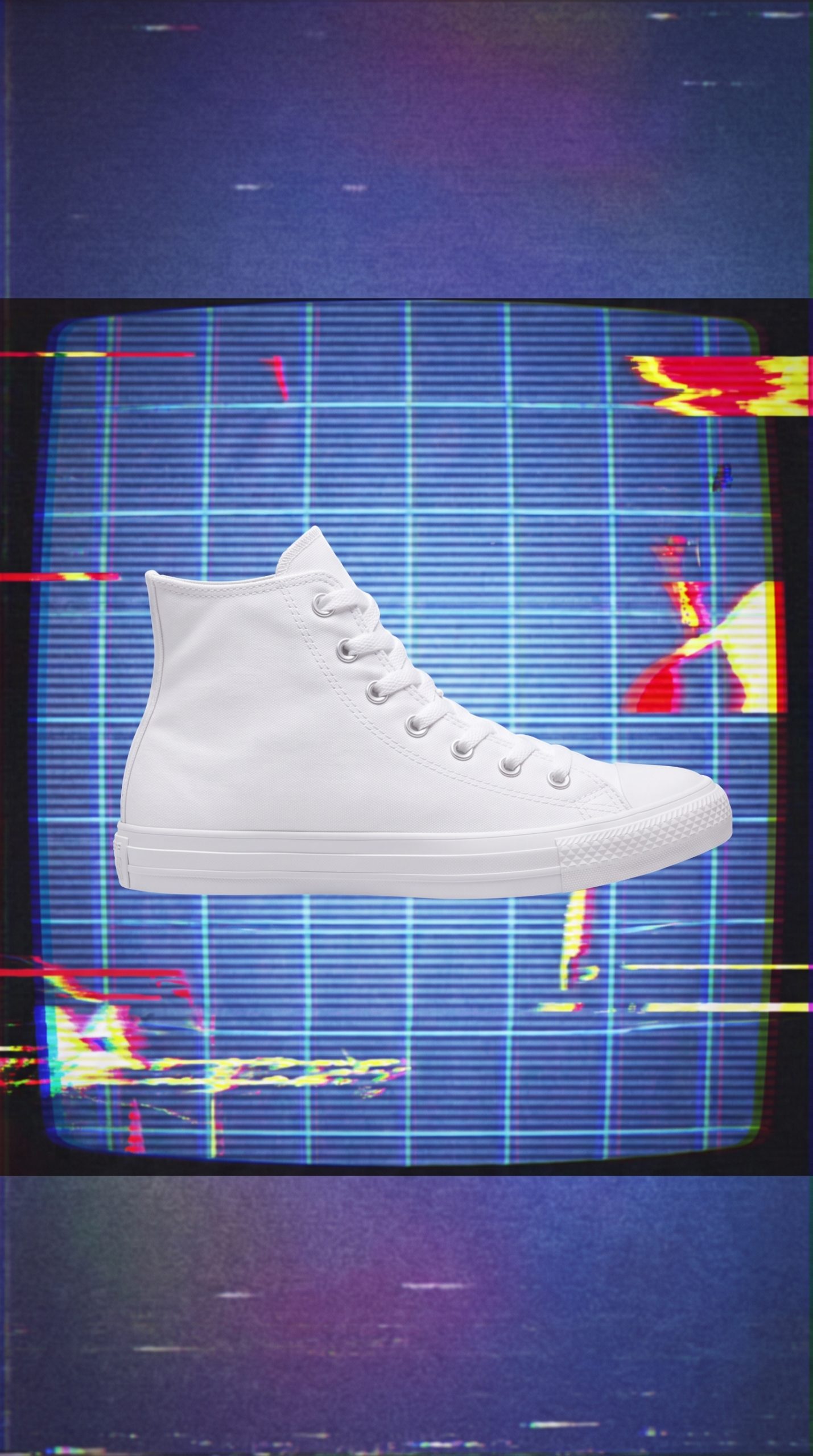
Sneakers can take a louder retro VHS effect. Start with a low angle that shows the toe box and outsole. Put the shoe on a black floor with a distorted grid behind it. Then use a quick color flash before the clean close-up. The grid adds depth, while the short glitch makes the edit feel fast.
Try this prompt: bright running shoe floating above a black reflective floor, warped electric-blue grid behind it, magenta light streak, analog VHS tracking glitch for one beat, athletic music-video energy, shoe texture and logo sharp. Avoid asking for too many retro props. One grid and two light colors read faster than a room full of arcade machines.
This treatment works for a restock, a new colorway, or a creator-led launch. Pair the opening glitch with a beat drop, then hold a clean side profile for the final frame. Add the shoe name as on-screen text only after the motion settles.
Drinks: analog refreshment
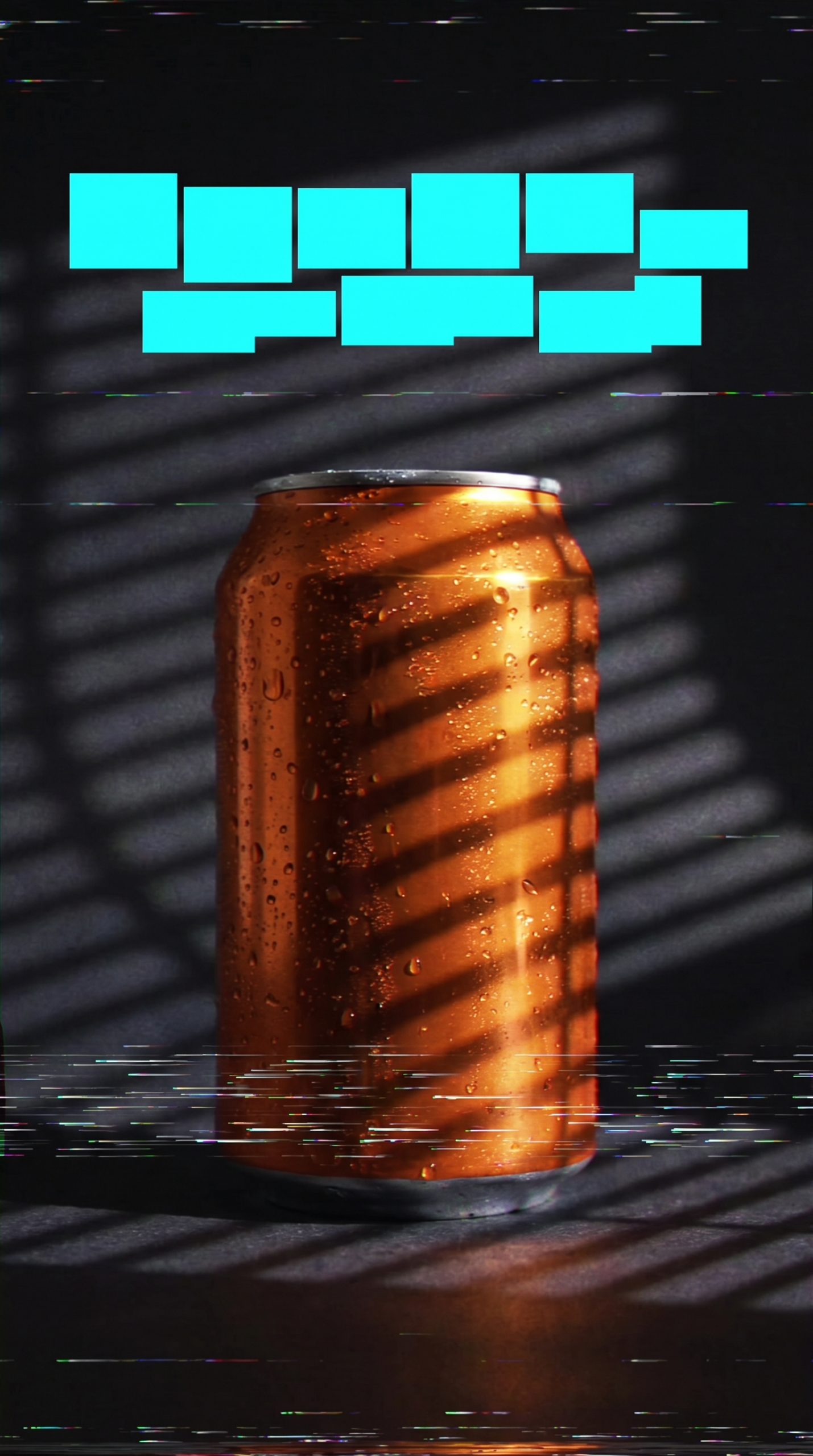
A can or bottle needs to look cold and appetizing, so keep distortion at the perimeter. Build the base with a strong silhouette, visible condensation, and a rim light that separates the drink from the background. Then introduce tape flutter in the shadows and a brief burst of saturated color at the transition.
Try this prompt: iced citrus soda can on a dark chrome surface, visible condensation, cyan and red practical lights, restrained VHS scanlines around frame edges, analog television commercial style, can artwork clear and undistorted. If the artwork changes, use the original product image as the reference and ask for the packaging to remain unchanged.
Use the finished reveal for a weekend promotion, concert partnership, or a summer flavor announcement. Keep the last two seconds clean. A coupon code or flavor name has a better chance when it appears after the static disappears.
A simple retro VHS effect prompt recipe
Describe six things in order: the exact product, its camera angle, the set, two light colors, the analog treatment, and the detail that must stay accurate. Ask for three variations, not one. Compare them at phone size, because a good retro VHS effect should read even when the clip is small in a feed.
Before posting, check four details: Is the label legible? Does the product keep its real color? Does the glitch happen once rather than forever? Does the final frame show the item long enough to shop? If any answer is no, pull back the static and preserve the product shot. For a broader neon-and-chrome direction, see these 80s product effect ideas.
Make this for your own products in VideoMagic
Turn a plain product photo into scroll-stopping video – free to start.