A stop motion product effect gives a simple product shot a little mischief. The item seems to hop, slide, stack, or arrive by itself, even when the final ad is made from a few still frames. That small dose of impossible movement stops a scroll because the eye expects a static packshot, then gets a visual joke instead.
The look sits between studio product photography and handmade animation. It works best when the product stays sharp, the set stays simple, and one clear action carries the scene. A shoe can step across paper waves. A serum can bounce up a run of plinths. A drink can roll through fruit. The motion does not need to be complicated to feel expensive.
Why the stop motion product effect holds attention
Stop motion makes a product feel active without turning the creative into a full commercial. Each frame can be used as a social post, product-page image, or a beat in a short edit. The tiny jumps and deliberate spacing give it a human rhythm that clean CGI often misses. Rainey Day Media’s guide to stop motion GIFs describes the format as a sequence of still images with small scene changes played back as motion. That is the useful idea here: build movement from clear, repeatable moments.
For ecommerce, the format gives a product one job per clip. Show lift for skincare. Show grip for shoes. Show a fizz moment for drinks. Show precision for tech. A shopper should understand the action in under two seconds, with no caption needed.
4 stop motion product effect looks to try
1. The plinth hop
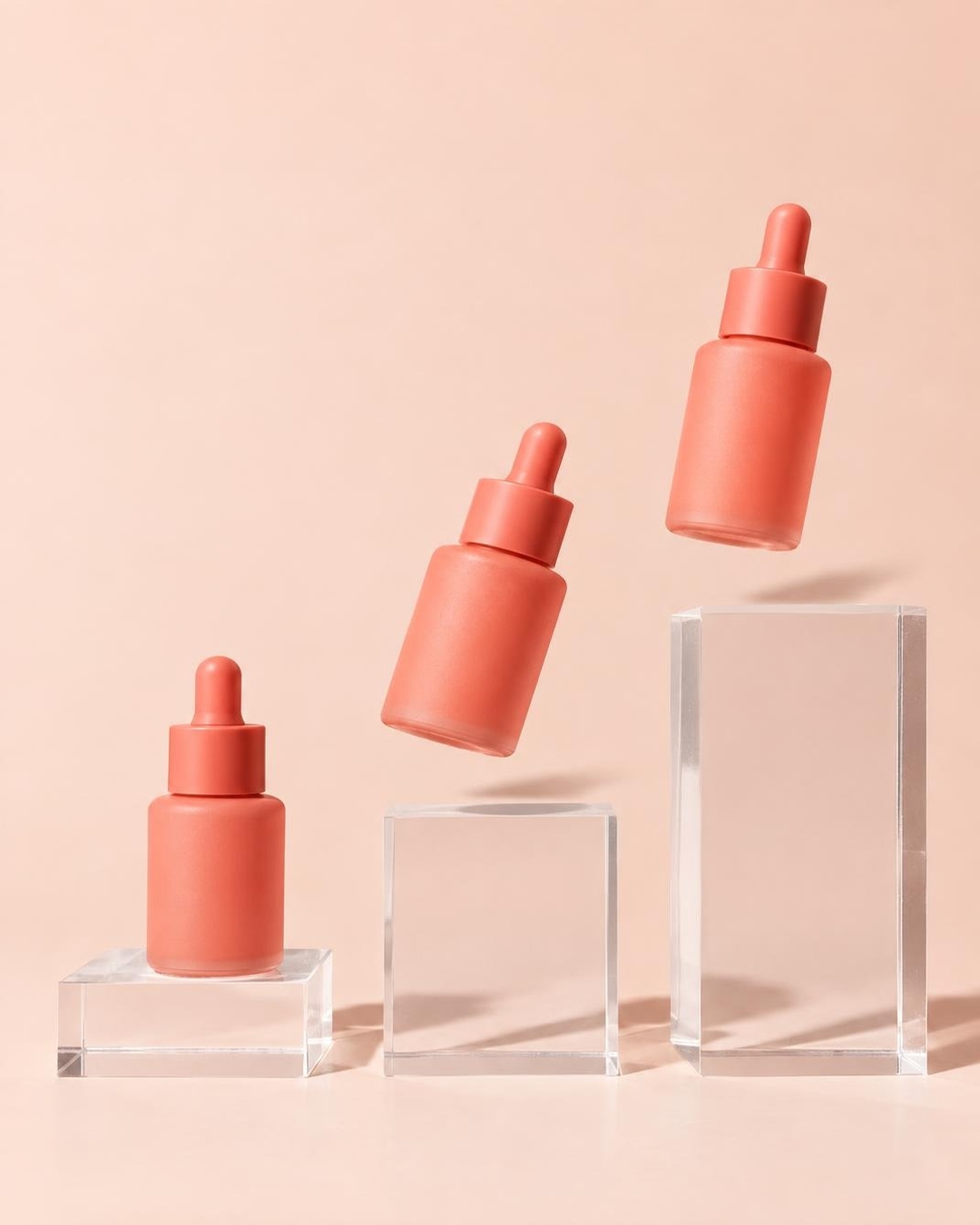
Use three heights and one clean background. The object appears to rise through the set as though it has a spring underneath. This is a strong launch-day look for skincare, fragrance, and accessories because it protects the packshot while adding energy.
2. The paper walk
Paper props make the movement readable. Folded waves, steps, or tabs act like a miniature stage. Let the product move in one direction and keep the palette to two strong colors. This approach suits footwear, bags, and playful everyday goods.

3. The ingredient roll
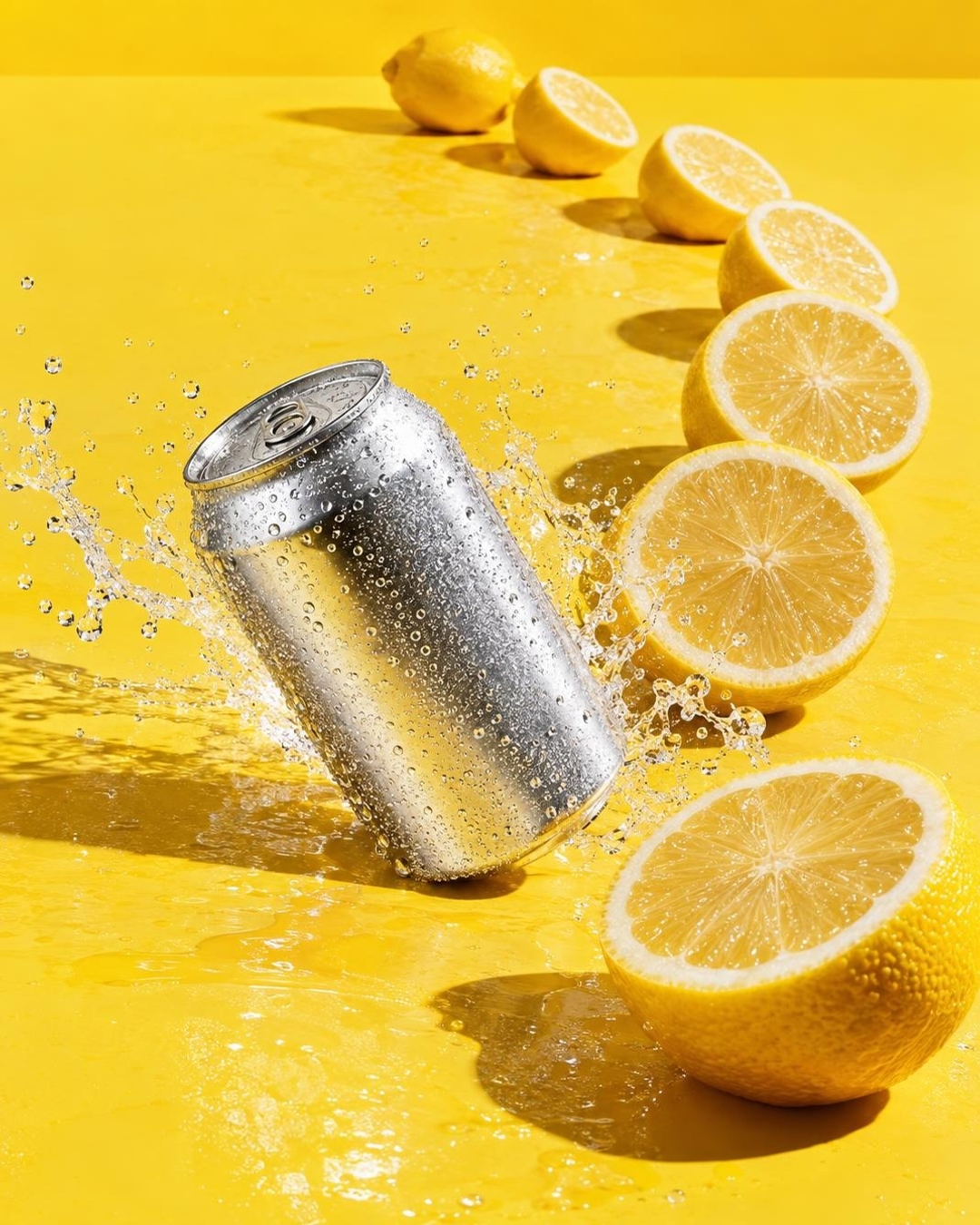
Build the action around the product’s flavour, scent, or material. A can can travel through citrus. A lip balm can glide past glossy cherries. A coffee bottle can move across scattered beans. Keep props large and graphic so the product does not disappear into the scene.
4. The assembling pedestal
For premium tech or jewellery, make the set build itself under the product. Translucent blocks, tiles, or cards can appear to stack frame by frame. Dark backgrounds and rim light give the result a more polished, collectible feel.

How to make a stop motion product effect
- Pick one action. Use bounce, slide, stack, roll, or reveal. Combining them muddies the first frame.
- Choose a fixed camera angle. Front-on or a light three-quarter angle keeps the product recognisable through every beat.
- Build a short sequence. Four to eight frames is enough for a looping social clip. Make a single clear change between frames.
- Keep the product consistent. Match scale, light direction, and placement. The set can change; the hero item should not.
- Cut on the action. A short loop feels intentional when the ending returns naturally to the opening position.
For a generated starting frame, describe the product, the prop, the action, the light, and what must not appear. A precise text-to-image setup is useful here because labels, logos, numbers, and charts need control. The GPT Image 2.5 Sunburst Custom model page explains its image-generation and editing controls; use it to create stills with the same framing before moving into a sequence.
Production tips that keep it looking intentional
Leave breathing room around the product. If the item nearly touches every edge, the movement feels cramped. Reserve one direction for travel and make the prop arrangement point that way. A firm shadow also matters. It anchors the product, so even a floating object feels placed in the same world.
Skip tiny details that will flicker in a fast loop. Fine type, busy prints, and complex reflections can shift between frames and pull attention away from the product. Instead, use a bold colour field, one material contrast, and a single hero light. The result reads faster on a phone and is easier to reuse in ads.
The best stop motion product effect looks playful, but it is not random. Every object should either explain what the product does or make its personality clearer. That is why a sequence of six modest frames can beat a busy fifteen-second edit.
Make this for your own products in VideoMagic
Turn a plain product photo into scroll-stopping video – free to start.