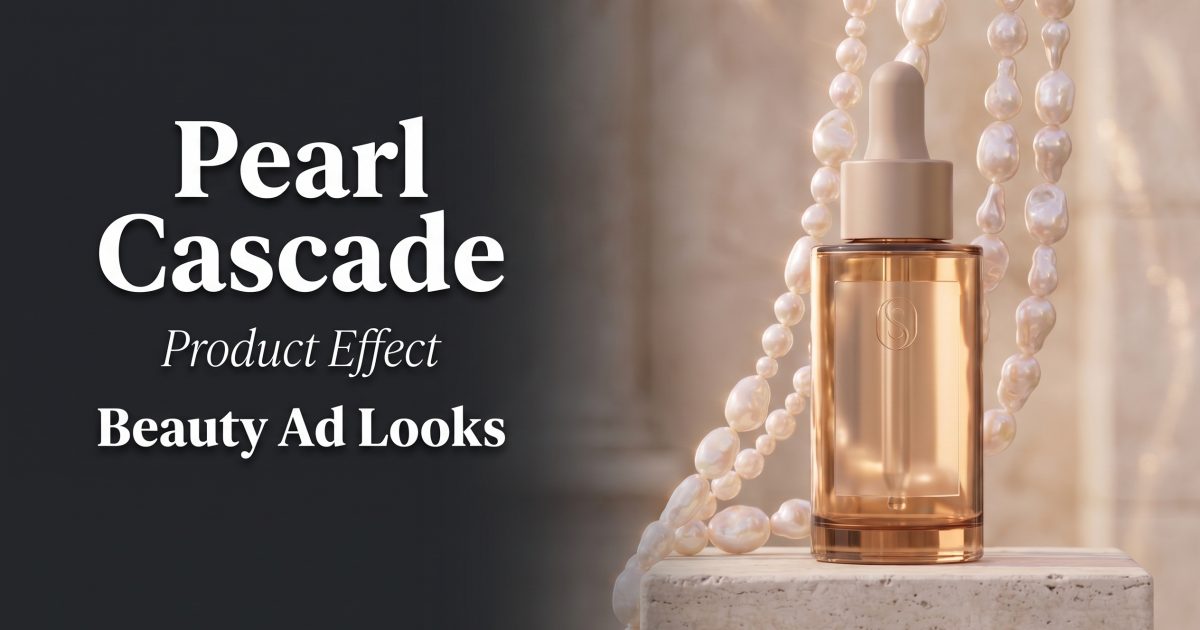
Pearl cascade product effect styling gives fragrance, skincare, and makeup ads a tactile kind of luxury. The product stays clean and readable while glossy beads add light, rhythm, and a sense of occasion. It works best when the set feels restrained: one hero item, two or three materials, and a clear direction for the pearls to travel.
Why the pearl cascade product effect works
Pearls catch highlights without competing with the hero pack. Their round shape softens sharp glass bottles and square compacts. They also signal care and detail, which makes the look a natural fit for a launch post, a gift-set ad, or a premium seasonal edit.
The trick is contrast. Pair luminous beads with a quiet base such as ivory paper, pale stone, satin, or frosted acrylic. Keep one side of the frame brighter than the other. That small lighting difference gives the cascade depth and stops the scene from looking like a flat product cutout.
4 pearl cascade product effect looks to try
1. Ivory pearl sweep
This is the cleanest version. Set a perfume bottle or cream jar on a matte ivory pedestal. Let a short strand enter from the top corner and sweep past the base. Leave the logo facing front and give it a calm patch of negative space. The result feels polished enough for a product page hero, but simple enough for a paid social still.
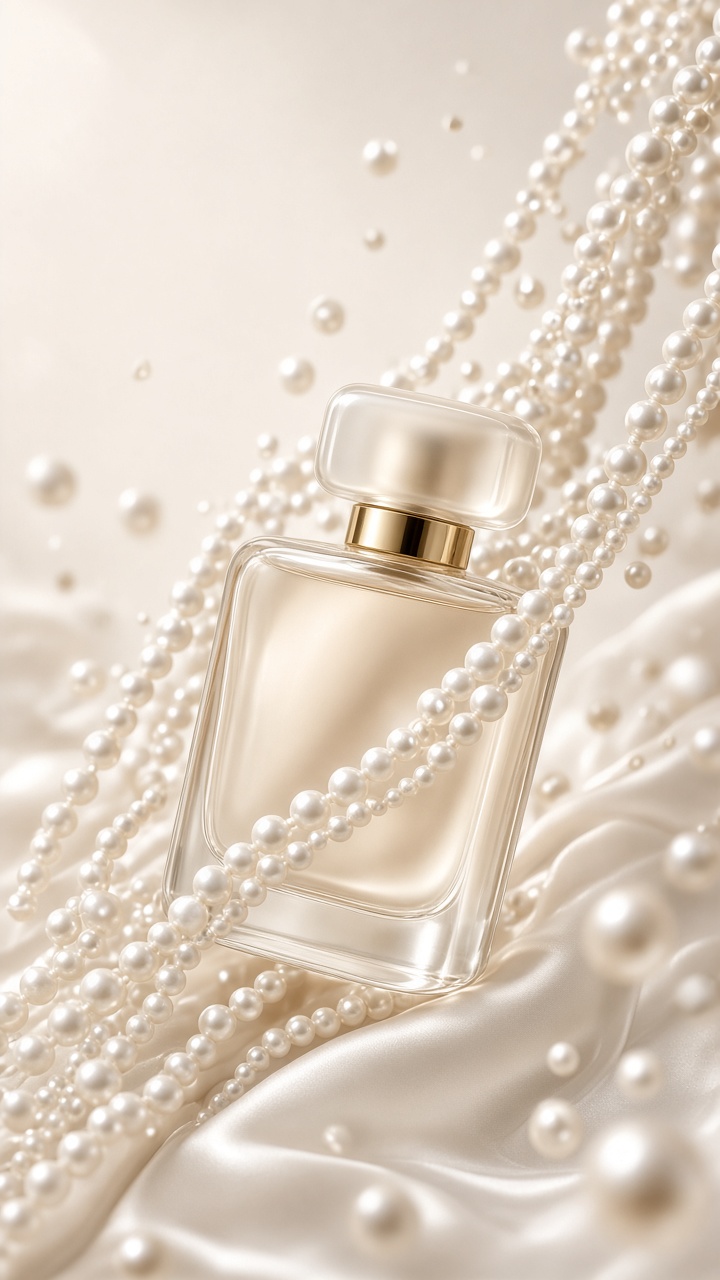
Prompt to test: “Luxury perfume bottle on an ivory plinth, pearl strands sweeping diagonally around the base, soft editorial studio light, label sharp and unobstructed, clean beauty campaign, vertical frame.”
Production tip: Ask for a diagonal sweep, not a pile of beads. A pile can hide the label and make the bottle feel small. Crop at chest height for a 9:16 Story or Reel, with the cap in the upper third.
2. Slow bead fall
For motion, treat the pearl cascade product effect as a three-second reveal. Start with the product alone. Then let beads fall behind it and pass the edge of the frame. The bottle should not move. That still center gives the eye somewhere to land while the motion supplies the hook.
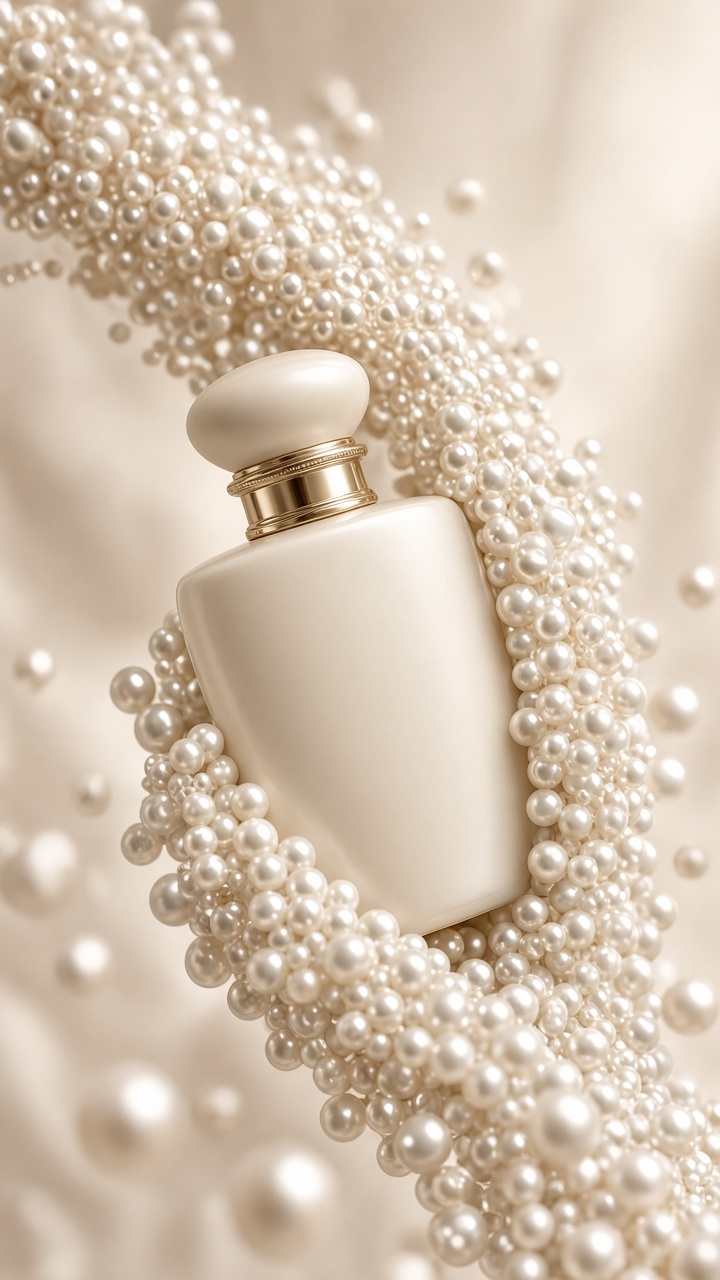
Prompt to test: “Amber serum bottle centered on pale stone, pearl beads falling in slow motion behind and beside the bottle, champagne highlights, premium beauty ad, label clear, vertical video composition.”
Production tip: Keep the bead path behind the shoulders of the bottle, not directly in front. Edit the final clip to loop from the first falling bead to the last. This works well as a short paid placement, an email GIF, or an organic Reel opener.
3. Champagne halo
A halo turns the same materials into a warmer evening look. Place the bottle against a soft champagne backdrop. Curve two pearl strands into an incomplete circle behind it, then add one small cluster at the base. The gap in the circle matters. It keeps the composition airy and gives the product a natural place to break the shape.
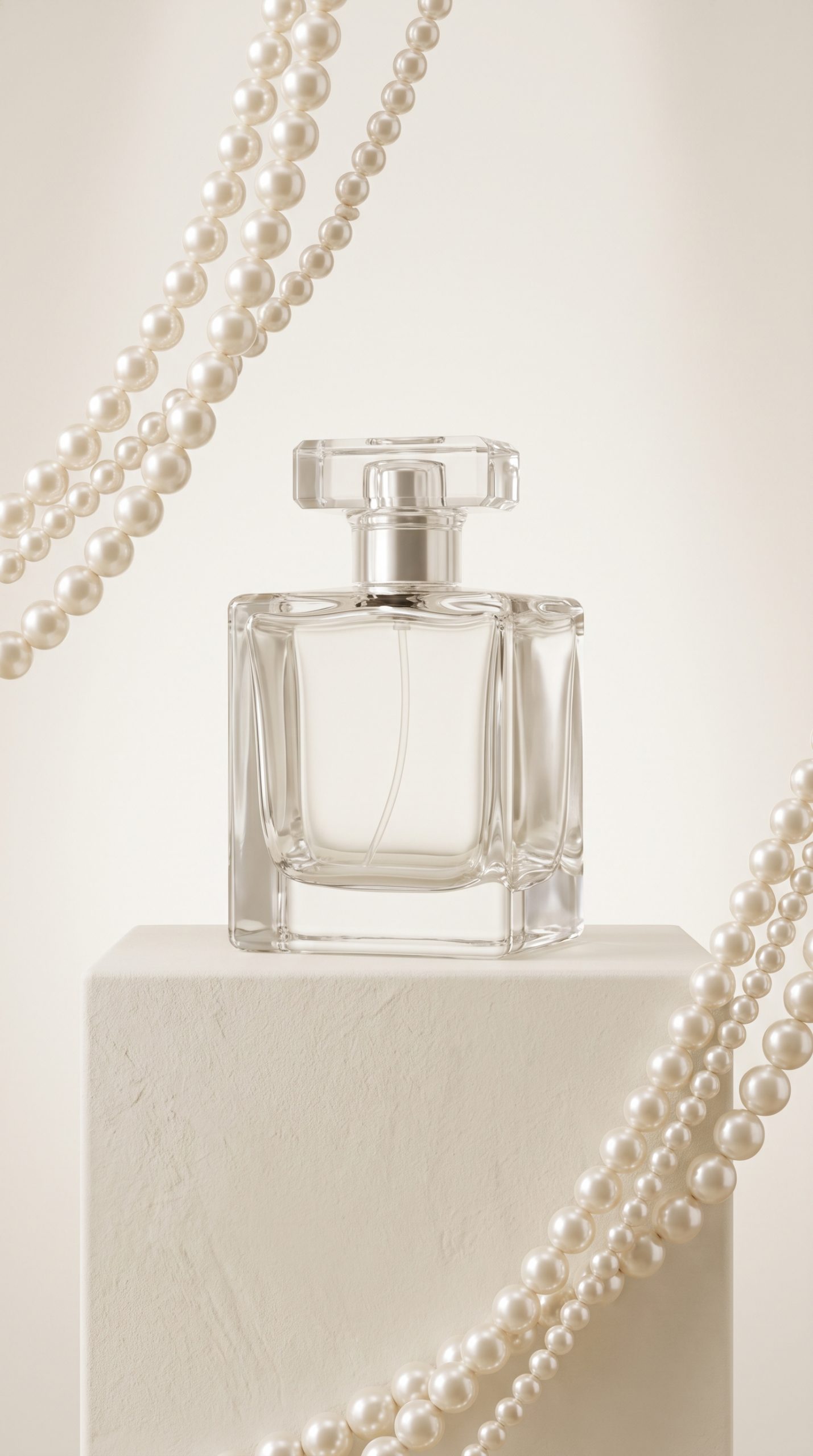
Prompt to test: “Fragrance bottle on a warm champagne background, incomplete halo of glossy ivory pearls behind the bottle, one pearl cluster at the base, soft shadow, high-end editorial beauty photography, label readable.”
Styling tip: Use this for a night cream, a wedding-season scent, or a gift edit. Add a short two-to-four-word headline in post-production, never inside the generated image. Put the price or offer in the empty upper corner rather than across the bottle.
4. Dewy serum cascade
This version feels more like skincare than jewellery. Use a clear or amber serum bottle, pale stone, and translucent pearls with a faint water sheen. The pearl cascade product effect should frame the pipette and shoulders of the pack. A few soft reflections make the image feel fresh without turning it into a wet, messy scene.
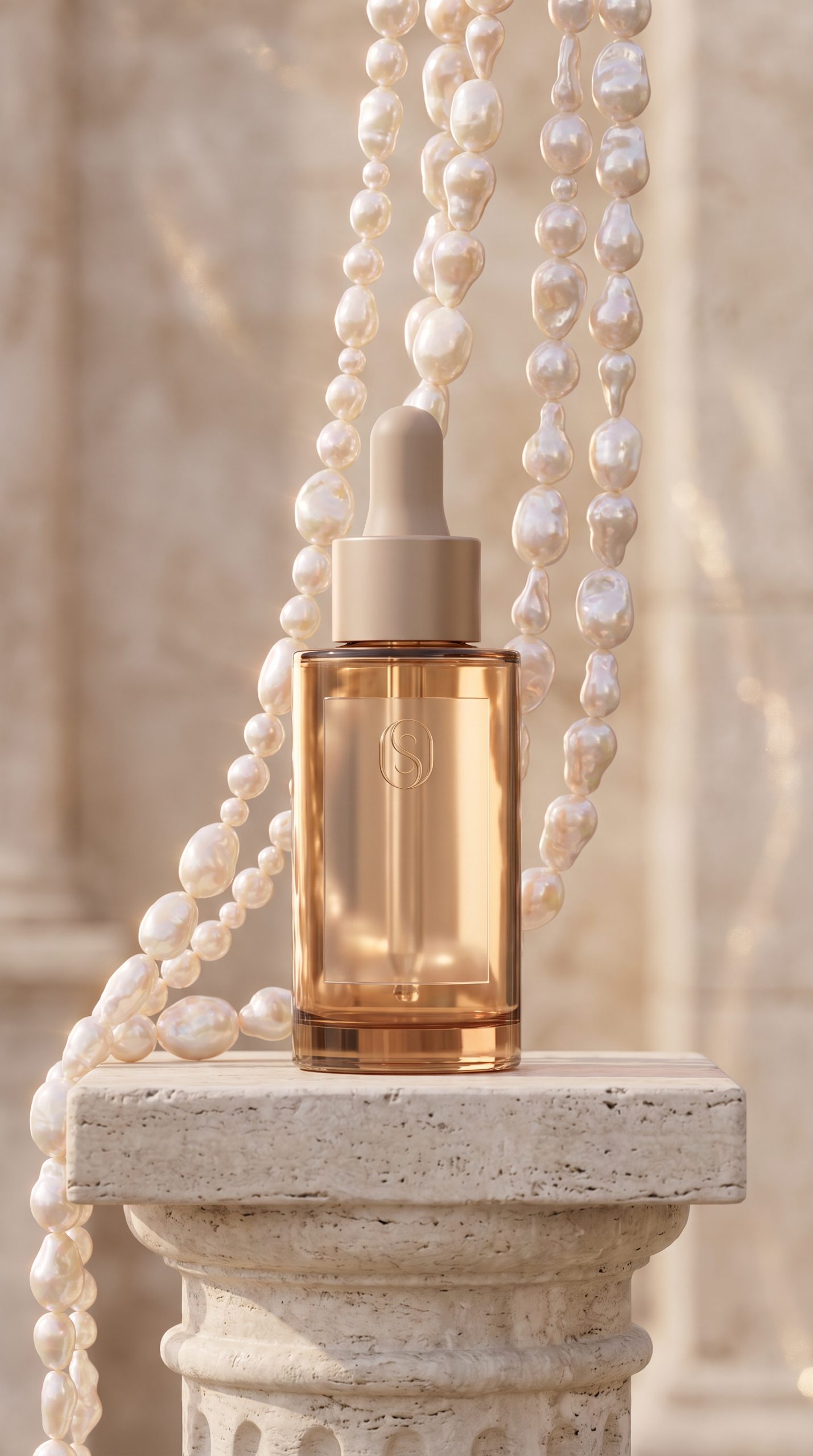
Prompt to test: “Amber skincare serum bottle on pale stone, translucent pearl strands cascading behind the pipette and beside the bottle, soft champagne reflections, photoreal editorial beauty advertisement, clean label, no text.”
Production tip: Match the pearl color to the product palette. Ivory suits milky formulas. Pale pink suits blush and lip products. Cool silver works for blue-toned hydration lines. Use the same backdrop across a carousel so every card reads as one campaign.
How to produce the effect without losing the product
Begin with a straight, well-lit packshot. The front label needs contrast and the cap or pump needs a clean edge. Then choose one visual job for the pearls: sweep, fall, halo, or frame. Mixing all four in one image makes the pearl cascade product effect busy.
Write prompts in layers. Name the product first. Add the surface and lighting second. Describe the bead direction third. End with a guardrail such as “label unobstructed” or “no text.” This order makes it easier to spot what caused a weak result and adjust one detail at a time. For image generation guidance, see the official image model page.
Make two crops from the winning frame. Use 9:16 for short-form video covers and mobile ads. Save a 4:5 crop for feed posts. Keep room above or beside the bottle for campaign copy, then test the image at phone size before publishing. If the label cannot be read in a fast scroll, reduce the beads or enlarge the pack.
The pearl cascade product effect is strongest as a repeatable visual system, not a one-off trick. One hero still can lead a launch page. The bead-fall version can open a Reel. A halo crop can carry a gift-set offer. For more ways to turn a simple packshot into a campaign, browse the VideoMagic blog.
Make this for your own products in VideoMagic
Turn a plain product photo into scroll-stopping video – free to start.