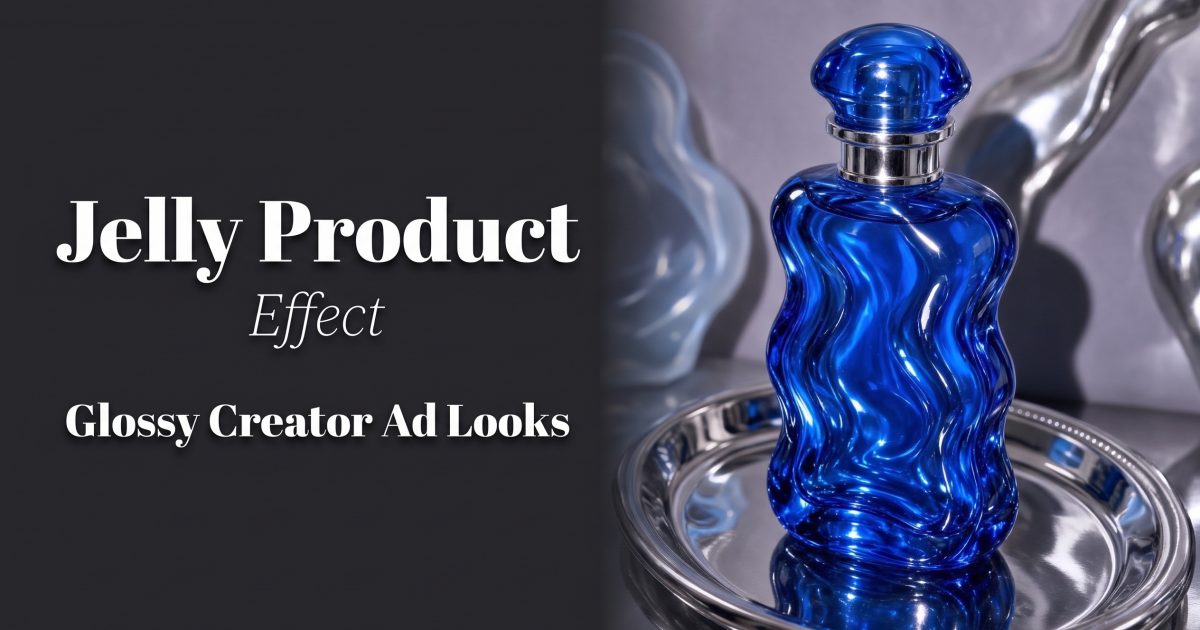
Jelly product effect visuals give ordinary packaging a soft, translucent skin that catches light like candy. The look feels strange in a useful way: it makes a bottle, tube, or jar stop the scroll while leaving the product recognizable. For creator ads, that mix of familiar product and impossible texture can turn one clean packshot into several distinct assets.
Why the jelly product effect works
Gloss and distortion create a small visual puzzle. The viewer can still read the label, but the product seems to bend, swell, or sit inside a clear gel. That tension suits beauty, fragrance, drinks, supplements, and colorful accessories. It also gives short-form video a built-in motion idea: a slow ripple, a light sweep, or a gentle orbit can make the surface feel alive.
The trick is restraint. A jelly product effect should change the environment around the pack, not turn the pack into an unrecognizable blob. Start from a front-facing image with a readable logo, one hero color, and a clean silhouette. Keep at least one label edge sharp. That anchor makes the surreal material feel intentional rather than broken.
4 jelly product effect looks for creator ads
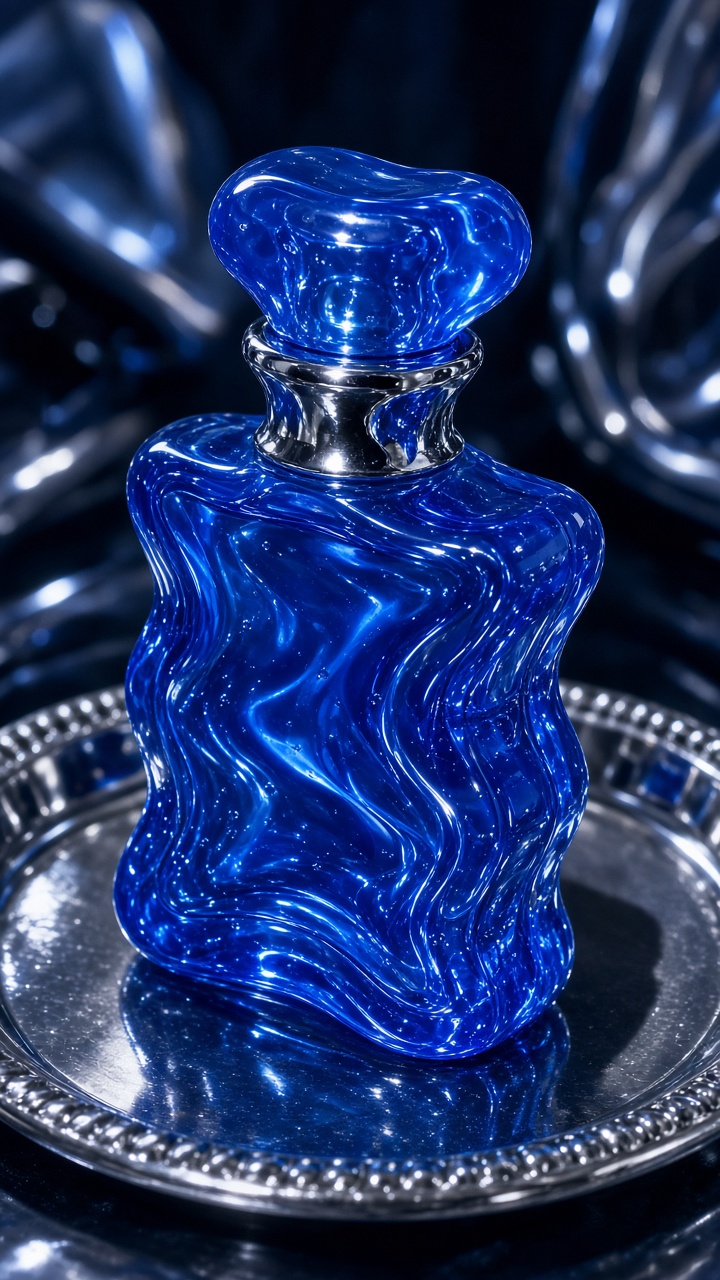
1. Cobalt jelly sculpture
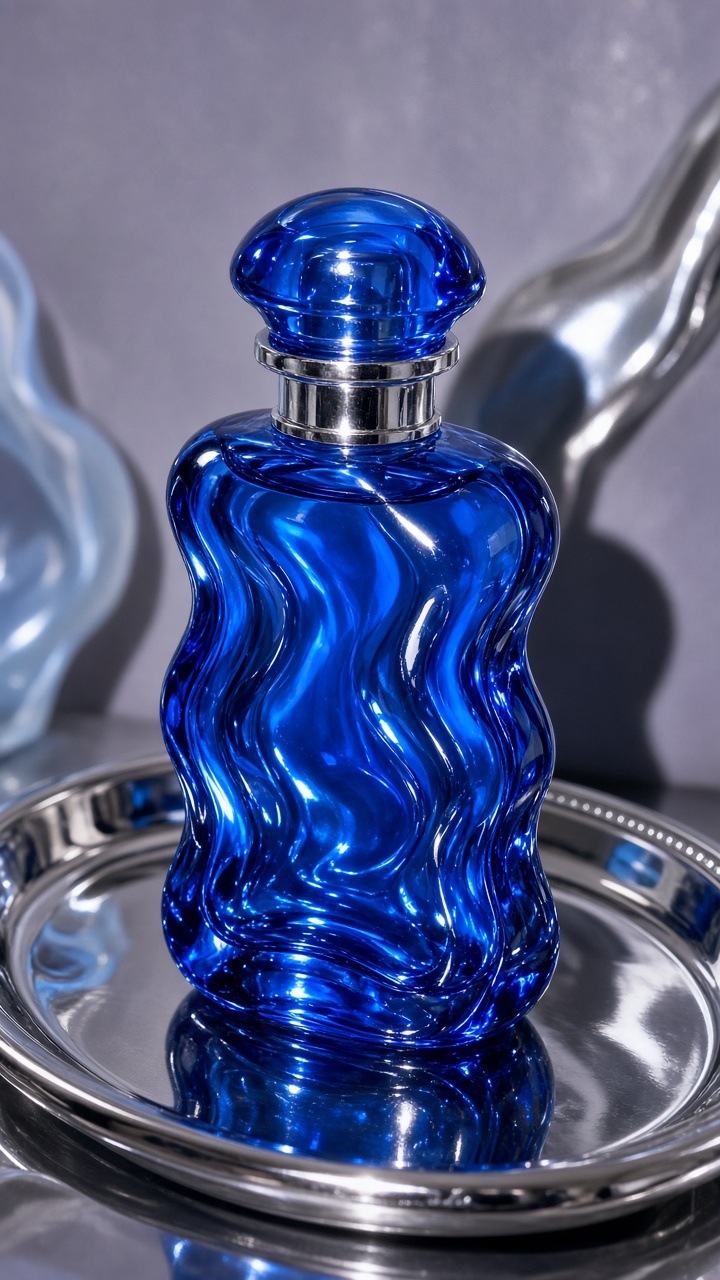
Use a single saturated blue, violet, or red background and build the jelly around the bottle like a display stand. This version reads more like a gallery object than a literal food texture, so it works well for fragrance and premium skincare. Put the product slightly above center and leave room around the cap. A tight crop can hide the silhouette, which is the part shoppers need to recognize first.
How to make it: Begin with a straight-on packshot. Ask for clear translucent gel, rounded waves, hard specular highlights, and a crisp product label. Keep the camera angle fixed. Then make two variants: one with a thicker base and one with tall jelly folds behind the product. The taller version gives editors space for a headline in the top third.
Example prompt: “Cobalt fragrance bottle centered in clear blue jelly sculpture, glossy studio highlights, smooth wavy folds, sharp readable label, clean cobalt backdrop, premium creator ad, front-facing product photography.”
Best use: Use this as the opening frame of a launch reel or a paid social still. Add a short benefit line beside the bottle, not over the label.
2. Flash-lit translucent wave
This take swaps the gallery mood for a casual creator flash. It feels immediate, a little messy, and more native to a social feed. Place the product on a simple acrylic surface, then let a translucent wave curl beside it. Direct flash creates bright hotspots and a sharper shadow. That contrast stops the image from looking too soft.
How to make it: Keep the backdrop pale, then introduce one accent color through the gel. Ask for frontal flash, a short hard shadow, visible reflections, and a small ripple that does not cover the product name. Test a version with the product angled five degrees to the camera. It often adds depth without losing label readability.
Example prompt: “Glossy lip oil tube on a pale acrylic surface, clear pink jelly wave curling beside the tube, direct on-camera flash, crisp shadow, wet reflections, readable branding, candid creator beauty ad.”
Best use: Cut from this still to a two-second ripple animation, then end on the untouched product photo. The before-and-after shift makes the effect easier to understand.
3. Floating fruit-gel halo
A halo places the jelly behind the product rather than around it. Think translucent citrus slices, rounded droplets, or a soft ring of colored gel. It is a safer jelly product effect for products with busy labels because the center stays clear. The halo also gives a square product image a useful frame without adding props that compete with the pack.
How to make it: Match the gel color to one secondary label color, not the main background. Keep the ring uneven so it does not look like a flat graphic. Ask for clear edges closest to the bottle and softer edges farther back. For beverage cans, add a few suspended bubbles. For skincare, use pearly gel with fewer bubbles.
Example prompt: “Vitamin C serum bottle centered with a floating translucent orange jelly halo behind it, glossy droplets, soft studio light, label fully visible, clean peach backdrop, product ad photography.”
Best use: This is a strong thumbnail for a routine video, carousel cover, or collection page tile. It carries the trend without asking customers to decode the image.
4. Jelly pedestal with a slow light sweep
For a more polished finish, sit the product on a clear gel pedestal. The product stays upright and practical while the base supplies the strange, glossy detail. Use a low camera angle for shoes, cans, or larger bottles. For smaller cosmetics, shoot closer to eye level so the pedestal does not dominate the frame.
How to make it: Set the pedestal wide enough to support the whole product. Ask for soft side light, a narrow bright reflection, and clean negative space behind the item. In motion, animate only the light sweep or a small wobble at the base. Too much movement makes a jelly product effect look unstable and can pull attention from the offer.
Example prompt: “Sparkling water can standing on a transparent lime jelly pedestal, subtle wobble in the gel, soft side lighting, bright moving highlight, clean white background, crisp commercial product shot.”
Best use: Use it for a product reveal, an end card, or a six-second loop. Leave the final second nearly still so viewers can read the callout and product name.
Production tips for a cleaner jelly product effect
Pick one material cue and repeat it. If the gel has sharp wet highlights, keep the background matte. If the background is glossy, soften the jelly reflections. Too many reflective surfaces turn into visual noise. Adobe’s lighting guide offers a helpful reminder: softer light boundaries change how reflections read on glossy surfaces.
Protect the sales information. Keep the logo, flavor, shade name, and any important claim away from folds, bubbles, and glare. Make a clean control image first, then build effect variants from it. This makes it easier to use the same campaign copy across a product page, paid social unit, and organic reel.
Plan the crop before generating. A vertical 9:16 frame needs breathing room above and below the product for platform controls and captions. A 4:5 feed post needs more side space. Generate the hero visual with extra background, then crop versions deliberately. More product-video ideas are available on the VideoMagic blog.
Finally, test the image at phone size. If the product name vanishes, brighten the label area or simplify the wave. The best jelly product effect looks playful in the feed but still lets a shopper identify the item in one second.
Make this for your own products in VideoMagic
Turn a plain product photo into scroll-stopping video – free to start.