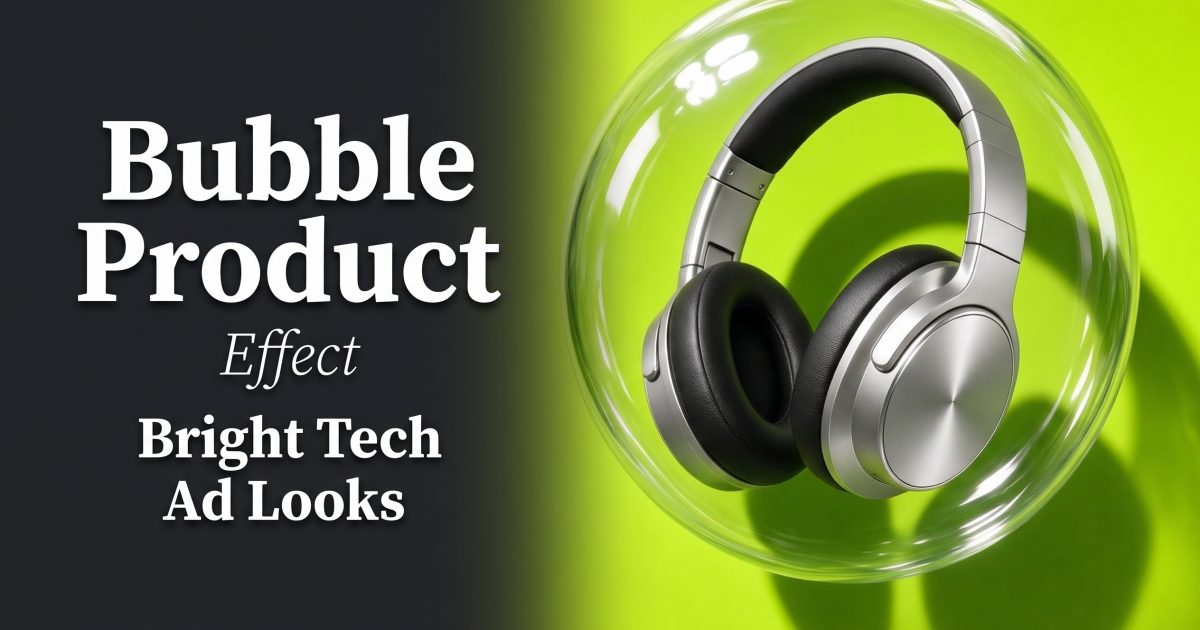
Bubble product effect ads give small tech products a clear visual hook before the viewer has time to scroll. A transparent sphere frames the item, catches light, and adds depth without burying the product. The look works best when the product remains sharp, the background stays simple, and the bubble feels like a deliberate part of the set rather than a random overlay.
Why a bubble product effect stops the scroll
Clear materials create contrast in two ways. They show the product silhouette through a second shape, and they introduce highlights that signal a polished ad. That gives headphones, earbuds, watches, speakers, and phone accessories more presence than a flat packshot. The trick is restraint. One product, one bubble, and one strong background color read faster than a crowded scene.
Think of the sphere as a framing device. It can protect the product, make it appear weightless, or act like a lens that slightly changes the edges. Keep the logo and core features outside the busiest reflections. For a vertical ad, place the product near the middle third so a crop for Stories, Reels, or TikTok still holds together.
4 bubble product effect looks for bright tech ads
1. Floating headphone frame
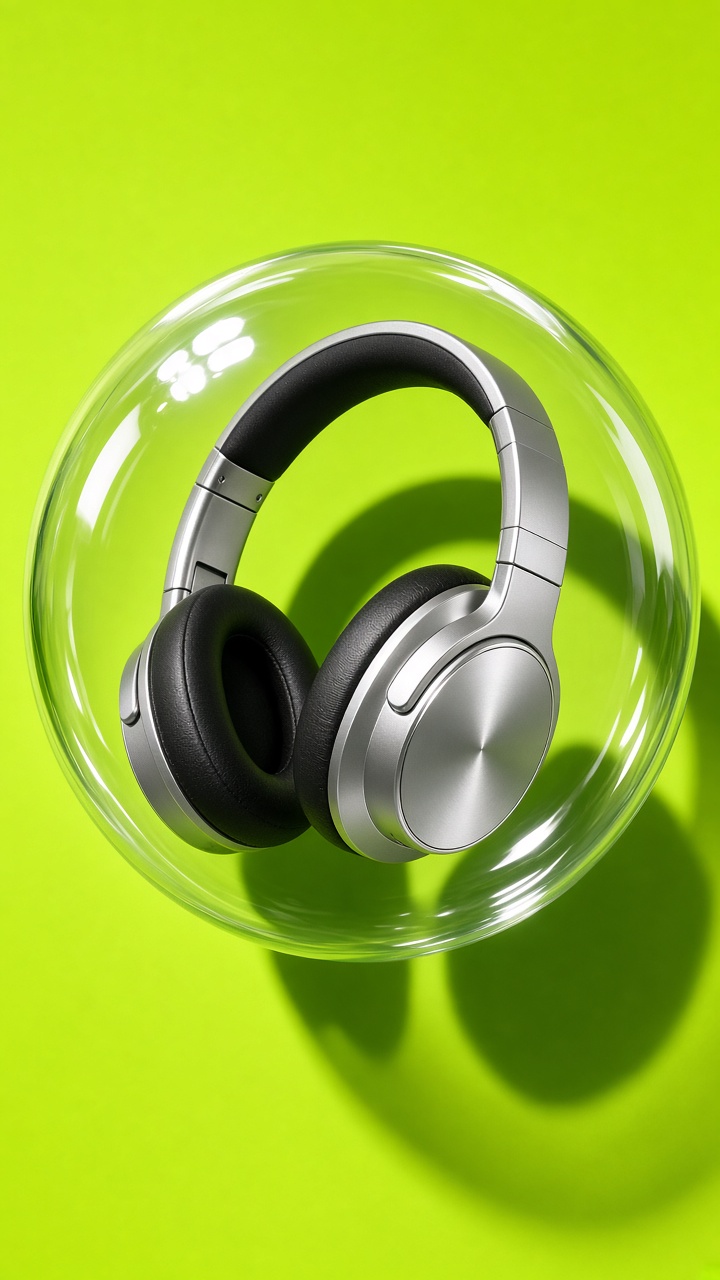
Use a silver or white headphone pair against saturated cobalt, red, or coral. Suspend the product visually in the center of a large clear bubble, then add a compact shadow below it. The shadow matters: it keeps the product from looking pasted onto the background. A hard key light from one side creates a crisp rim along the bubble and gives the metal surfaces definition.
Prompt idea: “silver over-ear headphones floating inside a clear acrylic bubble, cobalt blue studio backdrop, direct flash, sharp rim light, compact shadow, premium product ad, vertical 9:16”
For motion, start with a tight crop on the ear cup. Pull back for half a second to reveal the full sphere, then end on a clean product lockup. This look suits launches, color drops, and short paid social clips where the product must be obvious in the first frame.
2. Electric lime lens
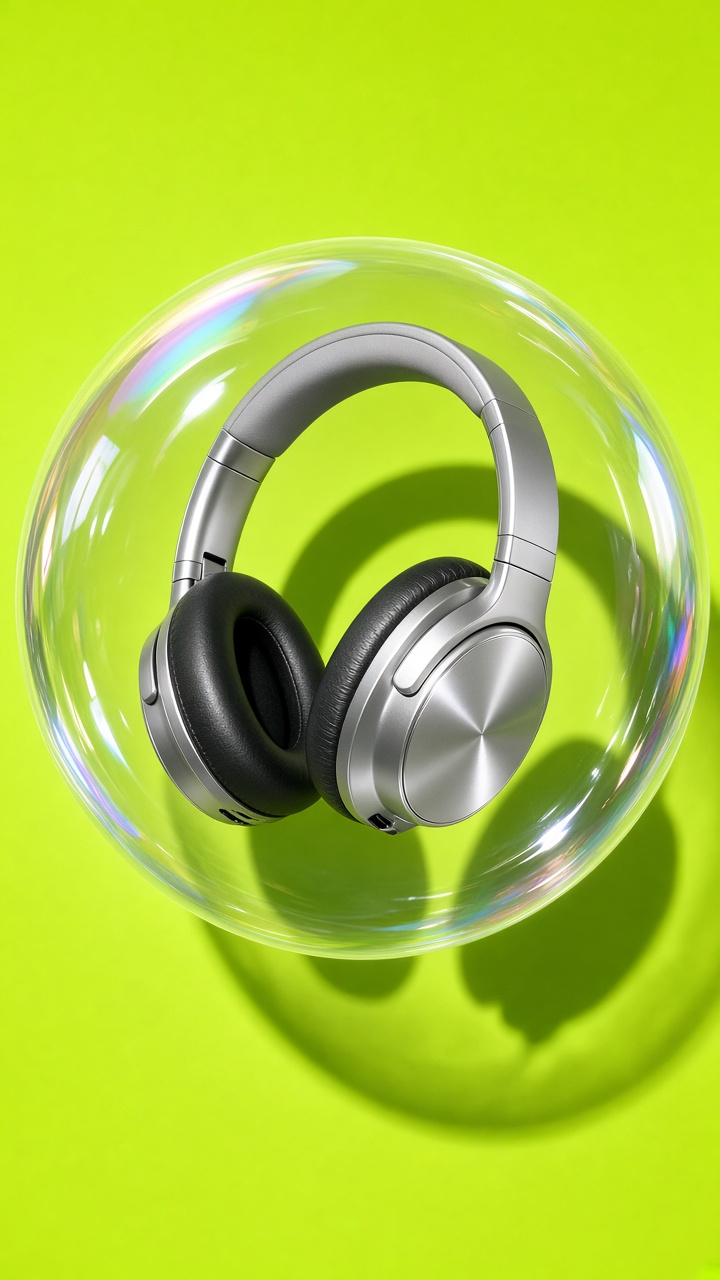
Electric lime makes black, charcoal, and chrome devices pop. Place a compact speaker, charging case, or smartwatch inside the bubble. Let the outer edge of the sphere distort the background a little, but keep the device face-on and clean. A bubble product effect should add energy, not hide the screen, buttons, or texture that sell the item.
Prompt idea: “matte black wireless speaker inside a transparent bubble, electric lime green background, glossy reflections, studio flash, sharp product details, playful tech campaign, vertical 9:16”
Keep the surrounding space open. That leaves room for a three-to-five-word benefit line in editing, such as “Big sound. Small case.” Use this version for feature callouts, back-to-school promos, and landing-page hero assets. A quick push-in toward the product also gives a still image enough movement for a six-second ad.
3. Candy-color orbit
For a lighter, more playful version, use two soft colors: peach and lilac, sky blue and butter yellow, or pink and orange. Set the product just off-center and add two smaller bubbles near the edges. The smaller forms should support the main sphere, not compete with it. Keep the main product larger than half the frame.
Prompt idea: “wireless earbuds in an open case inside one large clear bubble, small bubbles orbiting nearby, peach and lilac color field, soft flash, clean ecommerce product photography, vertical 9:16”
This is a good fit for earbuds, portable lights, phone grips, and creator gear. In video, animate the small bubbles on slow curved paths while the product stays steady. That contrast makes the object feel reliable while the scene stays fun. Avoid too much blur; customers still need to inspect the product shape.
4. Glass portal reveal
Make the bubble behave like a portal rather than a container. Start with a plain colored field. A glass sphere expands from the center and reveals a product with a different texture or color behind it. A purple background can open onto a silver smartwatch; a warm orange field can reveal a cool blue accessory. The shift gives a bubble product effect a clear before-and-after beat.
Prompt idea: “clear glass sphere opening like a portal to reveal a silver smartwatch, violet outer background, icy blue interior light, precise reflections, clean commercial product shot, vertical 9:16”
Use the reveal at the beginning of a product demo, then cut to close-ups of the controls or finish. It also works for seasonal recolors because the same composition can carry several colorways. Keep the transition under one second. Slow reveals lose the payoff on a fast feed.
How to make the look from one product photo
- Choose a clean source image with the full product visible. Avoid hands, busy rooms, and heavy reflections.
- Pick one background color that contrasts with the product. Dark devices need bright ground; pale devices need richer color.
- Describe the bubble material clearly: transparent acrylic, glass sphere, or clear inflatable vinyl. Each gives a different reflection pattern.
- State where the product sits: centered, slightly above center, or viewed through the sphere. This prevents a vague composition.
- Ask for direct flash or a hard rim light, then check that the brand mark and key features remain readable.
- Export a vertical crop first. Build square and landscape versions from the same composition after the hero frame works.
For placements and file choices, check Google Ads guidance on ad formats and best practices before preparing final campaign assets. Keep text in the edit layer, not baked into the generated image, so each format can use the same product scene.
Styling and production tips
Use one dominant light direction. Multiple bright reflections on the bubble can turn into visual noise, especially on a phone screen. If the product has a display, point the strongest highlight away from it. If it has a glossy black finish, add a thin pale reflection along one edge to separate it from the background.
Test the image at thumbnail size before making a video. If the product disappears, make the bubble larger, simplify the backdrop, or increase product contrast. The best bubble product effect reads as product first, visual surprise second. That order keeps the creative useful for both organic posts and performance ads.
Need more product-ad ideas? Browse the VideoMagic blog for practical looks built around simple source photos.
Make this for your own products in VideoMagic
Turn a plain product photo into scroll-stopping video – free to start.