
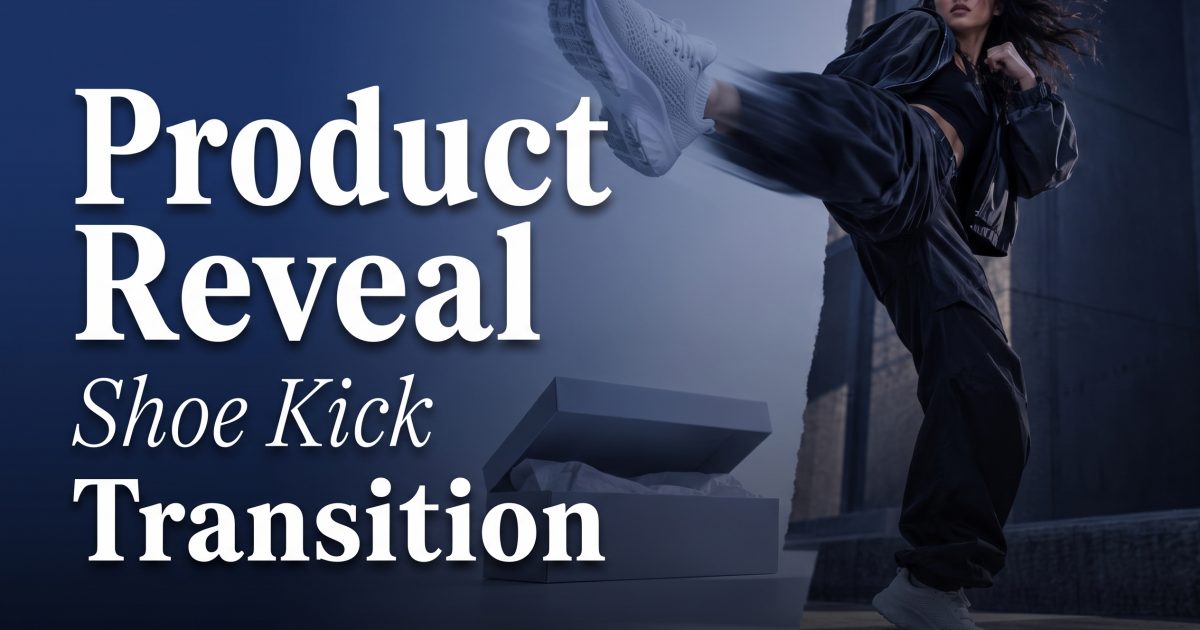
Product reveal video formats work best when the first frame makes people pause. The shoe kick transition does that without a complicated setup: a sneaker, heel, or boot hangs in the air for a beat, then the kick lands and the next look takes over. The movement gives a colorway, bundle, or styled product a clean entrance.
The shoe kick trend is built for outfit changes, but it also makes a useful product reveal video for sellers. Use it to swap a basic packshot for a new finish, show a product outside its box, or move from detail to lifestyle. The first clip creates a question. The second clip answers it with a product people can actually see.
Why this product reveal video holds attention
The opening pose gives the viewer a small piece of suspense. Is the shoe going to hit the floor? What changes when it does? That pause earns the next second, where the product needs to be clear. Trend reporting from Clipchamp lists the shoe kick transition among current short-form formats, but a seller should treat it as a framing device, not the whole ad.
Keep the camera locked for both clips. Match the shoe height, kick direction, lens, and exposure. Let the shoe cross the lens or land near the box at the cut point. A short impact sound can sharpen the edit, but the product reveal video still needs to work on mute. Add captions only after the reveal, when the viewer has a clear image to read.
4 shoe kick product reveal video looks
1. The colorway switch
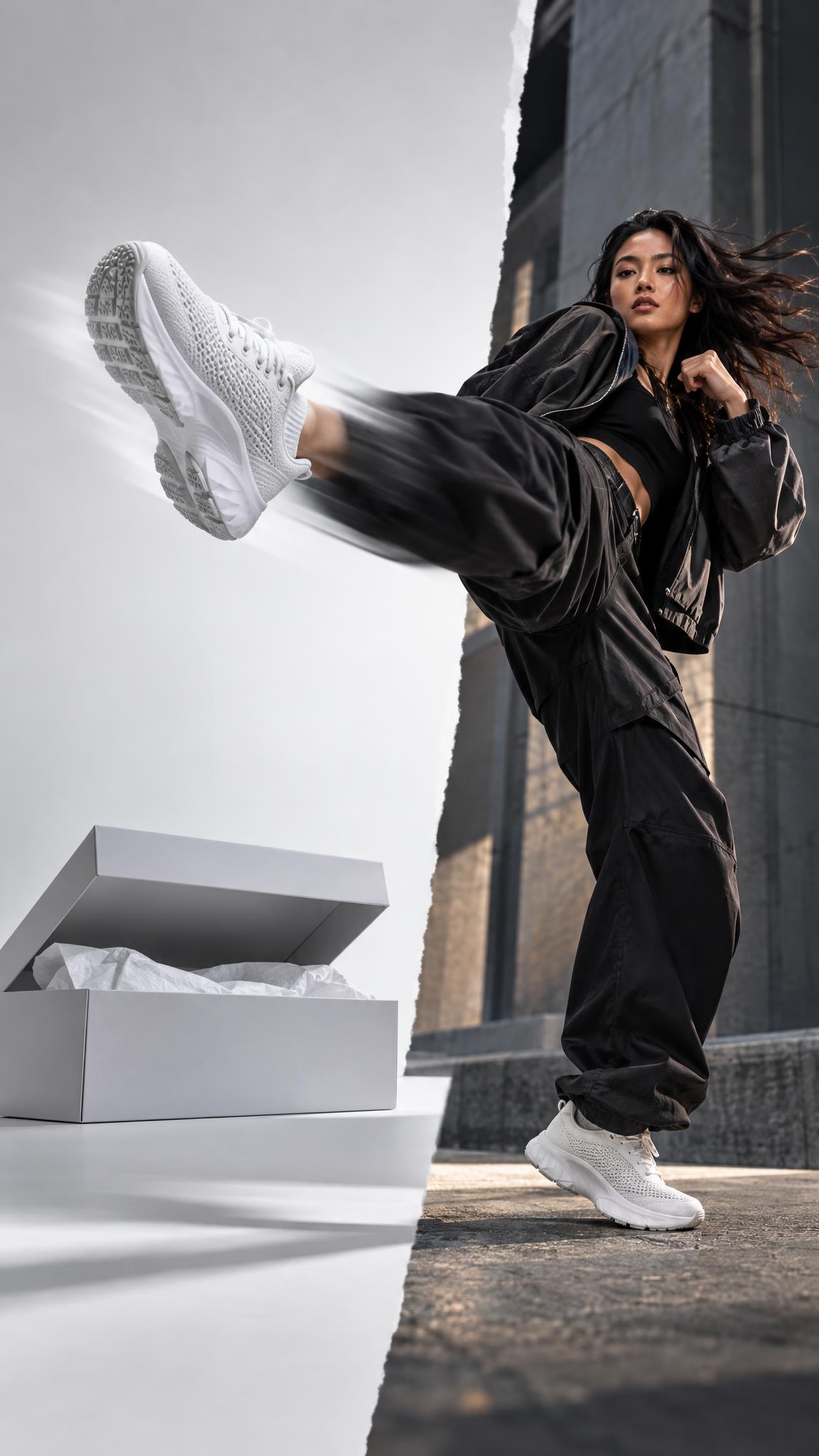
Start with a neutral shoe and a plain box. On the kick, swap to the bold colorway against a backdrop that pulls one shade from the product. This format suits footwear, phone cases, water bottles, and cosmetics with several shades. The new version should take up more of the frame after the cut so the change reads before a viewer scrolls.
How to make it: Shoot the first clip with the neutral item centered. Record a second clip from the same tripod position with the brighter item in place. Cut while the shoe fills the frame, then hold the new colorway for at least one second. For an AI-assisted starting frame, try: “vertical ecommerce product ad, white sneaker and shoebox on pale gray studio floor, direct flash, clean shadows, space for a shoe kick transition.” Change only the color and background in the reveal prompt.
Use this when a restock or seasonal color needs its own paid-social asset. Put the shade name in small text after impact, then end on a tight logo or texture shot.
2. The styled payoff
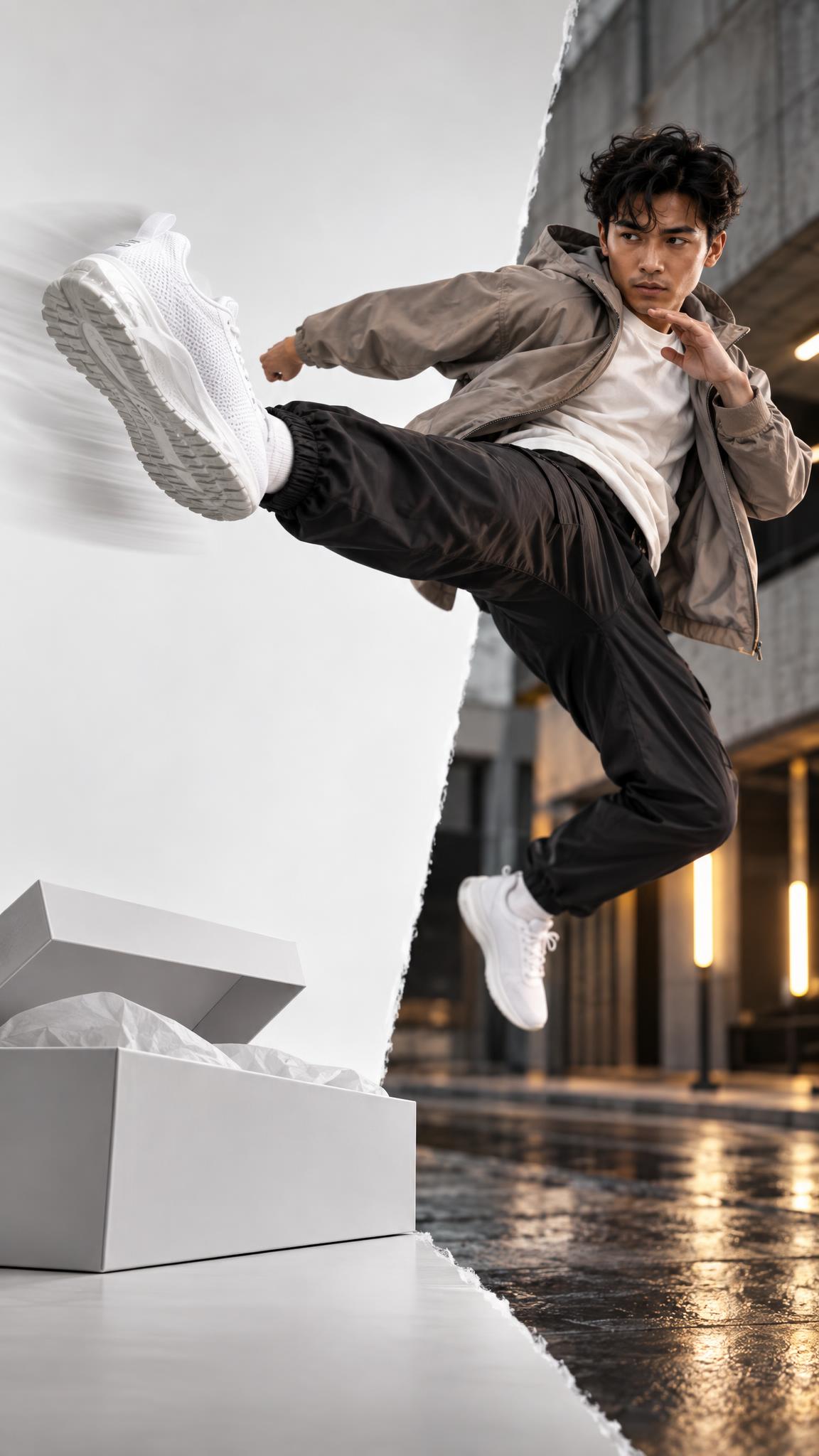
Use the first shot as a close product detail. After the kick, reveal a full outfit or a simple lifestyle setting. The product stays visible, but the second frame shows what it changes. A bag looks more useful on the way out of a cafe. A running shoe reads differently on a track than on a white sweep.
How to make it: Keep the first frame sparse: shoe, box, and one light source. In the second frame, retain the same product position, then widen the scene around it. Prompt idea: “vertical fashion product video frame, runner wearing cobalt trainers on an urban track at sunrise, low camera angle, crisp shoe detail, natural motion, space above for captions.” Match the shoe color, camera height, and light direction to the opener.
This version works best for apparel, accessories, beauty tools, and anything that benefits from context. Keep the setting believable. One location and one action beat are enough; a crowded scene buries the item.
3. The box-to-product switch
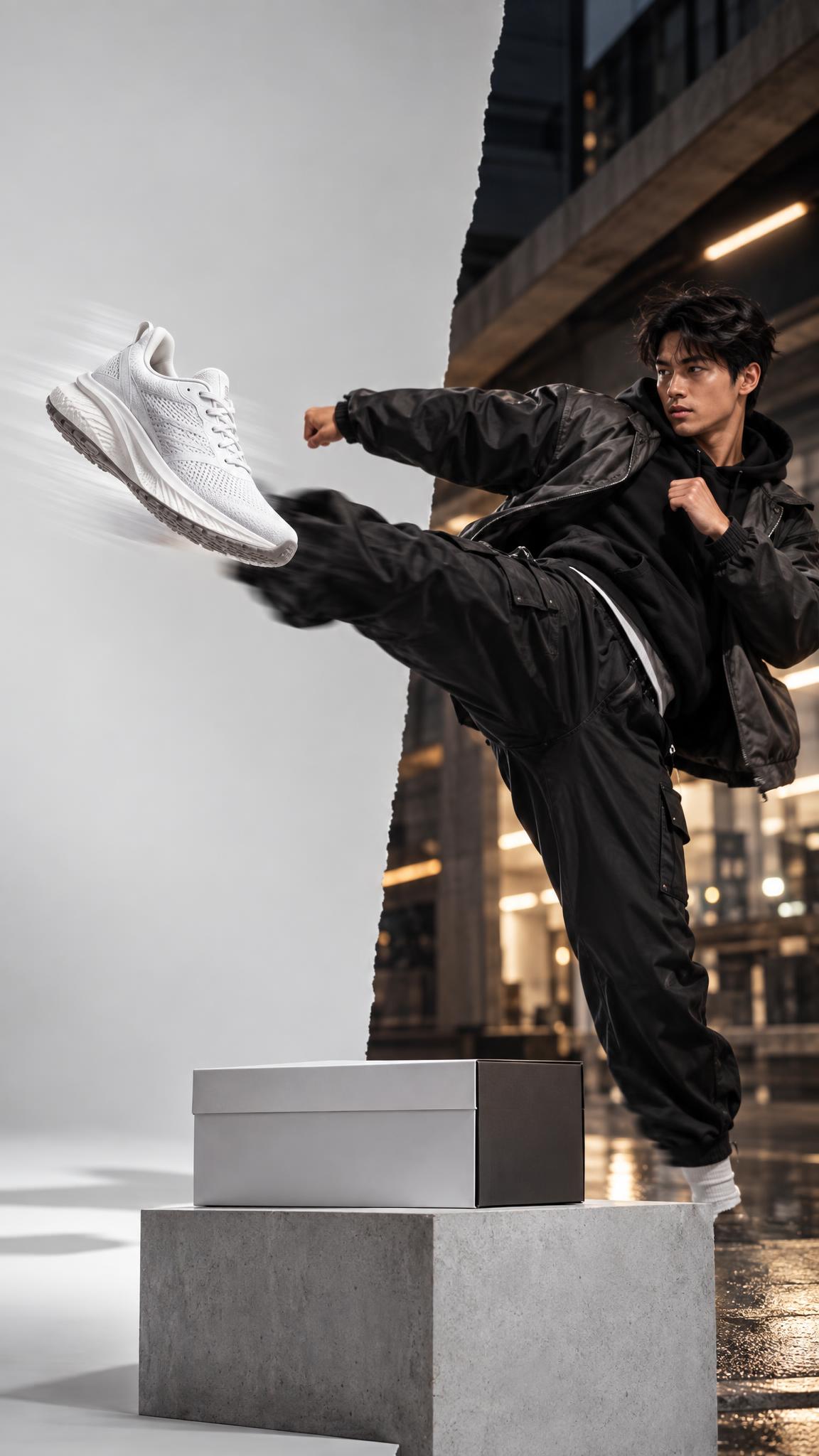
Frame a closed package before the action. At impact, cut to the product out of the box, already posed at the same screen position. That match cut makes the package feel like it opened through the kick. It is a practical product reveal video for launch kits, subscription boxes, gift sets, and any item with packaging worth showing.
How to make it: Mark the center of the box with tape. Use that mark to place the product in the reveal shot. Keep the background and exposure fixed. Prompt idea: “vertical premium unboxing product frame, matte black shoe box on charcoal studio surface, one white sneaker standing where the box was, hard side light, subtle motion blur at the edges.” Avoid asking for too much action in the reveal; the edit supplies the movement.
Add one benefit line after the switch, such as “Cushioned for every day” or “Gift-ready in seconds.” Keep it to five words if possible. The product name, price, and CTA can arrive in the final card.
4. The premium drop
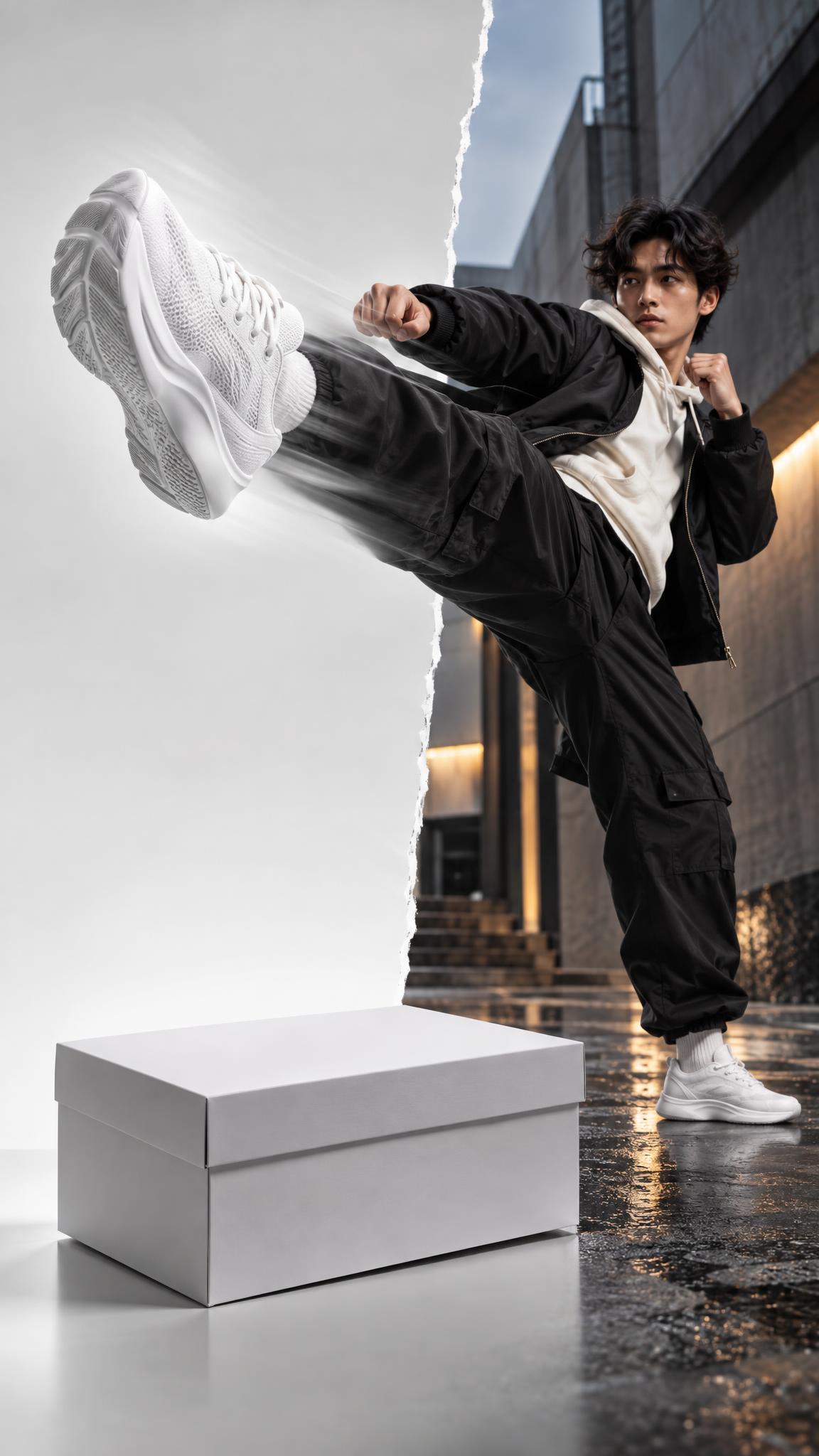
Use a darker backdrop, harder side light, and a slower kick. The transition becomes more editorial and less playful. It suits limited editions, gift sets, leather goods, fragrance, and higher-priced products that need a deliberate pace. Let the item settle in frame instead of cutting again immediately.
How to make it: Place a small key light to one side and keep the opposite side dark. Shoot at 60 fps if the camera allows it, then slow only the kick before the cut. Prompt idea: “vertical luxury footwear campaign frame, black leather boot on deep espresso backdrop, narrow hard side light, glossy floor reflection, rich texture, restrained editorial mood.” Keep any reflection below the product, not across the logo.
Use a restrained soundtrack here. A low thump, a single footstep, or no sound at all can feel more expensive than a busy transition effect.
How to shoot the product reveal video
Record the starting pose first. Mark the shoe position with tape so it can be repeated. Film the reveal with the same lens, framing, white balance, and exposure. The cut should happen while the shoe blocks the lens, or on impact. Capture three takes before changing the set. One clean take is usually better than trying to repair a mismatched kick.
Leave room for vertical cropping. Shoot 9:16 for Reels, TikTok, and Shorts, and keep the product near the center 60% of the frame. Avoid a busy background, tiny label copy, or a hand covering the item. If the kick goes from left to right in the opening, maintain that direction in the reveal. Breaking screen direction makes the product feel like it jumped rather than transformed.
Finishing details that sell
Make the product readable within the first second after the cut. Show its front, a recognizable texture, or the color that matters. Put benefit copy on screen after the impact, never before. For a 7-second ad, use two seconds for the setup, one second for the kick, three seconds for the reveal, and one second for the CTA.
Export one clean version and one version with captions. Test the clean cut as an organic Reel, then use the captioned version for paid placements where viewers need the message without sound. For more short-form ideas, browse the VideoMagic effects and templates.
Make this for your own products in VideoMagic
Turn a plain product photo into scroll-stopping video – free to start.




