

Miniature product world ads make an everyday item feel like the setting of a tiny film. A serum bottle becomes a greenhouse. A shoe becomes a bridge. A coffee tumbler turns into a campsite. The product stays clear, but the scale shift gives people a reason to stop scrolling.
This look works because it makes the product the main character without falling back on a flat studio shot. It gives a seller one strong visual idea that can stretch across a launch post, a paid social ad, and a short video sequence.
Why miniature product world ads hold attention
The trick is contrast. Viewers understand the object in one glance, then notice the tiny people, props, and story around it. That second glance is valuable. It gives a product ad more texture than a standard cutout while keeping the item at the center.
Miniatures also solve a familiar content problem. A brand may have one packshot and no budget for a location shoot. Instead of pretending the product belongs in a generic lifestyle scene, build a small world that fits its promise. A hydration product can sit in an alpine camp. A beauty item can live in a dreamy city street.
4 miniature product world ad ideas
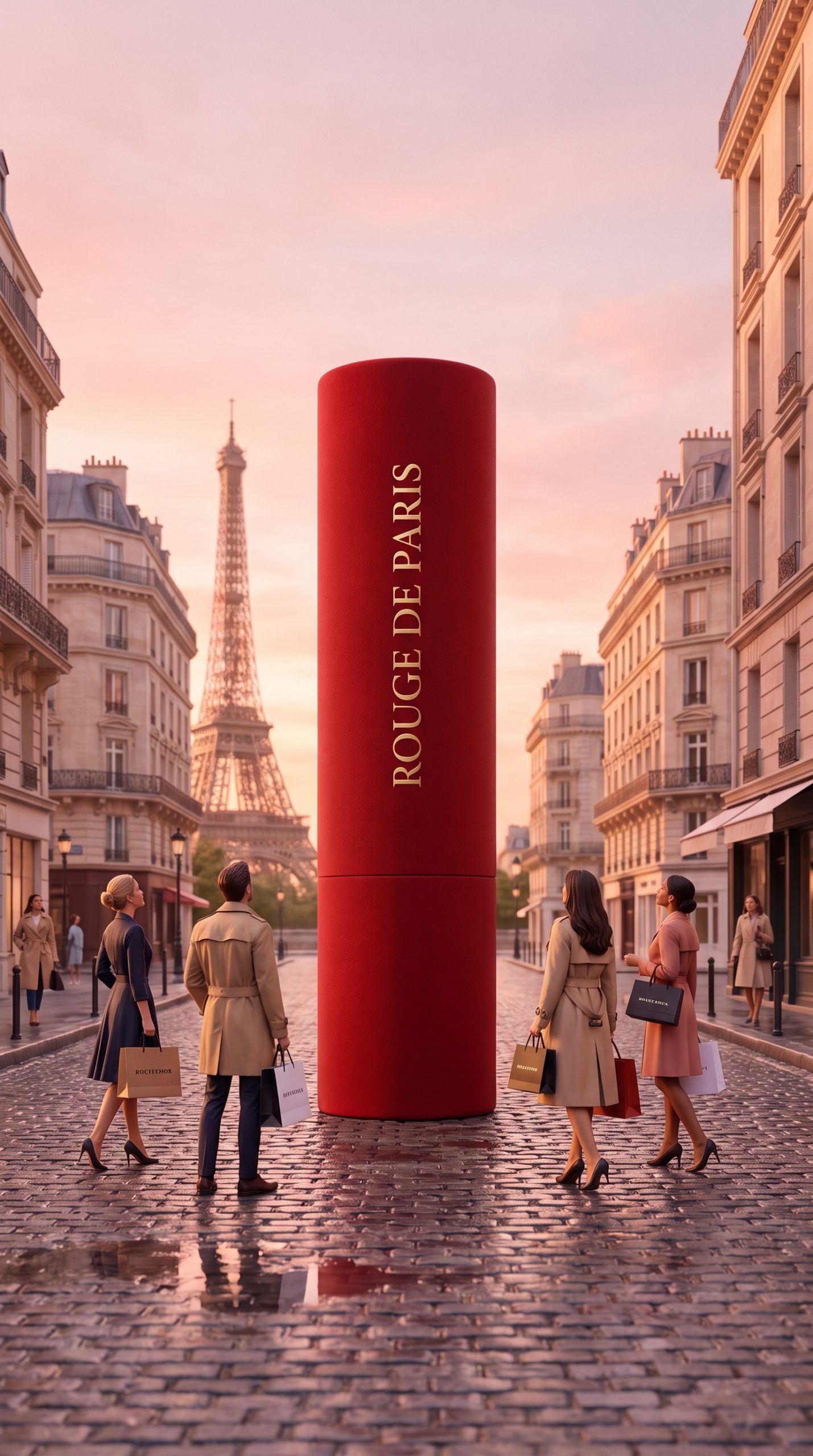
1. Beauty on a tiny city street
A lipstick can become a landmark. The tall silhouette creates an instant focal point, while cobblestones, shoppers, and warm evening light make the frame feel lived in. This direction suits shades, fragrance, nail color, and small accessories. Keep the label facing camera and leave open space near the top for a short offer or product name in the finished ad.
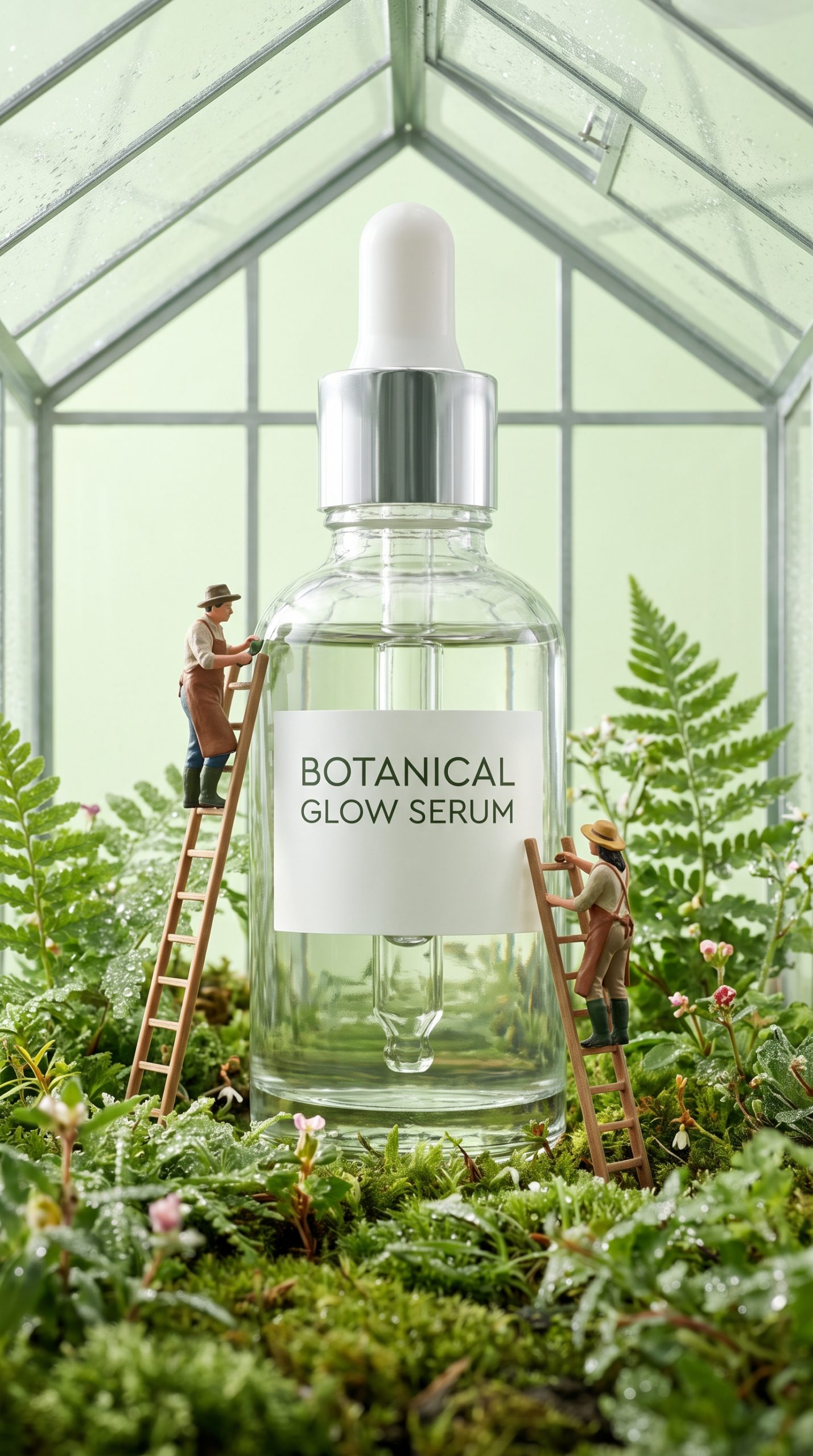
2. Skincare as a greenhouse
For skincare, let the ingredients suggest the world. A clear serum bottle set among oversized leaves and tiny gardeners feels fresh without using the usual bathroom shelf. This miniature product world scene also makes room for texture: condensation, glass reflections, soil, and soft morning light. Those details help a clean formula look tactile on a small screen.
3. A running shoe as the route
Sports products need motion, even in a still. Put a shoe across a boardwalk or trail like a bridge and add tiny runners moving below it. The idea is simple: the product changes the route. Use bright daylight, sharp shadows, and a low camera angle. The miniature product world format gives an active product an ad concept before any video starts.

4. A tumbler at base camp
Outdoor gear often looks best when it earns its place in a scene. Here, a tumbler rises beside a miniature campfire at blue hour. Steam and metal reflections do the heavy lifting. This is a useful test for a miniature product world image because small people, firelight, fog, and stainless steel can quickly look messy. A clean composition keeps it premium.

Keep the product believable
Start with a clear product photo. Show the front label when it matters. Match the tiny world to one product benefit, not every benefit at once. A scene gets weaker when it tries to explain hydration, sustainability, travel, and color options in a single frame.
Set one non-negotiable detail before creating the image: bottle shape, sole pattern, cap color, or logo placement. Then choose a simple story. That gives the creative room to be playful while still helping shoppers recognize what they can buy. Image tools that support text-to-image and image editing make this kind of controlled art direction practical; Google DeepMind describes its Gemini image work here.
Turn the still into a product video
One miniature product world image can become a useful shot list. Begin wide so the whole scene reads. Push in toward the product. Add a gentle movement for the tiny people, steam, leaves, or water. End on a clean product close-up with the offer. The visual idea stays consistent, but the motion creates four distinct beats for a short vertical ad.
Make two or three versions before choosing a winner. Change the setting, lighting, or product colorway, then compare saves and click-through rate. A small shift can reveal whether shoppers respond more to the fantasy setting or the product benefit.
Make this for your own products in VideoMagic
Turn a plain product photo into scroll-stopping video – free to start.








1 Comment