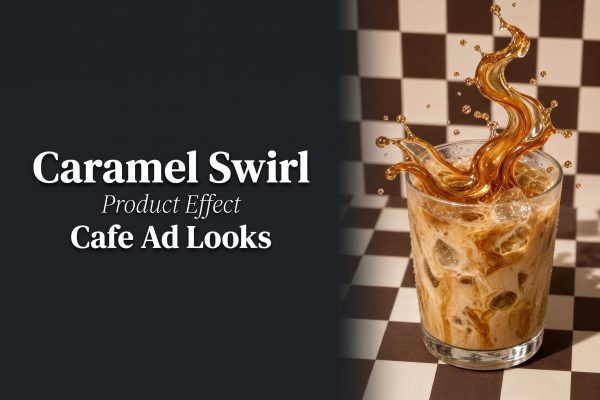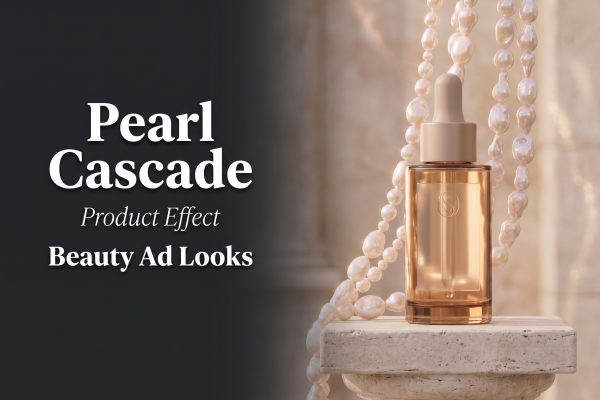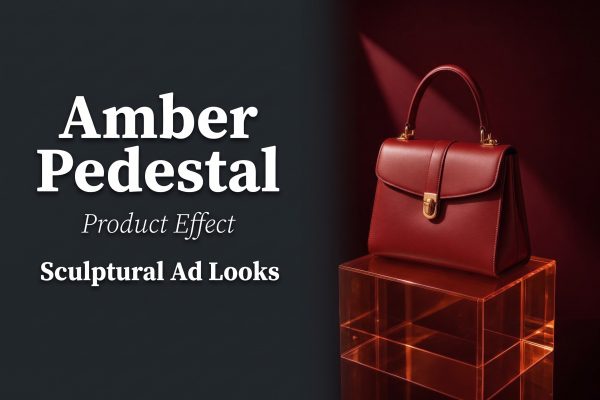
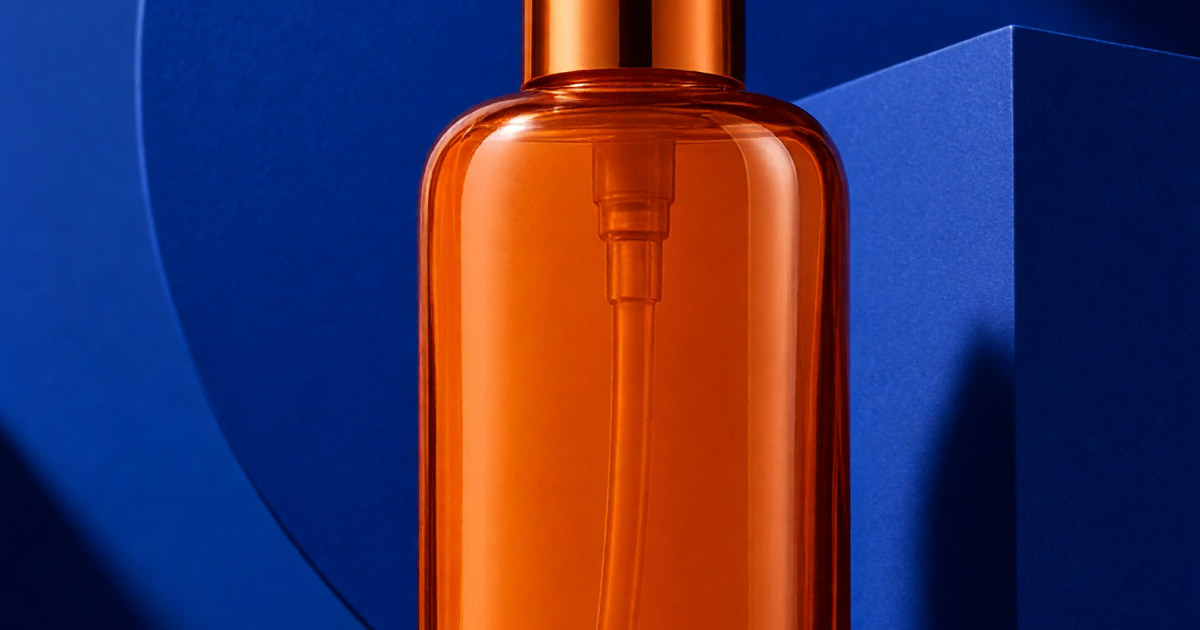
Graphic product poster effect turns a plain packshot into a high-contrast launch visual with oversized color fields, sculptural forms, and a deliberate reading path. It is useful when a product needs to look like a campaign idea, not just another catalog image. The strongest versions use one hero object, one visual tension, and enough open space for a short message.
For sellers, this look can stretch far beyond one post. The same art direction can become a reel cover, product-page banner, paid-social opening frame, email header, and collection thumbnail. Start with a clear packshot, then build the graphic world around it rather than burying it in decoration.
Why graphic product poster effect works
A good poster frame gives the eye a sequence: statement, product, then small detail. That order matters on mobile, where viewers decide quickly whether an ad is worth another second. Graphic shapes make a packshot feel intentional, while a short headline gives the viewer a reason to care.
Keep the product accurate. Correct color, proportions, label placement, and finish are more important than an elaborate background. Use one main contrast: warm product against a cool field, a light object against a deep field, or a glossy object against matte paper-like texture. Too many competing treatments make the frame look like a collage.
A reliable starting prompt is: graphic product poster effect for a [product], large sculptural color blocks, [two-color palette], centered accurate packshot, crisp directional studio shadow, premium editorial campaign, clear negative space for headline, no logo distortion. Change the palette, form, or lighting one at a time when testing variants.
4 graphic product poster effect launch looks
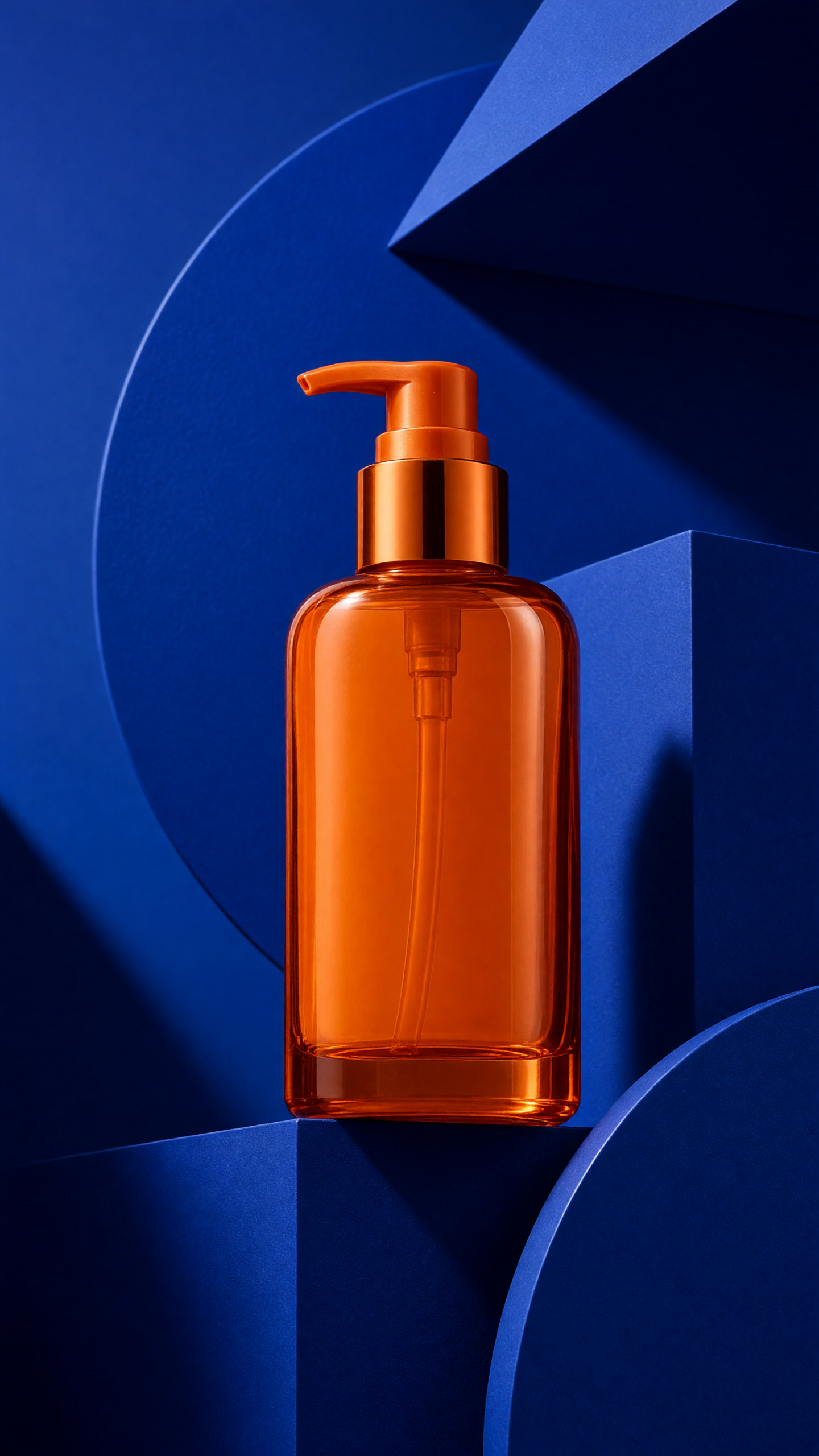
1. The color-block hero
This is the cleanest route: use two flat fields or a large geometric split behind the product. It works when the product has a recognizable colorway, such as a lipstick, sneaker, candle, drink, or phone accessory. The background should support that color, not match it so closely that the product disappears.
How to make it: select one brand-adjacent color and one opposing accent. Position the packshot where the fields meet, then use a hard shadow or slim plinth to stop it from floating. Add one launch message after the visual is working at thumbnail size.
Prompt idea: graphic product poster effect for a lime green sparkling water can, cobalt and cream color blocks, can centered at the color boundary, sharp midday shadow, glossy premium packshot, vertical social ad.
Best use: new flavors, limited colorways, launch countdowns, and a collection landing-page hero.
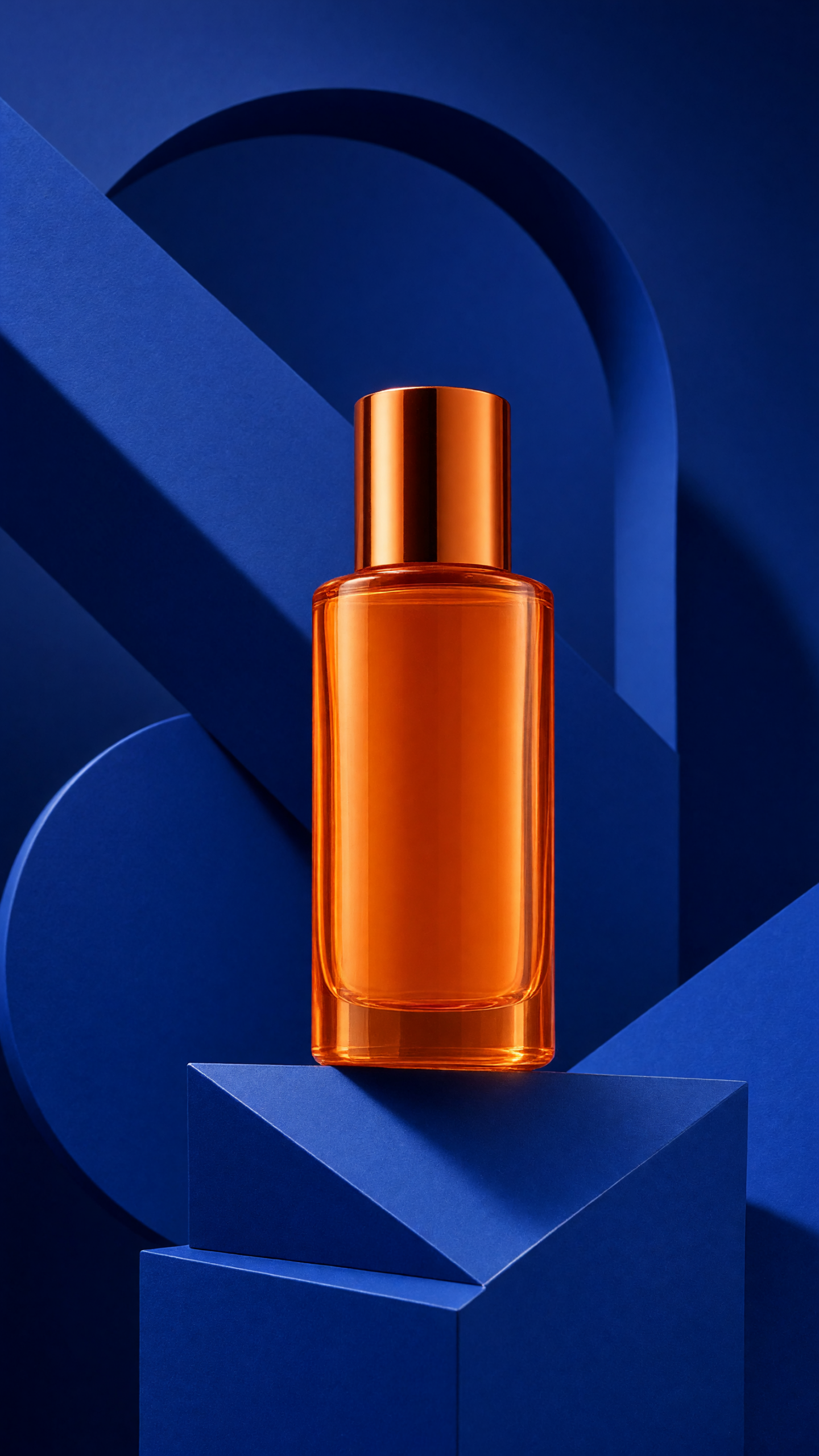
2. The sculptural frame
Use an arch, cut-out circle, oversized ribbon, or stacked cylinder to frame the product. This creates depth without a literal lifestyle scene. It is a good option for compact products that need more presence, including skincare, small electronics, fragrance, and snack packaging.
How to make it: choose one shape family and repeat it once or twice. Keep the product cleanly separated from the background, and make the framing object slightly softer or less saturated than the product. If a shape overlaps the item, it should never cover the label or key feature.
Prompt idea: editorial poster for a rose glass skincare serum, oversized peach arches and a single chrome sphere, soft hard-light shadow, product label clear, modern beauty campaign, generous negative space.
Best use: premium product introductions, editorial carousels, and gift-set promotions.
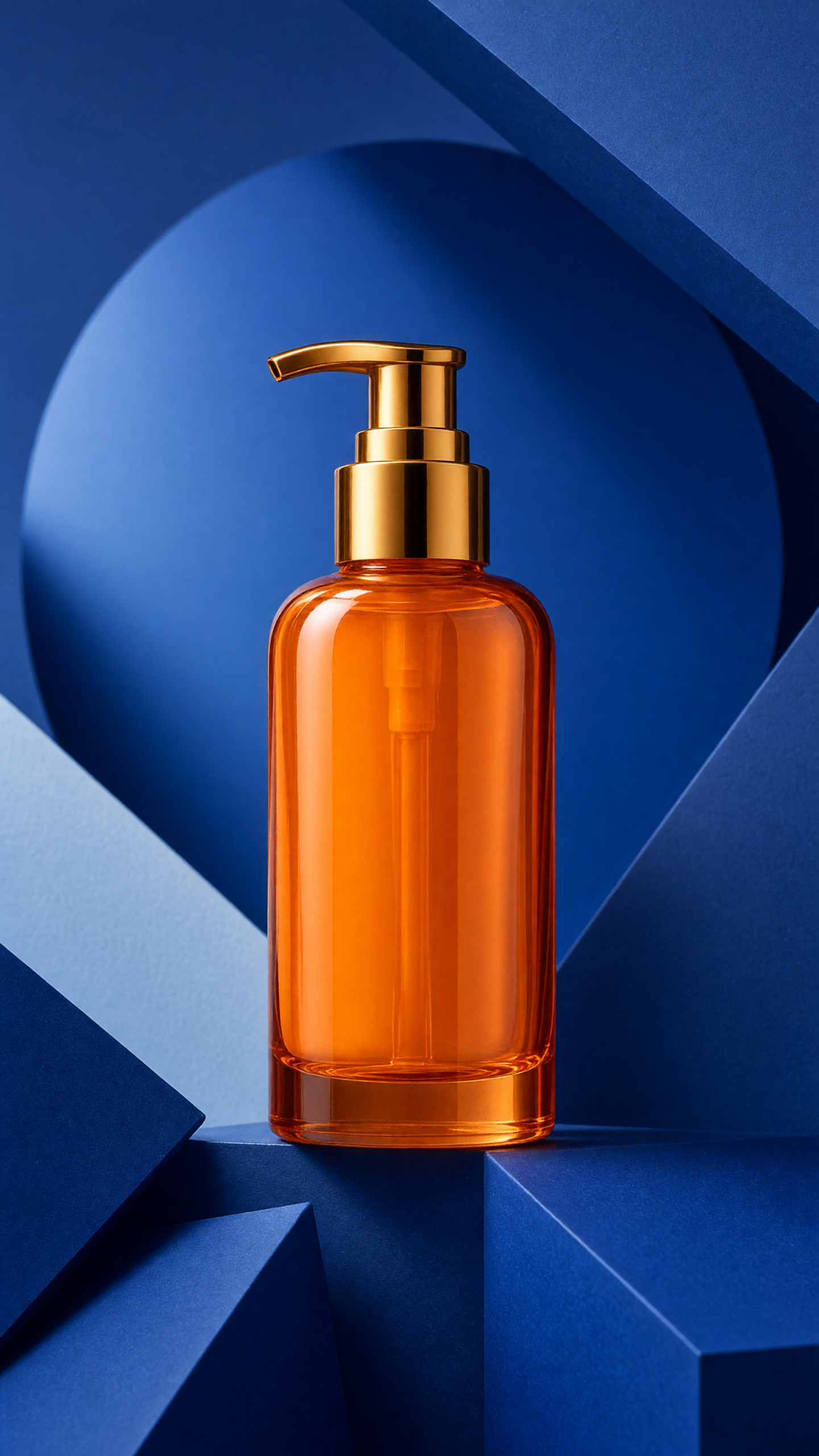
3. The kinetic contrast card
A diagonal cut, offset shadow, or blurred streak makes the static poster feel like it belongs at the first frame of a short video. The motion is implied, not chaotic. Use it to add energy to products linked to performance, travel, refreshment, or an active routine.
How to make it: set the packshot against a calm base color, then introduce one directional element behind it. A diagonal band, a high-contrast shadow, or a single blurred arc is enough. Leave the front of the product razor sharp so the viewer has an anchor.
Prompt idea: high-energy graphic product poster effect for wireless headphones, black product on electric blue background, one diagonal white streak behind product, crisp front-facing packshot, controlled motion blur, campaign lighting.
Best use: paid-social hooks, sale announcements, launch trailers, and sport or tech products.
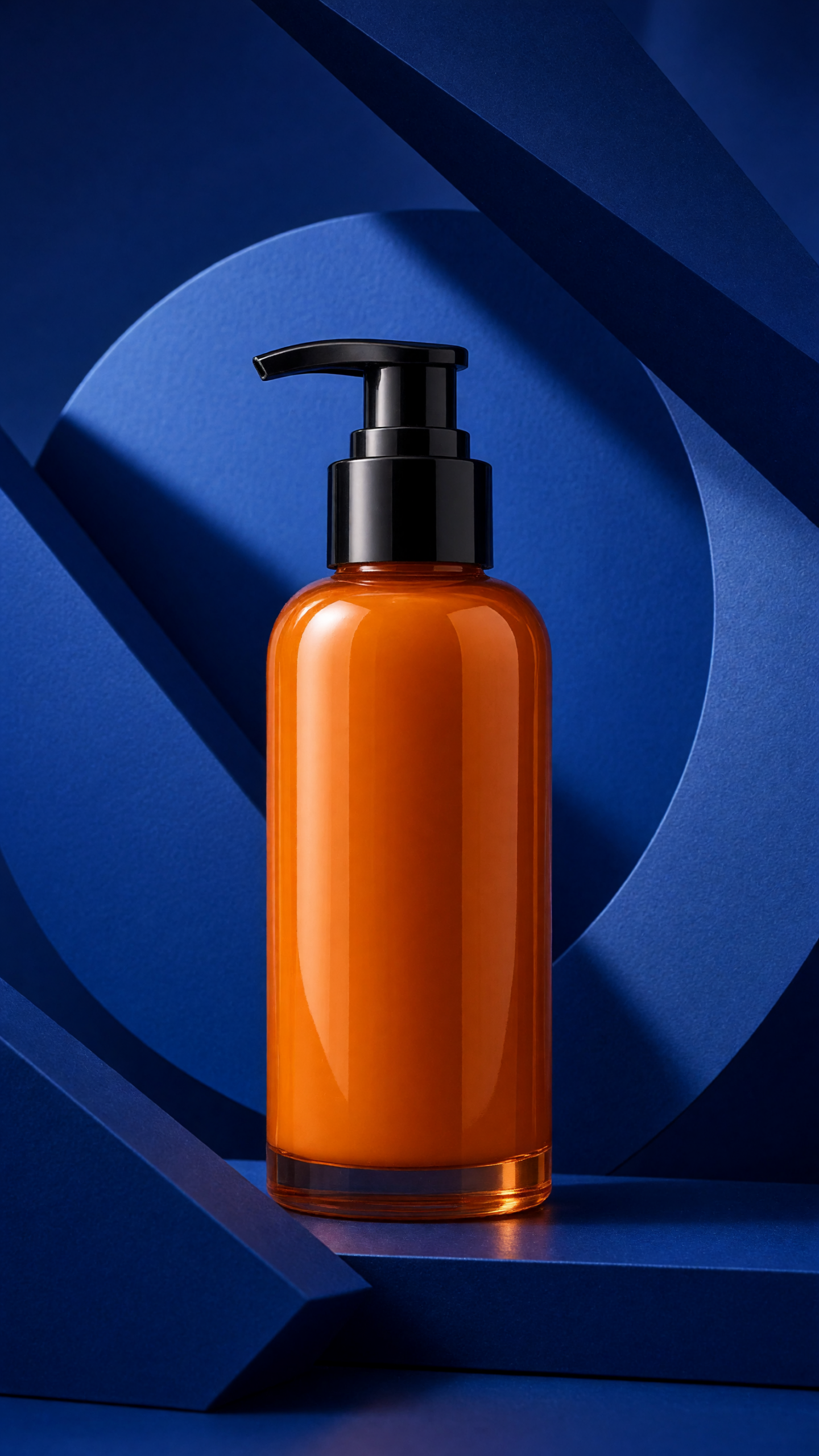
4. The offer-ready editorial panel
This version is intentionally quiet. A product sits in one third of the frame; the remaining space is reserved for an offer, a collection name, or one direct benefit. It proves that graphic does not have to mean loud. The visual system carries the mood while the message remains useful.
How to make it: begin with the actual copy limit for the placement. Use a four-word headline maximum and leave a safe area for buttons or captions. Use a muted field with one small bright accent, then place a clean packshot where it cannot compete with the text.
Prompt idea: minimal graphic product poster effect for a sand-colored insulated bottle, warm ivory backdrop, small red geometric accent, product placed right, soft grounded shadow, clear left negative space, refined ecommerce campaign.
Best use: conversion ads, email banners, product-page modules, and retargeting creative.
Production tips for graphic product poster effect
Build for the smallest screen first. Check the frame at vertical story size and at a small feed thumbnail. The product name, silhouette, and core claim should still be clear. Keep critical elements away from the upper and lower interface zones used by social apps.
Make two versions before choosing a winner. Test a bright color-block version against a quieter editorial panel. Keep the product, offer, and crop the same so the visual treatment is the variable. Compare thumb-stop rate, saves, product-page clicks, and add-to-cart activity rather than relying only on likes.
For more campaign-ready visual ideas, browse VideoMagic effects and templates. The best poster effect is not the busiest one. It is the one that makes the product feel memorable and easy to buy.
Make this for your own products in VideoMagic
Turn a plain product photo into scroll-stopping video — free to start.