
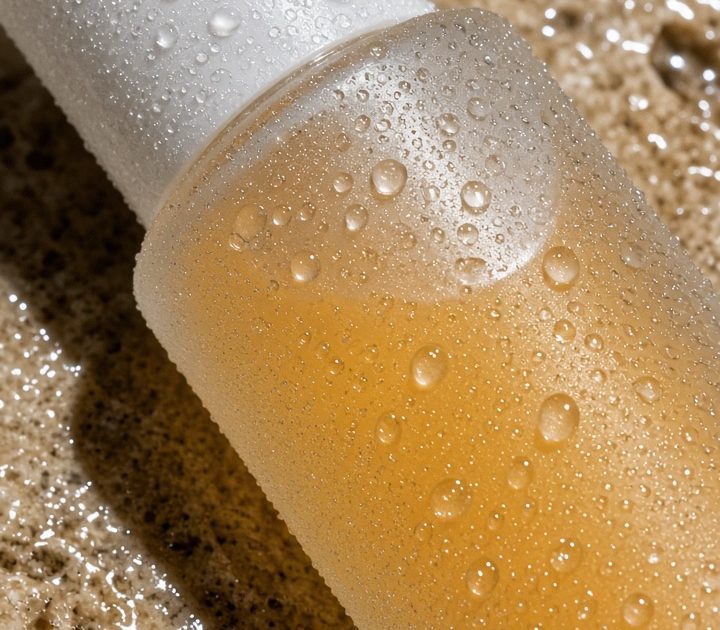
Tactile product photography is taking over the detail-shot playbook. The look crops in close, lets direct flash hit one surface, and makes texture do the selling: water beads, foil creases, knit ribs, fingerprints, and gloss. Recent creator posts are pushing intentional detail shots because they feel immediate, handmade, and less like a catalog grid.
For a seller, that matters. A tight frame gives one product a reason to stop the scroll. It works as the opening frame of a Reel, a carousel cover, or the still beside a launch caption. The aim is not to show every feature. It is to make one material hard to ignore.
Why tactile product photography earns the pause
Clean packshots answer practical questions. Tactile close-ups create a feeling first. Direct flash gives a small object hard edges and bright highlights. A cropped composition removes the room around it. Then a familiar material, such as wet stone or knit fabric, gives the eye something to read.
Use these details between wide lifestyle frames so a feed does not feel flat. They also give ads a quick visual hook: a hand squeezing the tube, a shoe pressing into foil, or a lid catching a flash reflection. The product stays clear, but the surface becomes part of the story.
4 tactile product photography looks to try
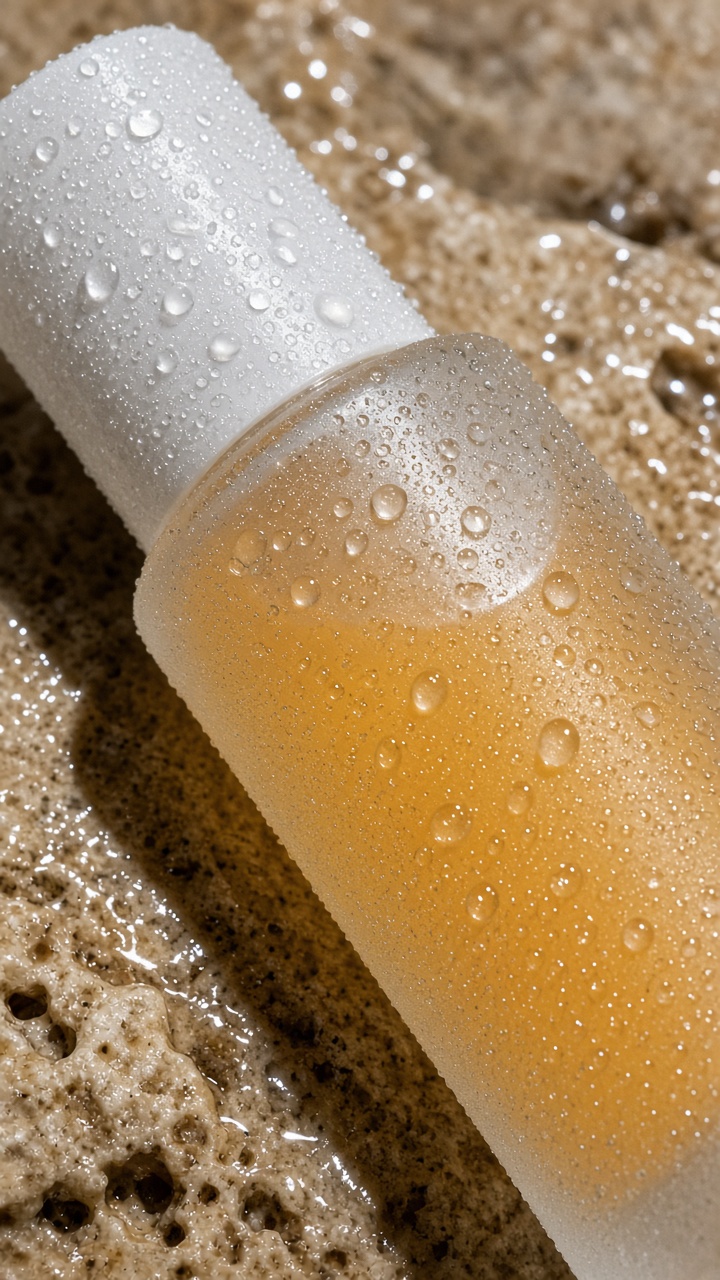
1. Wet surface skincare
Pair frosted packaging with travertine, tile, glass, or a damp counter. One flash reflection is enough. The contrast between matte glass and water makes the product look fresh without turning the image into a spa ad. Leave some hard shadow in the crop. It gives the still a useful edge.
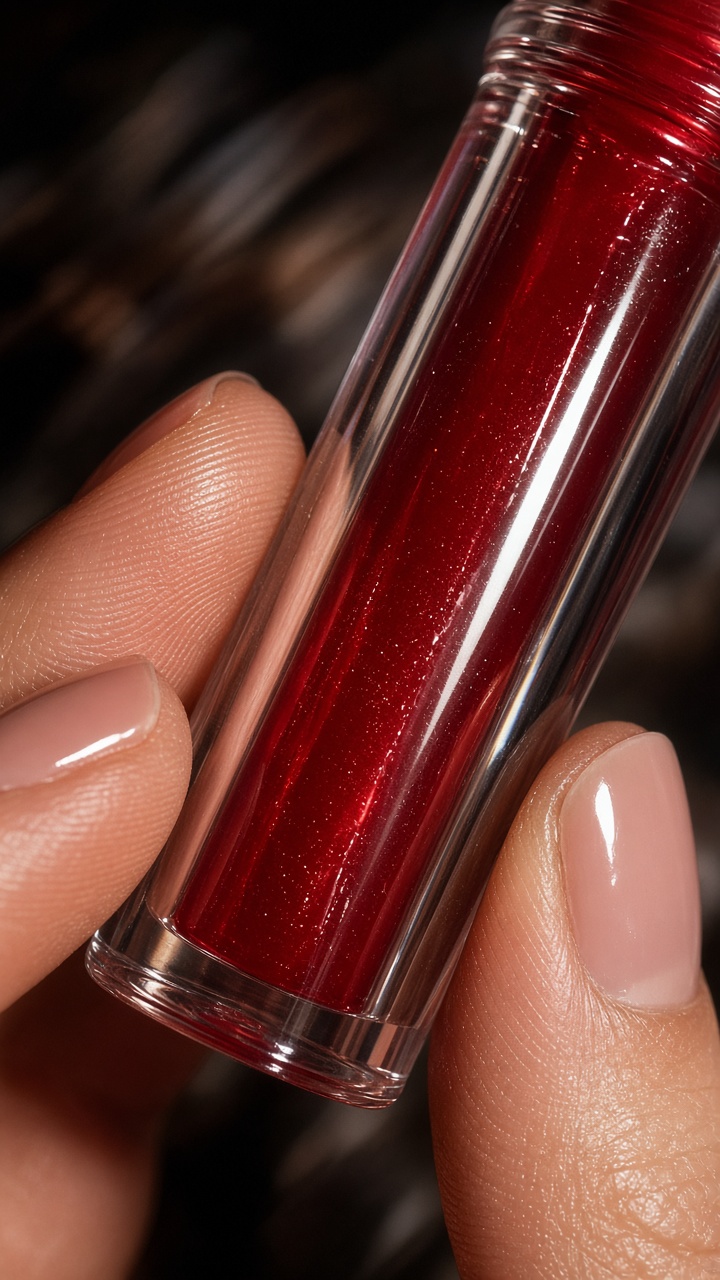
2. Handheld gloss close-up
Hands add scale and movement. Show just enough fingers to suggest a creator shot, not a posed campaign. For makeup, nails, accessories, and small wellness products, a little motion blur can keep the flash image from feeling too perfect. Shoot several frames and choose the one where the highlight lands on the package.
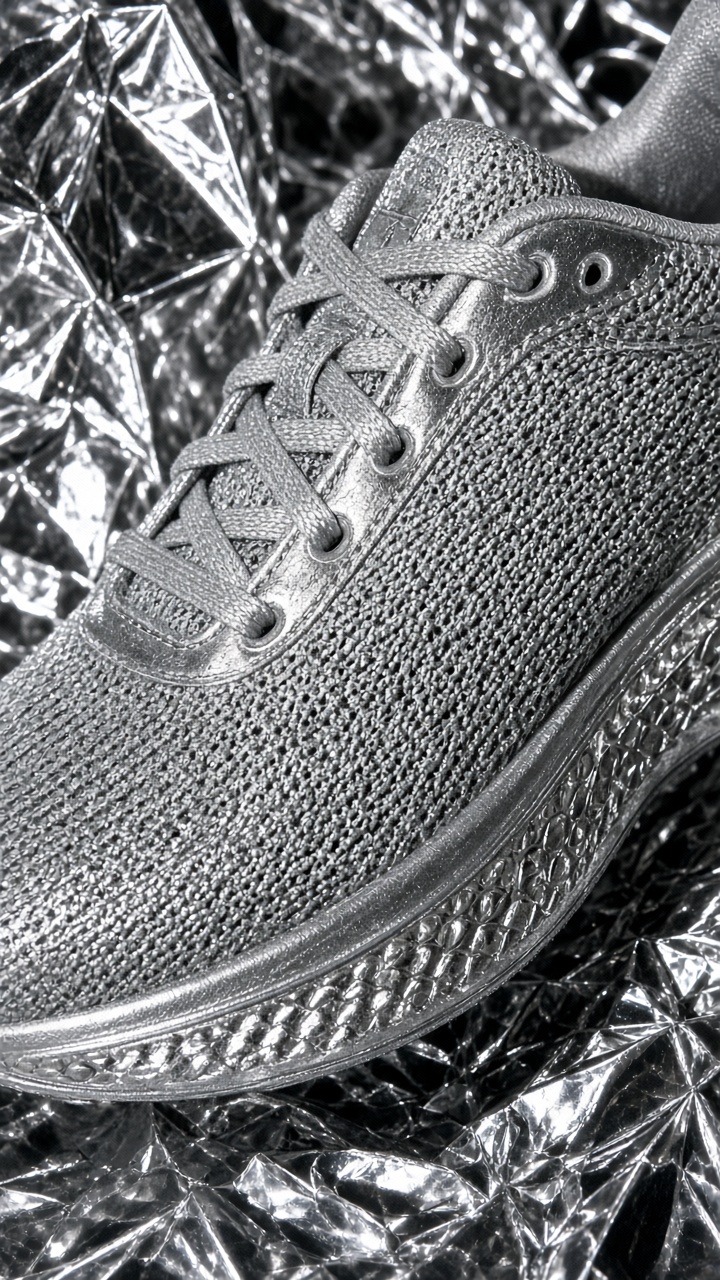
3. Material-on-material contrast
Put a smooth item against a loud surface. A silver shoe on foil, a matte bottle on crinkled paper, or jewelry on denim all create instant separation. Choose one texture that supports the product color rather than competing with it. This trick makes a simple product feel styled even when the frame uses only two things.
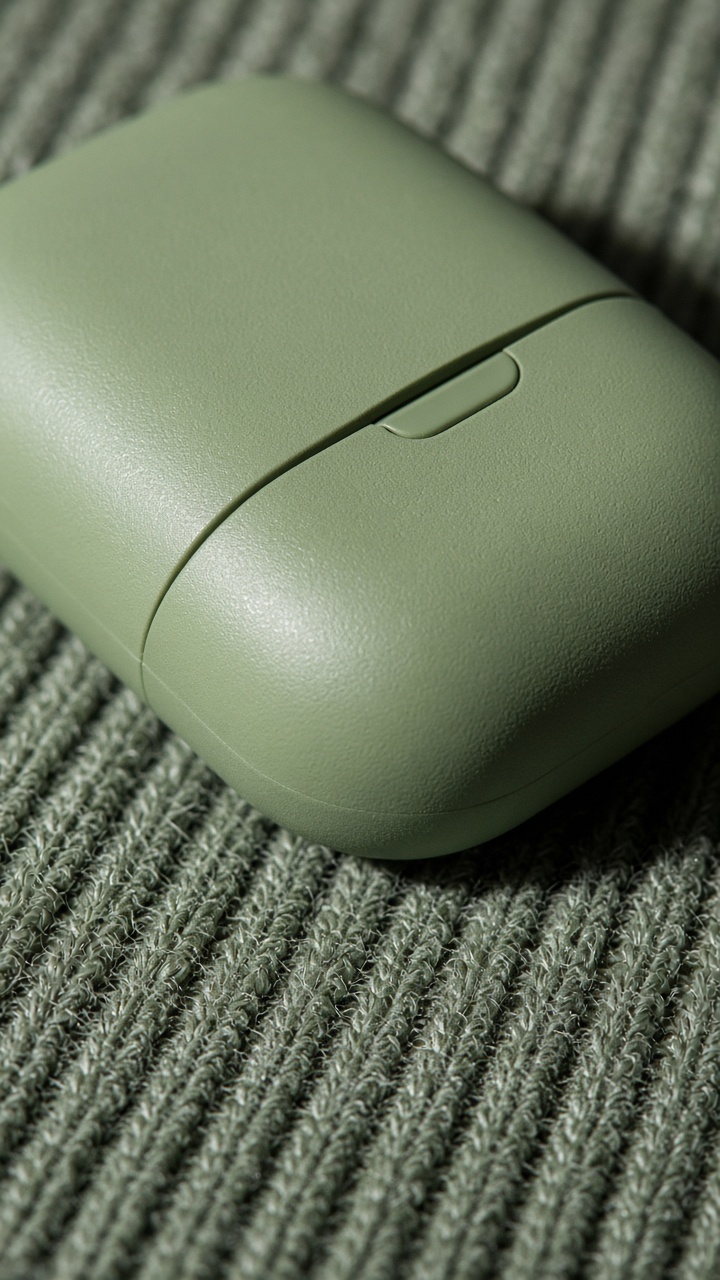
4. Soft texture tech
Tech does not need a white desk every time. Knit, terry cloth, paper, or a textured bag can make compact gadgets feel personal. Keep the product edge sharp and the background soft. That contrast keeps the item readable on a phone screen. It also gives the content a warmer pace between hard product renders.
How to make tactile product photography without a full set
Start with one hero product and one surface. Shoot vertically if the image may become a video cover. Move close enough that the texture fills at least a third of the frame. Use a textured product photography backdrop guide for reference, then check that the product name or signature shape still survives the crop.
Build a simple sequence from the same setup: wide shot, close detail, hand interaction, and one moving frame. That gives a product video editor enough material for a quick reveal without needing a reshoot. Browse the VideoMagic blog for more treatments. The example visuals were created with an image model that supports portrait framing and product prompts; its official model page lists the supported image controls.
The rule is simple: choose a texture with a job. Water signals freshness. Foil signals shine. Knit signals softness. Once the surface says something, the product close-up stops being filler and starts carrying the ad.
Make this for your own products in VideoMagic
Turn a plain product photo into scroll-stopping video – free to start.