
Product reveal effect clips do not need a complicated plot. The deadpan stockpile reveal starts with one ordinary item, then tilts or pans to show an absurd amount of the same thing. It turns inventory into the punchline.
The format works because the opening acts casual. A single can, tumbler, or tube gets a quiet close-up. Then the camera finds a shelf, wall, bag, or color lineup behind it. The surprise comes from scale, while the product stays easy to read. Trend reports for brand teams, including New Engen’s monthly TikTok guide, track this kind of simple, platform-native setup.
Why the product reveal effect feels fresh
Most product ads open on the finished hero shot. This one delays it. Start with one item in a believable place: a kitchen counter, desk, bathroom shelf, car seat, or packing table. The reveal gives viewers a reason to wait through the first second instead of scrolling past it.
The stash needs one clear rule. It should show more of the exact product, not a different prize. That makes the joke useful for a restock, color drop, warehouse delivery, bundle, or gift guide. Keep the opening and final frame in the same lighting. A stockpile that suddenly looks like another shoot breaks the gag.
4 deadpan product reveal effect looks
1. The single-to-shelf tilt
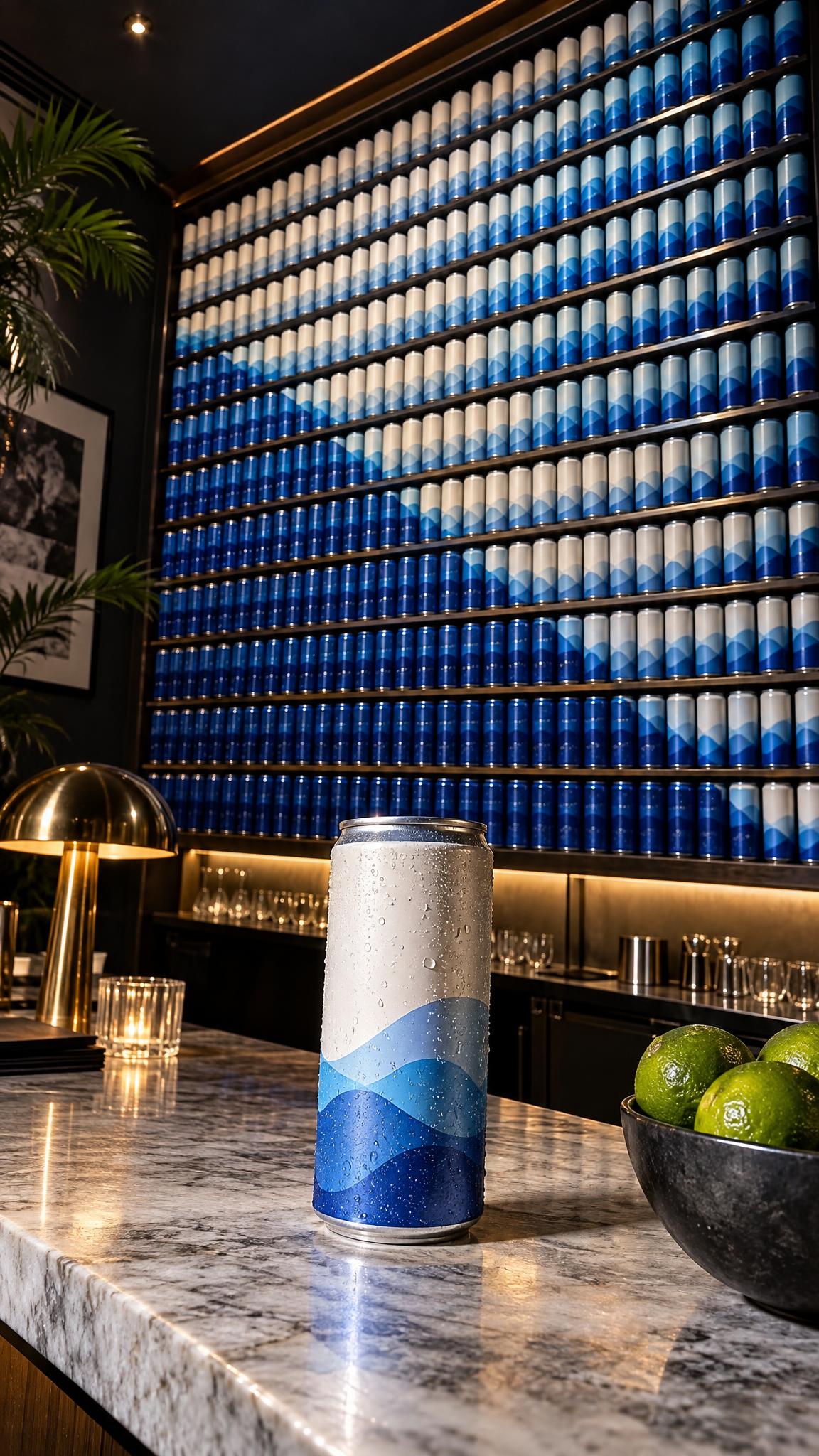
Place one product at the bottom of frame. Hold for half a second, then tilt upward until a full shelf fills the screen. This is the cleanest version for a restock announcement or a flavor collection. Make the first item match the center of the later display, so the eye understands the connection before the move ends.
Example prompt: “One chilled sparkling water can on a white kitchen counter, camera tilts up to reveal a full wall of identical cans on open shelves, natural morning light, dry product-ad humor, vertical video.” Use a slow tilt for premium packaging. Set the final frame for a clean read of the label, then add a short caption such as “Apparently one was not enough.”
2. The flash-stockpile reveal
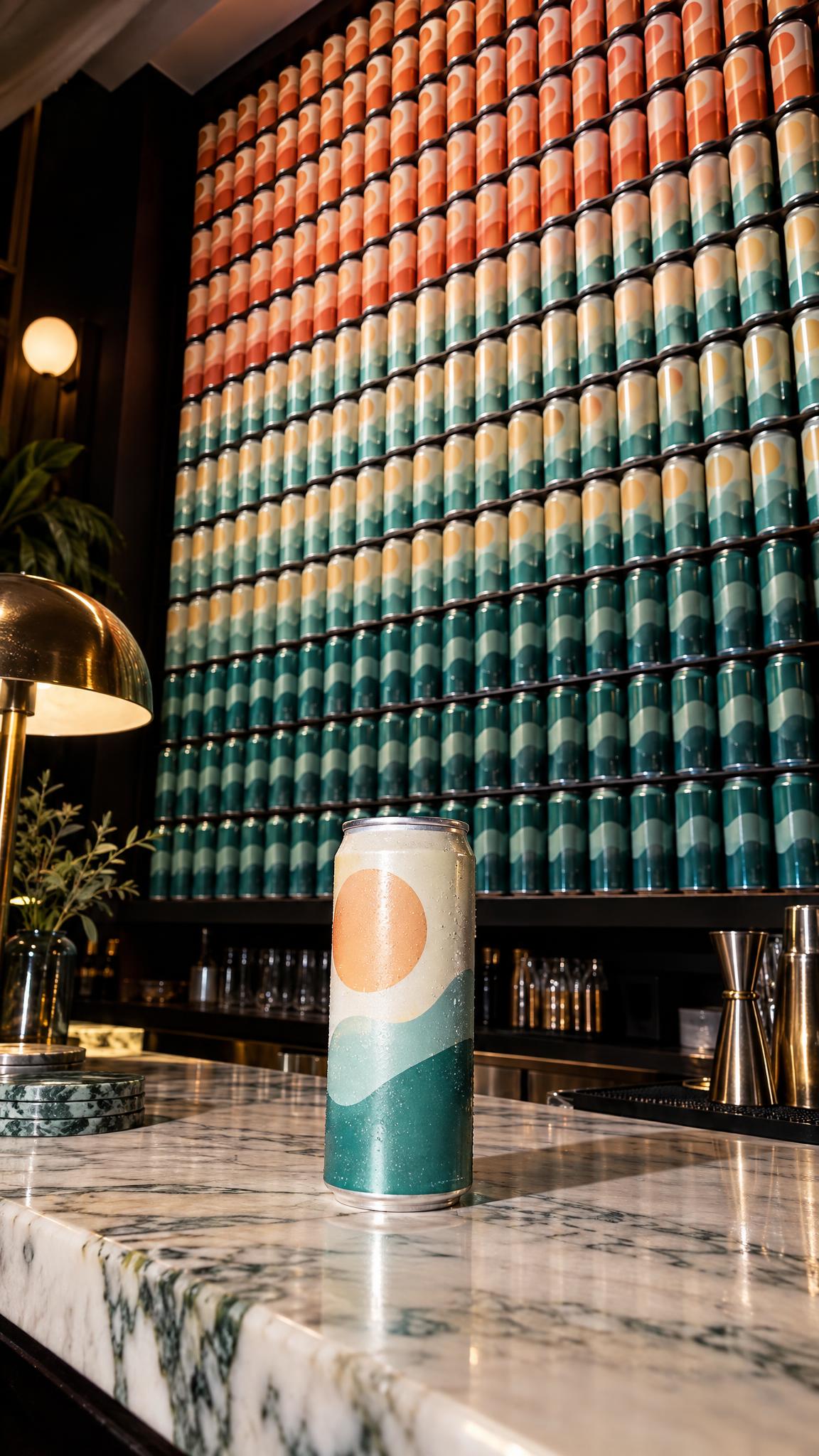
Direct flash strips away some polish on purpose. It feels like a friend found a ridiculous amount of product and turned on the camera. Use this look for snacks, skincare, accessories, and small home goods. Keep the packaging graphic simple. Repeated busy labels can turn the final shot into visual noise.
Example prompt: “Close-up of one citrus lip balm on a bathroom sink, quick camera pan reveals dozens of the same lip balms stacked around the mirror, direct on-camera flash, imperfect candid framing, vertical social ad.” Shoot the opening frame slightly off-center. That leaves somewhere for the pan to travel. Cut the move on the beat, but leave the final pile on screen for at least one second.
3. The color-block wall
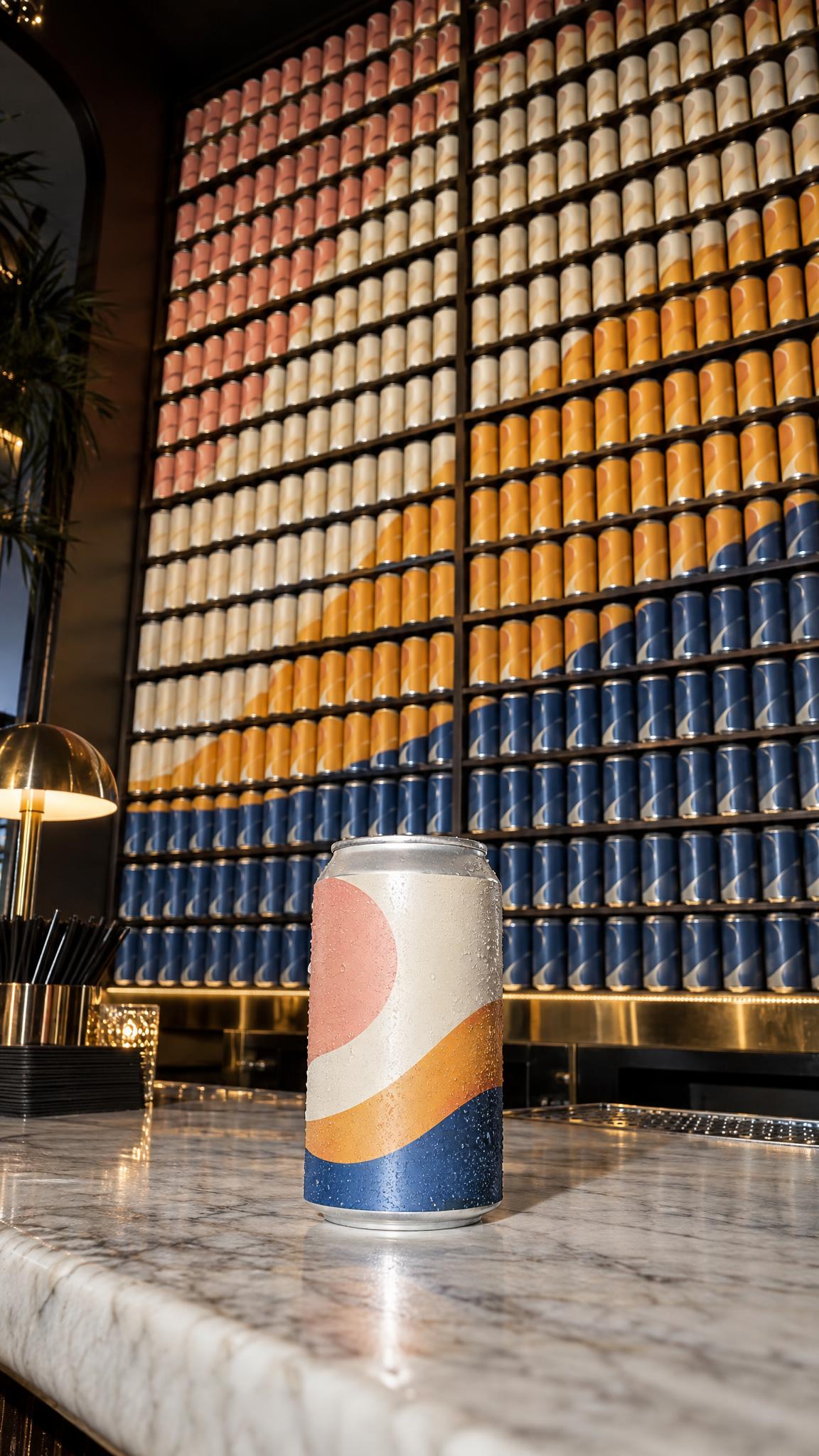
Arrange every shade in a clean block. Start on the hero color, then pan across the full range. This product reveal effect shows choice without feeling like a catalog. It suits beauty, drinkware, stationery, phone cases, and anything sold in a strong palette.
Example prompt: “One cobalt blue insulated tumbler on a studio plinth, smooth sideways camera pan reveals a wall of matching tumblers arranged by color from blue to coral, soft directional light, crisp retail styling, vertical video.” Order colors from light to dark or warm to cool. Keep the hero shade nearest the opening frame. For paid placements, end on the complete wall and place the offer text in the empty upper third rather than over the products.
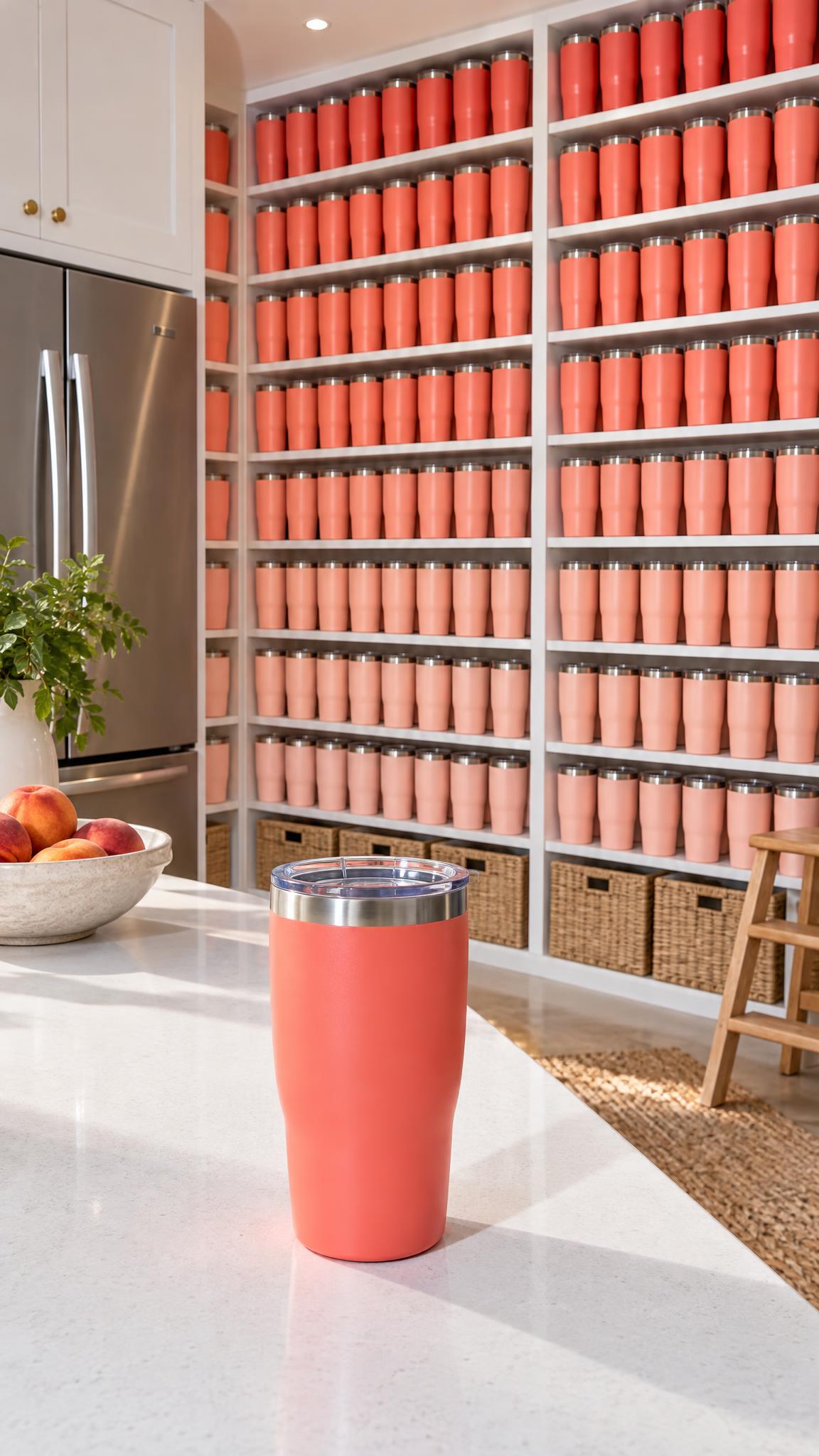
4. The useful-object stash
Use a product people collect, replace, or keep in several rooms. Tumblers, socks, candles, chargers, pantry goods, and pet toys make sense as a stash. The humor lands harder when the pile suggests a plausible habit. That small piece of logic helps the joke support a reason to buy.
Example prompt: “One compact phone charger on a bedside table, camera pulls back to reveal a drawer overflowing with identical chargers, warm lamp light, understated deadpan mood, clean product visibility, vertical video.” Avoid random piles. Stack products in rows, baskets, or drawers so the abundance reads in one glance. Add a use-case line in the caption: “One for every bag.”
How to build a deadpan reveal
Write one plain opening line: “One new bottle,” “One new shade,” or “One small delivery.” Then let the camera move reveal the larger scene. Do not explain the joke twice. The visual needs a beat to breathe.
Choose one movement before shooting. A slow tilt feels considered and works for a polished collection. A quick whip pan feels louder and fits a creator post. A pull-back works best when the stockpile surrounds the hero item. Shoot the opening and closing frame separately if needed, then use a short motion transition to bridge them.
Match the lighting, lens height, and product scale across both shots. If the product has reflective packaging, angle it slightly away from the key light so the label stays legible. Keep the first frame uncluttered. In the final frame, repeat the product enough times to feel excessive, but leave small gaps so individual shapes do not merge.
For a 7 to 10 second cut, use a one-second opening, a half-second move, four seconds on the pile, then a closing product shot with the offer. Test two versions: one with text in the first second and one with no text until the reveal. The silent version often makes the stockpile hit harder. For more styling ideas, see VideoMagic product photography.
Make this for your own products in VideoMagic
Turn a plain product photo into a scroll-stopping reveal video. Free to start.