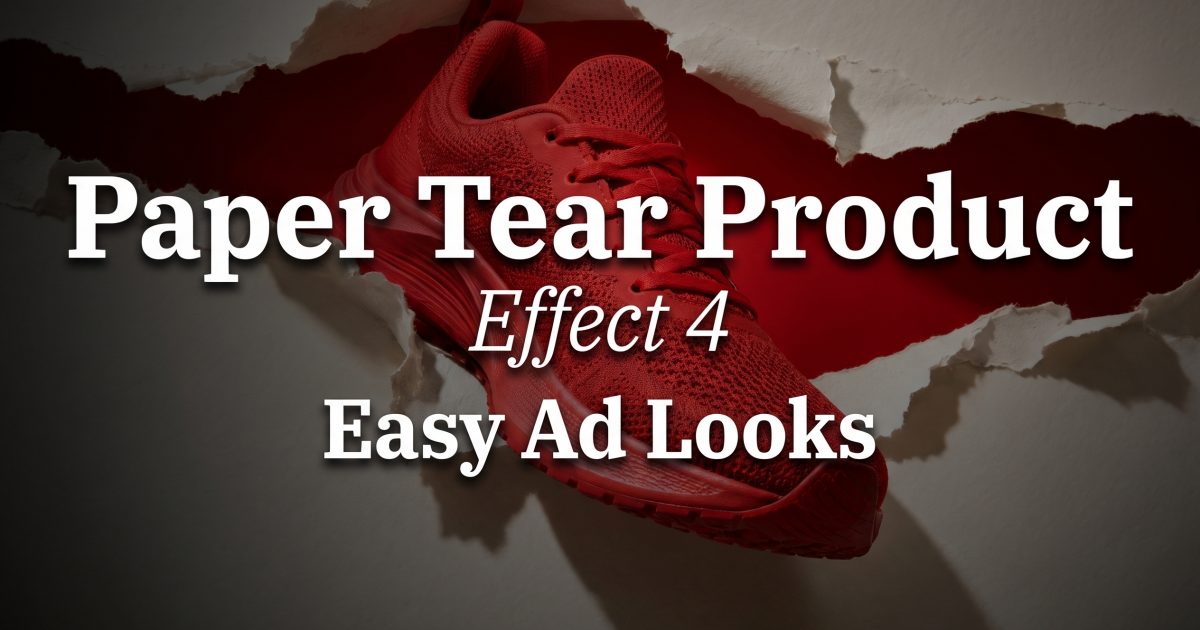
Paper tear product effect ads make a product feel like it has broken through the feed. One rough edge, one bold color behind it, and a simple packshot suddenly has a reason to stop the scroll. The look is everywhere because it creates tension without a busy set. It feels handmade, but it can still look polished enough for a launch asset.
The trick is restraint. The tear should frame the product, not hide it. Keep the product clean, make the paper texture believable, and let a single contrast color do the heavy lifting. The four examples below show how far the same idea can travel across categories.
Why the paper tear product effect catches attention
Most product ads begin with a complete scene. This one begins with a disruption. The ripped edge gives the eye a clear starting point, then sends it directly to the product. That makes it useful for a first frame, a carousel cover, or a short reveal where the tear opens to show the item.
It also solves a common seller problem: a plain product photo can look disconnected from a campaign. Paper creates an instant layer of art direction. It adds texture, depth, and a foreground without needing a complicated location. The style works best when the opening has an imperfect shape. A perfectly smooth oval reads like a cutout. Frayed fibers and uneven pressure make it feel real.
The look has roots in collage and scrapbook design, but the product version is cleaner. Picsart’s ripped paper effect guide shows why the technique stays flexible across images, while BrandBird’s torn paper tool focuses on rough edges, texture, and framing. For ads, use those ingredients with more negative space and fewer decorative pieces.
4 paper tear product effect looks to test
1. Red shoe, horizontal break
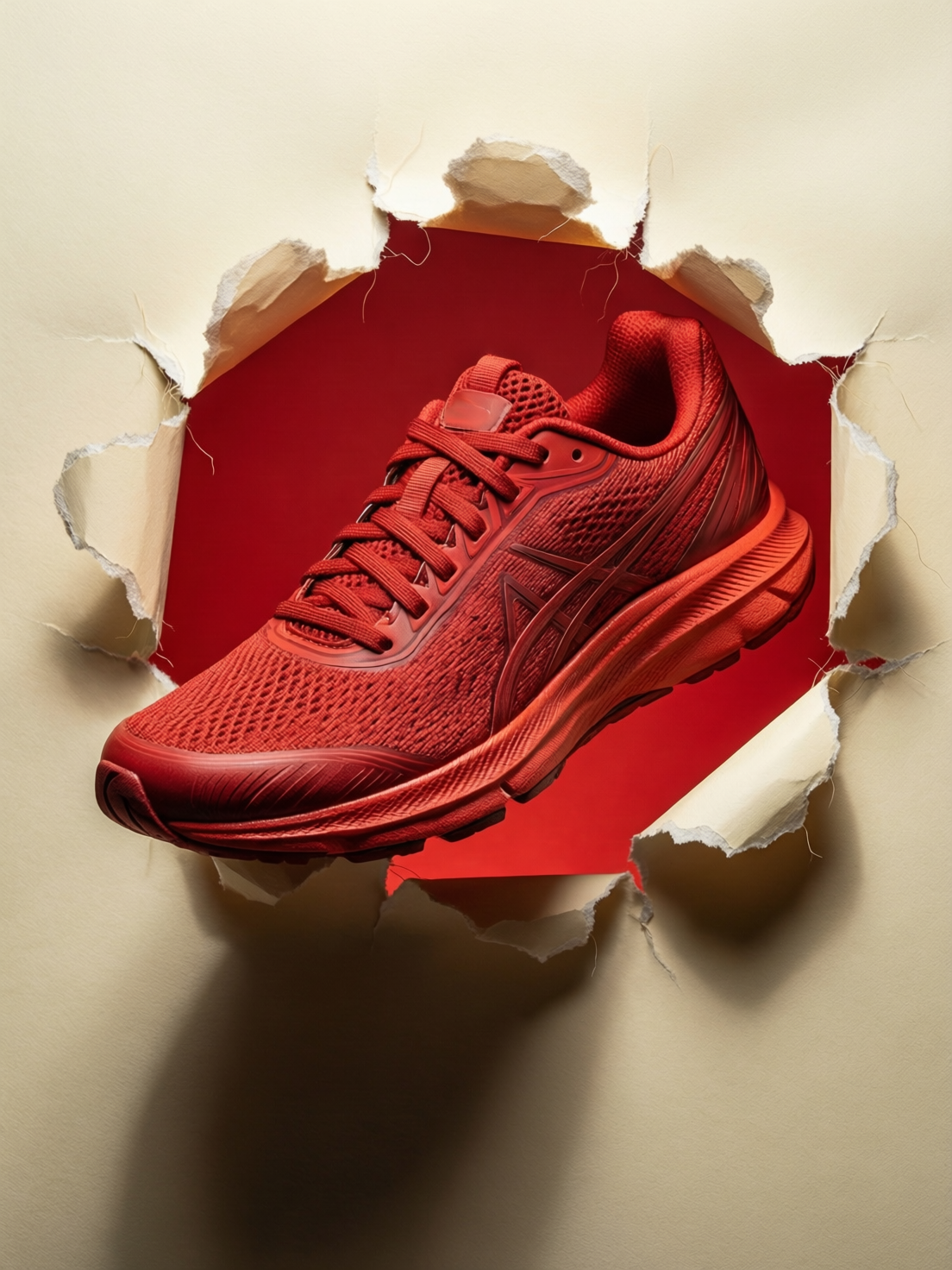
This is the fastest version to build. Match the product color to the color behind the tear, then use neutral paper around it. The shoe appears to push forward because the rim overlaps the object. For a motion edit, start with only the paper and reveal the shoe on the beat.
2. Cleaner sneaker campaign
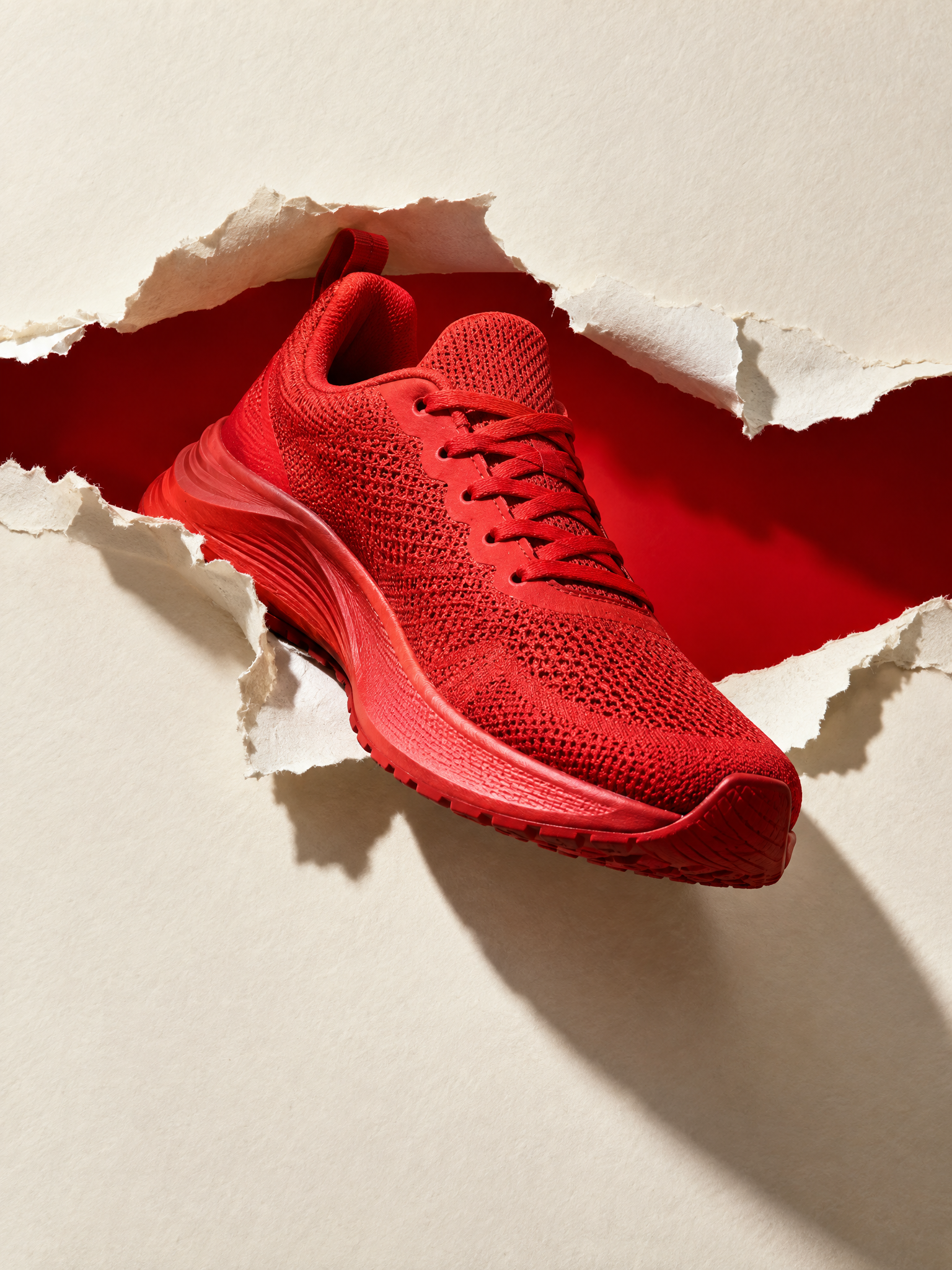
Use this direction when the item has a strong silhouette. Sneakers, sunglasses, bags, and small tech products work well because viewers can recognize them in a split second. Leave room above or below the product for platform-safe cropping. Do not place a logo or offer inside the generated image. Add campaign copy later in the editor so it stays sharp and easy to change.
3. Soft coral skincare reveal
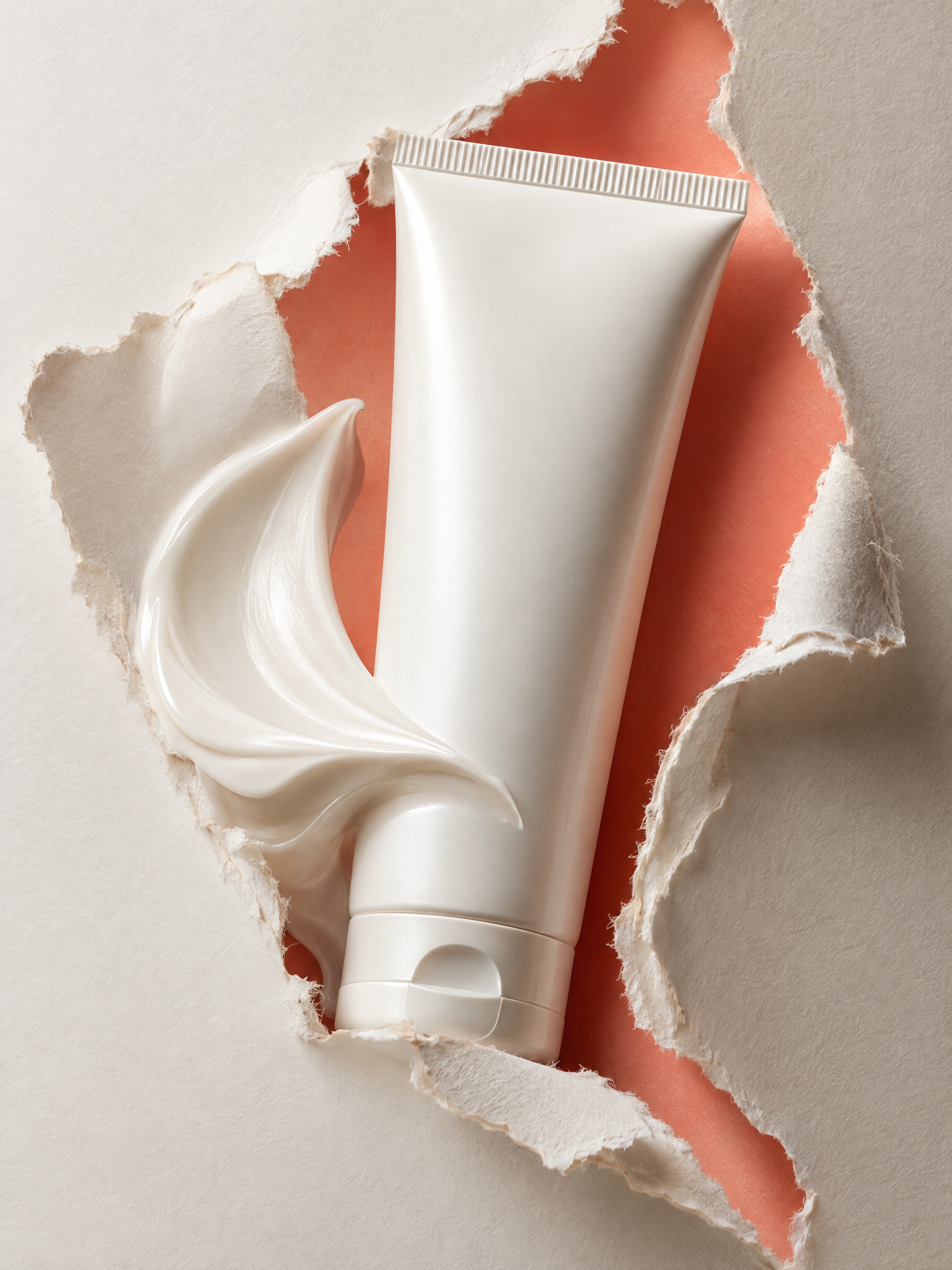
Beauty needs a gentler version of the paper tear product effect. Choose a rounded opening and a quieter color. Hard shadows can make skincare feel cheap, so use soft light and let the tube stay mostly front-facing. A creamy white product against coral, butter yellow, or pale blue is a reliable starting point.
4. Plum perfume aperture
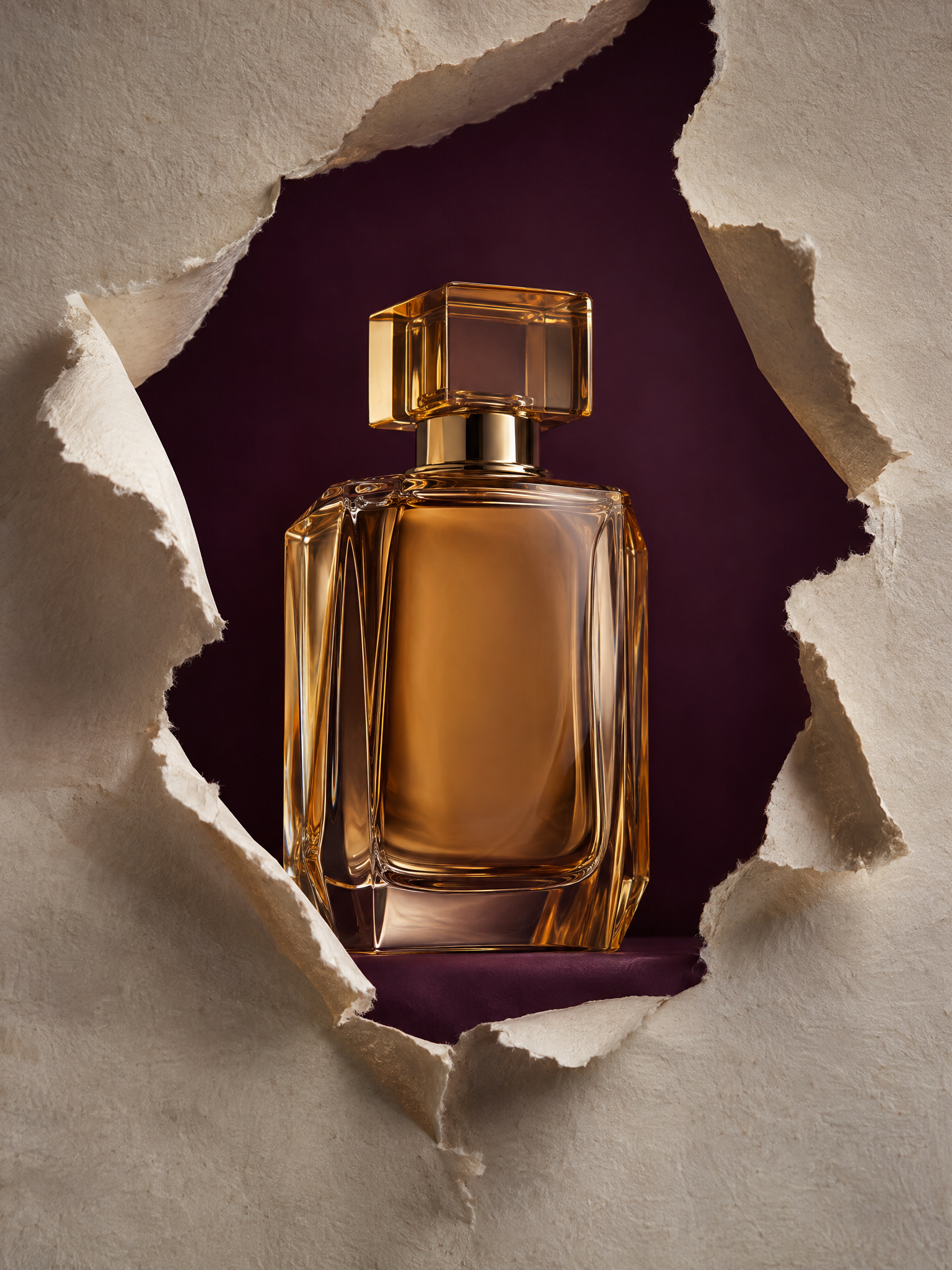
For glass, avoid matching the background too closely to the liquid. The plum field gives the amber bottle an edge and keeps the tear visible. This is the hard version of the effect: reflections, transparent glass, paper fibers, and a centered product all need to hold up together. If the bottle looks warped, simplify the prompt and ask for one front-facing packshot rather than a complex angle.
How to make the look
- Start with one product and one campaign color. Pick a contrast that makes the product silhouette unmistakable.
- Describe the tear as an opening, window, or aperture. Ask for visible fibers, irregular edges, and a foreground paper layer.
- Set a vertical 3:4 frame for feed assets. Keep the product inside the central safe area.
- Request no labels, letters, or logos in the generated image. Add text only after the visual is approved.
- Generate two or three versions with a different tear direction: horizontal for speed, vertical for height, or a rounded opening for a softer feel.
A capable image tool such as Qwen Image Max on Wiro can help create the first visual direction, while a separate layout step keeps final branding under control. The prompt matters more than a long list of style words. Name the product, the paper color, the opening shape, the background color, the lighting, and what must not appear.
Production tips before this goes live
Check the edge at phone size. If the rip disappears, increase contrast between paper and background. If it looks too theatrical, reduce the opening size and move the product closer to the edge. One torn layer usually beats three.
Make the first frame legible without sound. A paper tear product effect works as a still, then becomes a reveal in video. For a five-second product ad, hold the closed paper for half a second, open the rip, show the product for three seconds, then cut to the product in use. Keep any price, review, or offer as live text in the final edit rather than baking it into the image.
Use the same paper color across a launch set, but vary the aperture. That gives product pages, paid ads, and social posts a shared visual code without looking copied. The effect feels fresh when the product appears to cause the break.
Make this for your own products in VideoMagic
Turn a plain product photo into scroll-stopping video – free to start.